
Smart Home Security on a Budget: Full Setup Under $200
Security companies want you to spend $50/month for monitored service and $500+ in hardware. That’s fine if you’re protecting a mansion. But most of us just want to know when someone’s at the door, see what’s happening when we’re not home, and get an alert if something moves in the yard.
You can do all of that for under $200. No subscription required. Here’s how.
What You Actually Need
Forget the marketing. For real home security, you need three things:
- See who’s at your door — a smart doorbell or outdoor camera
- Know when doors/windows open — contact sensors
- Get alerts on your phone — free app notifications
That’s it. Motion sensors and smart locks are nice-to-haves, but those three things cover 90% of what a $500 system does at a quarter of the cost.
The $200 Budget Breakdown
Here’s a complete setup that covers a small apartment or house:
| Device | Price | What It Does |
|---|---|---|
| Wyze Video Doorbell v2 | $40 | See and talk to visitors, motion alerts |
| Wyze Cam v4 (x2) | $70 ($35 each) | Indoor/outdoor monitoring, motion detection |
| Wyze Contact Sensor Kit (4-pack) | $25 | Door and window open/close alerts |
| Wyze Hub (included with sensors) | $0 | Connects sensors to your Wi-Fi |
| Kasa Smart Plug (2-pack) | $18 | Automate lights to look like you’re home |
| Total | $153 | Full security coverage |
That leaves $47 in your budget. Use it for:
- A second Wyze Cam v4 for the backyard ($35)
- Or a microSD card for local storage ($12) so you don’t need a cloud subscription
- Or a Kasa Smart Bulb for a porch light that turns on at sunset ($12)
The Doorbell: Wyze Video Doorbell v2 vs Ring
The Wyze Video Doorbell v2 is the best budget doorbell, period. For $40 you get:
- 1080p HD video with color night vision
- Two-way audio (talk to visitors from your phone)
- Motion detection with person-only alerts
- Free 14-day cloud storage (no subscription needed)
- Local storage via microSD
The Ring Video Doorbell is the more popular choice, and it has better build quality and a more polished app. But here’s the catch: Ring’s free plan only gives you real-time viewing. To see recordings, you need Ring Protect at $4/month. Over two years, that’s an extra $96.
Budget pick: Wyze. No subscription needed. Premium pick: Ring if you’re already in the Ring ecosystem or want better build quality.
See our Ring vs Wyze camera comparison for the full breakdown.
Indoor/Outdoor Cameras: Wyze Cam v4
Two Wyze Cam v4 cameras at $35 each cover your entry points. One for the front door (angled to see walkway and packages), one for the back or garage.
Why the v4 over cheaper options:
- Color night vision — you can actually see faces at 2 AM, not just shadows
- Person detection — alerts when a human is there, not every time a cat walks by
- Weatherproof (IP65) — works indoors and outdoors
- No subscription needed — microSD for local recording, 14-day free cloud clips
Mount one camera high (7-8 feet) to cover the front approach, and angle it to catch faces, not just the tops of heads. Point the second one at your back door or garage.
Door & Window Sensors: Know When Something Opens
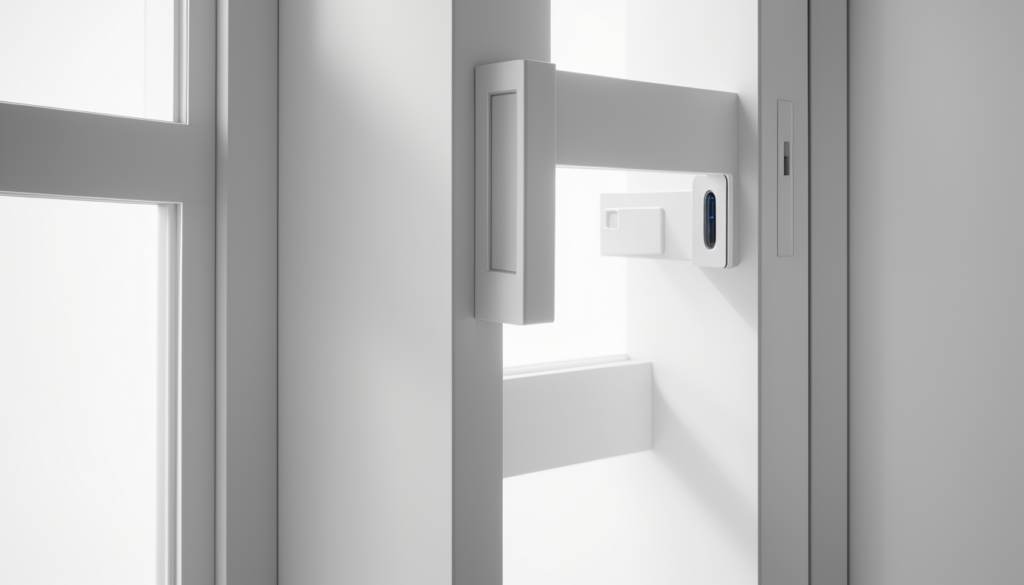
The Wyze Contact Sensor Kit gives you 4 sensors for $25. Put them on:
- Front door
- Back door
- Ground-floor windows (especially accessible ones)
- Garage entry door
Setup takes 30 seconds per sensor: stick one half to the door frame, the other to the door. When they separate, you get an instant phone notification.
No subscription needed. Battery lasts 12-18 months. They connect through the included Wyze Hub, which plugs into a wall outlet near your router.
The “Nobody’s Home” Illusion: Smart Plugs & Bulbs
Burglars target empty houses. Smart plugs and bulbs make your home look occupied even when it’s not.
Set up these automations (see our Alexa routines guide for step-by-step):
- 7 PM: Living room lamp turns on
- 9 PM: Bedroom lamp turns on, living room dims
- 10:30 PM: All lights off
- Random variation: Use a smart plug with a random schedule feature
Kasa Smart Plugs ($9 each in a 2-pack) are the cheapest way to do this. They’re Wi-Fi, no hub needed, and the app has built-in “away” mode that randomizes your lights.
What About Smart Locks?
Smart locks are great, but they’ll eat your $200 budget fast. A basic Wyze Lock is $100 and gives you keyless entry and auto-lock. But for pure security on a budget, skip the lock and invest in better cameras and sensors first.
Priority order for budget security: 1. Doorbell camera (see who’s there) 2. Motion-activated outdoor camera (deter and detect) 3. Door/window sensors (know when something opens) 4. Smart plugs (look like you’re home) 5. Smart lock (convenience > security at this price point)
Free vs Paid: What You Actually Get
Free tier (Wyze): – Real-time viewing on all cameras – 14-day cloud clips (motion-triggered, 12 seconds each) – MicroSD local recording (continuous or event-based) – Instant push notifications – Person detection alerts
Paid tier ($2.99/month per camera with Cam Plus): – Unlimited cloud recording length – AI object detection (person, pet, vehicle, package) – Faster alerts – Video snapshots
Honest take: The free tier is genuinely usable. You don’t need the subscription for basic security. If you want longer clips and AI detection, $3/month per camera is reasonable, but it’s not required.
Installation: 30 Minutes, No Tools
This entire setup requires exactly one drill (for the doorbell mounting bracket) and zero electrical work:
- Mount the doorbell — screw the bracket next to your door, snap in the doorbell, connect to the app. 10 minutes.
- Place the cameras — magnetic mounts stick to any metal surface, or use the included adhesive pads. 5 minutes each.
- Stick on the contact sensors — peel and stick, pair with the app. 30 seconds each.
- Plug in the smart plugs — plug in, connect to Wi-Fi, set schedules. 2 minutes each.
Total time: 30 minutes. No wiring. No contractor. No “professional installation” fee.
Common Mistakes to Avoid
- Putting cameras at eye level. They get vandalized or stolen. Mount them at 7-8 feet.
- Pointing cameras at the sun. West-facing cameras get washed out at sunset. Angle slightly north or south.
- Forgetting to set up notifications. Cameras are useless if you never check the alerts. Turn on push notifications for all motion events.
- Relying only on cloud storage. Internet goes down, your recordings go with it. Add a microSD card for local backup.
- Not testing your setup. Walk around your house and trigger every sensor. Make sure you get the alerts on your phone before you need them.
The Bottom Line
For $153 (or $200 with extras), you get doorbell video, two security cameras, four door/window sensors, and smart plugs for the “nobody’s home” illusion. No monthly subscription required.
Is it as polished as a $500 Ring or SimpliSafe system? No. But it covers the same basics — seeing who’s at your door, knowing when something opens, and making your home look occupied — for a fraction of the cost.
Start with the doorbell and two cameras. Add sensors when you can. Skip the subscription. And if you want more details on camera options, see our Ring vs Wyze camera guide.
Renting? Our renter-friendly smart home guide covers security setups that don’t require drilling or permanent modifications.
Affiliate disclosure: This post contains affiliate links. If you buy through them, CleverHomeClub may earn a commission at no extra cost to you. We only recommend products we’ve tested or thoroughly researched.