This article contains affiliate links. We may earn a commission from qualifying purchases.
Some content on this site is AI-assisted and reviewed by our editorial team.
The delivery driver was back on the porch before my phone buzzed. Two minutes, gone — the notification for the motion alert landed after he’d already left, which is the exact moment most people discover their video doorbell isn’t slow because it’s broken. It’s slow because of a chain of things: a weak Wi-Fi signal at the front door, motion settings tuned for “everything” instead of “people,” and a router that’s doing its best from the far side of the house. The good news is that the fix ladder is short and mostly free — only the last rung costs real money.
Ring’s own support pages lay out this exact settings ladder, and it works for most doorbell brands. Here’s the rungs, cheapest first, plus the hardware that ends the problem permanently.
Rung 1: Check your RSSI before anything else
In the Ring app (Device Health → Network), RSSI is your signal strength. Closer to zero is better; -40 to -60 is healthy, below -70 means trouble, and every bar of distance adds delay to the moment your doorbell can upload a motion clip. If you’re below -65, no settings tweak will fully fix the delay — move to the hardware rungs.

Rung 2: Fix the motion settings
If RSSI is fine, the delay is usually settings: motion sensitivity cranked so high that cars and squirrels trigger uploads constantly, or the detection zone covering the street. Turn sensitivity down a notch, redraw the zone to just the porch, and enable “people-only” smart alerts if your plan includes it. Fewer, better events means each one reaches your phone faster.
Rung 3: The doorbell itself
The Ring Battery Doorbell 2K (2024 release) has head-to-head resolution and faster onboard processing than the older 720p units behind half the delay complaints — if your doorbell predates ~2020, hardware is a legitimate suspect.
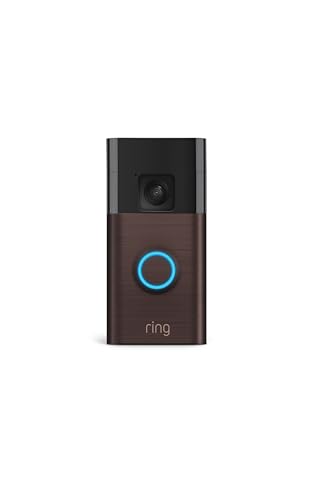
My take: Upgrade only after rungs 1–2 prove the network isn’t the bottleneck; the honest con stays — recorded clips live behind the subscription.
Rung 4: The extender-plus-speaker
The Ring Chime Pro doubles as a Wi-Fi extender at the far end of the house, which is the fix for the one-bar RSSI reading. It also gives you an in-house chime, so you hear the door even when your phone is on do-not-disturb.
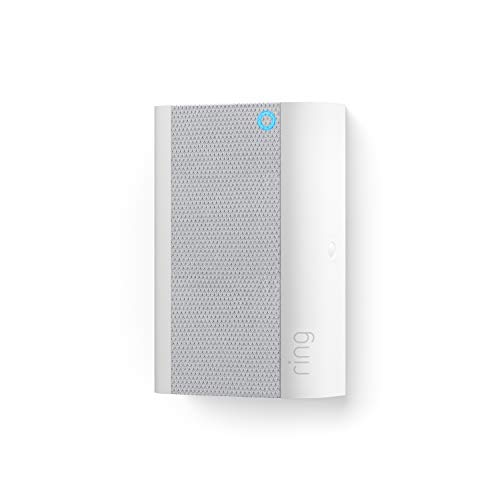
My take: The best $60 in this whole list if your RSSI is bad — just know it only extends the 2.4GHz band that Ring lives on, so it’s a targeted fix, not whole-home Wi-Fi.
The audible band-aid
The basic Ring Chime is the $30 version without the extender — an in-house speaker for the press and motion alerts. Worth it for hearing guests over headphones; just be honest that a chime fixes audibility, not the underlying notification delay.
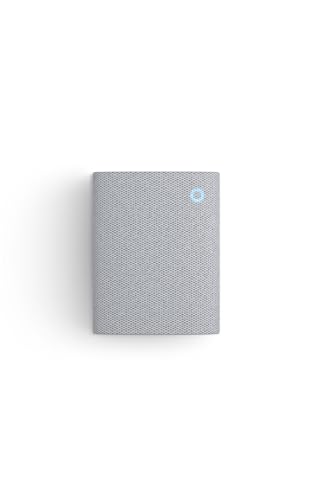
My take: Buy it for the hearing problem, not the latency problem.
The actual fix: mesh backhaul
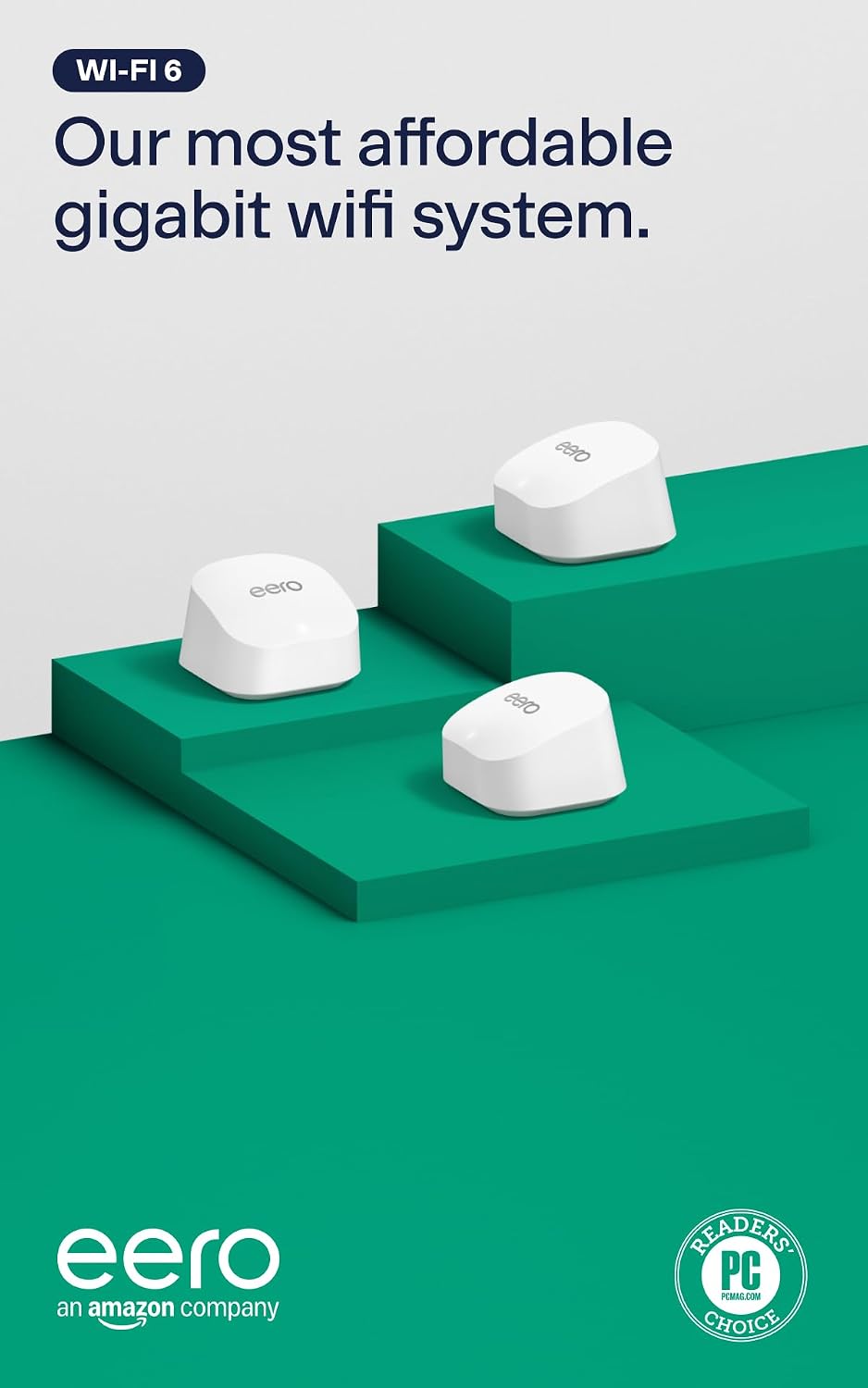
The eero 6+ 3-pack removes the router-distance delay that no app setting touches — a node near the front door means the doorbell uploads over a strong, short hop instead of fighting through three walls to a closet router. This is the rung that ends the ladder.
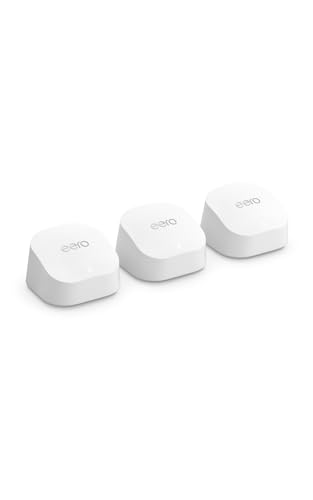
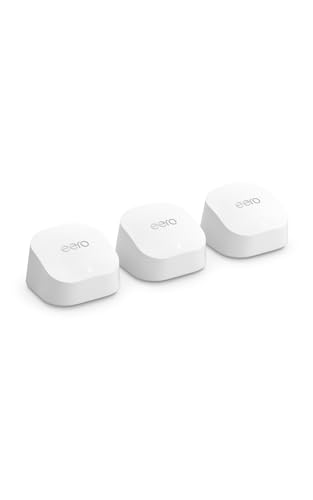
My take: Real money, and it replaces your router — but if your RSSI reads below -70 and the doorbell is one of several devices struggling at the edge of the house, this is the fix you’ll stop thinking about.
Get it shipped free: Ring gear and eero ship free with Prime — start a free 30-day Prime trial here. You can also start your Amazon trip from our Shop page — it supports the site at no extra cost.
What Actually Fixes Delayed Notifications (And What Doesn’t)
RSSI first, always — every minute spent tuning settings on a -75 signal is wasted. Fix signal, then revisit settings.
2.4GHz reality — video doorbells live on 2.4GHz, which carries farther but slower than 5GHz. Extenders help the bar count; mesh fixes the throughput.
Chimes don’t fix latency — they fix “I didn’t hear it.” Different problem, different $30.
Subscription traps, honestly — recorded clips and rich notifications on Ring sit behind the plan. The live view and the press alert work without one; the delay ladder mostly doesn’t care.
Router reboots — a 60-second placebo. Fine to try, wrong to rely on.
Band-steering confusion — if your router broadcasts one network name and steers devices between bands, the doorbell can get knocked onto a weak 5GHz edge instead of the steady 2.4GHz it wants. Some routers let you split the bands into separate names; naming the 2.4GHz one for the doorbell is a free fix that clears the “works at 3 AM, misses the doorbell at 6 PM” pattern.
The Cost Ladder, Summed
$0: RSSI check, motion zones, sensitivity — clears most cases. ~$30: the Chime, for hearing, not latency. ~$60: Chime Pro, the fix for a bad RSSI at the front door. ~$100: the 2K doorbell, only if the unit predates 2020. ~$200: eero 6+ 3-pack, the whole-house answer that also ends every other “smart device dropped offline” complaint in the same week.
What’s the cheapest real fix for late doorbell alerts?
Free: the RSSI check plus motion-zone tune-out — that clears it for most homes. If RSSI reads below about -65, spend on the Chime Pro first; if the whole edge of the house is Wi-Fi-poor, the eero 3-pack is the answer that also fixes everything else.
Keep reading: the $60 UPS behind a reliable smart home explains why flickers wipe your doorbell offline, and the renter’s smart home under $150 covers what leaves with you when you do.
CleverHomeClub is reader-supported. As an Amazon Associate, I earn from qualifying purchases. That means if you buy through one of the links above, I get a small commission at no extra cost to you. I only recommend devices I’d run in my own home.
🏠 Get Your Free Smart Home Setup Checklist
Join our newsletter and get this free printable plus weekly tips.
Frequently Asked Questions
Why are my Ring doorbell notifications delayed by minutes?
Usually the network: a weak Wi-Fi signal at the door (RSSI below about -65), a router too far away, or motion settings that trigger constant uploads. Check RSSI in the app's Device Health screen first — it's the free diagnosis.
Does a Wi-Fi extender fix late doorbell alerts?
Usually, yes — if the delay comes from a weak signal at the front door, the Ring Chime Pro doubles as a 2.4GHz extender and clears it for about 60 dollars. If the whole edge of the house is Wi-Fi-poor, a mesh system is the better fix.
What RSSI should a video doorbell have?
Between -40 and -60 is healthy. Below -65 means trouble, and below -70 the doorbell will struggle to upload clips quickly no matter what settings you change — that's the point to buy hardware, not tweak apps.
Liked this guide? Get the next one in your inbox — the smart home starter checklist is free too.
✓ You're in — check your inbox.
No spam. Unsubscribe anytime. We never share your email.
Price Check
Prices verified via our product tracker. Updated Oct 31.
| Ring Battery Doorbell | Video Doorbell Camera | Amazon | $99.99 | 4.5★ (56,063) |
| Ring Chime — Enhanced audio for real-time alerts you can h | $34.99 | 4.6★ (5,304) |
| Amazon eero 6+ dual-band mesh Wi-Fi 6 system, with built-i | $299.99 | 4.4★ (10,606) |
As an Amazon Associate we earn from qualifying purchases.