This article contains affiliate links. We may earn a commission from qualifying purchases.
Some content on this site is AI-assisted and reviewed by our editorial team.
The paper calendar on the kitchen wall has been running the family for a decade: soccer practices in blue, dentist appointments in red, and a birthday that someone always forgets until the morning of. Three group chats carry the rest. The Echo Show 15 is Amazon’s answer to the question nobody at Amazon asked out loud but every family has: what if one screen on the wall replaced the calendar, the corkboard, and the photo frame — and also played Netflix while you cook? At about $250 list and frequently on sale near $185, it is the only mainstream smart display built to hang on a wall. Whether it actually replaces the paper calendar depends on one thing: whether you connect your calendars to it.
The Numbers
- Echo Show 15: 15.6-inch 1080p, Wi-Fi 6E, 13MP camera with physical shutter, Fire TV built in
- Price: about 250 list, frequently near 185 on sale
- Only mainstream smart display in this size class designed for wall mounting
- Official countertop stand: ~30 dollars, but the footprint eats almost 10 inches of counter depth
- Alexa Voice Remote (3rd gen): ~15–30 dollars to actually control the Fire TV side
I set one up as a family command center and tracked what it replaced, what it did not, and where the money goes. Here is the honest breakdown.
Amazon Echo Show 15 — The Wall-Mount Flagship
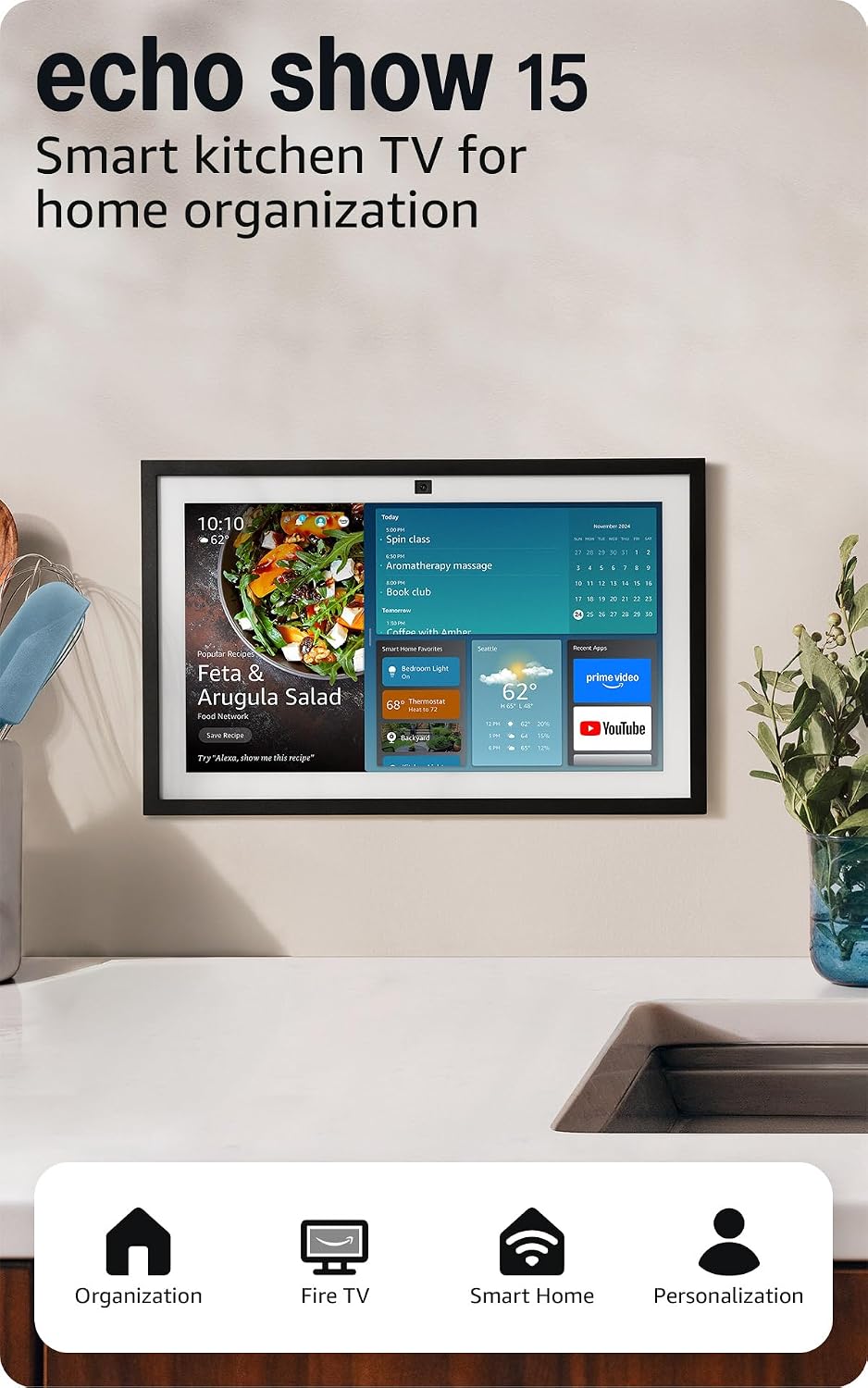
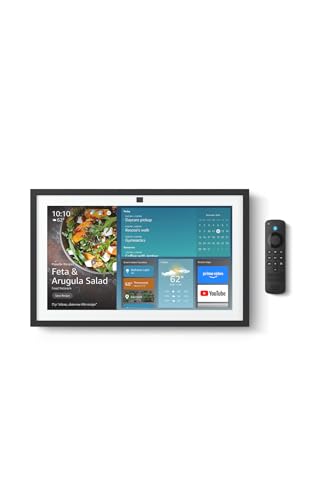
The Echo Show 15 is a 15.6-inch 1080p display with Fire TV built in, Wi-Fi 6E, and a 13MP camera with a physical shutter. At about $250 list — and frequently near $185 during sales — it is the only smart display in this size class designed for wall mounting. The widget board is the core concept: shared calendars (Google, iCloud, or Microsoft), sticky notes, to-do lists, and doorbell camera feeds all live as on-screen widgets that the whole household can see at a glance. The Fire TV side means it streams Netflix, Hulu, and Prime Video in the kitchen. The honest trade-offs: the 16:9 screen letterboxes older content, the on-screen widget navigation is sluggish, and the included remote controls only the Fire TV side — not widgets. You navigate widgets by touch or voice.
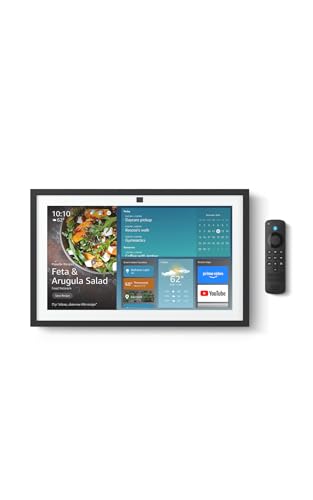
My take: The only smart display that genuinely replaces a wall calendar — but only if you actually connect Google Calendar, iCloud, or Microsoft calendars to it. Without that step, it is a kitchen TV with a clock.
Stand for Echo Show 15 — The Countertop Alternative
The official stand for the Echo Show 15 runs about $30 and is the answer when drilling into the wall is not an option — rentals, kitchens with tile backsplashes, or anyone who does not want to fish a power cable behind drywall. The stand sits on the counter and holds the display at a tilted viewing angle. The trade-off is counter depth: the stand footprint eats almost 10 inches of depth, which is a real cost in a small kitchen. If you have the wall space, the mount is the better play. If you do not, the stand is a clean $30 solution that does not require tools.
My take: Buy it only if wall mounting is off the table — the whole point of the Show 15 is the wall, and the stand gives up that advantage for counter real estate.
Alexa Voice Remote (3rd Gen) — The Fire TV Half
The Alexa Voice Remote (3rd Gen) costs about $15 to $30 and is the remote that actually controls the Fire TV side of the Show 15. On-screen navigation in streaming apps is painful with touch — the widgets and the video player fight for screen space, and the touch targets in Prime Video are small. The remote solves this: directional pad, voice search, playback controls. The honest cost is one more remote in the kitchen drawer, and it controls only video — you still need voice or touch for widgets. But if anyone in the household plans to watch anything on the Show 15, this remote is the difference between usable and frustrating.
My take: A $15 accessory that makes the Fire TV side actually usable — skip it if you will never watch video on the Show, buy it if you will.
Echo Show 8 (2nd Gen) — The Small-Room Alternative
The Echo Show 8 does not have a current Amazon ASIN at time of writing but is widely available for about $90 to $130. It does the same calendar, doorbell, and smart-home duties as the Show 15, but on an 8-inch screen. The honest comparison: the Show 8 is a bedside or desk display for a single person. Its screen is too small for a family-hub wall role — you cannot read a shared calendar from across the kitchen, and the widget board feels cramped. If you are choosing between the two, the question is whether the display serves one person up close or a family at a distance. The Show 15 is the family pick. The Show 8 is the personal pick.
My take: Not a substitute for the Show 15 — it is a different product for a different room. Buy the 8 for the nightstand, the 15 for the kitchen wall.
Free shipping on Echo gear: The Show 15 and voice remote both ship Prime. If you are not a member, grab a free 30-day Prime trial and get it delivered before the weekend — cancel anytime.
What Actually Saves Money (And What Doesn’t)
Calendar replacement: The Show 15 replaces a paper wall calendar ($15/year), a digital photo frame ($80-120 one-time), and a small kitchen TV ($100-150). At $185 on sale, it pays for itself in replaced devices within the first year — if you actually use all three functions.
The subscription trap: The Show 15 itself has no monthly fee. But Ring doorbell integration requires a Ring Protect plan ($3/month or $20/year per device) to view recorded video. Amazon Kids+ is $5/month if you add child profiles. The device is free to operate; the ecosystem around it is not.
Fire TV means no streaming stick: If you were going to buy a Fire TV Stick for the kitchen, the Show 15 eliminates that purchase. That is $40 saved — but only if the kitchen is where you watch.
The calendar connection is non-negotiable: The single biggest waste is buying a Show 15 and never linking Google Calendar or iCloud to it. Without a shared calendar, the widget board is sticky notes and weather. That is a $185 sticky note pad. Connect the calendars during setup, or do not buy it.
Savings Math
- Replaced devices: Wall calendar ($15/yr) + photo frame ($100) + kitchen TV ($150) = $265 in replaced gear.
- Show 15 on sale: $185. Net first-year savings: $80, plus the wall space you get back.
- Ongoing: $0/month for the device itself. Ring plan ($20/yr) only if you add a doorbell.
Keep reading: Echo Dot Max or the regular Dot: what 40 more dollars buys · Alexa or Google in 2026: choosing a voice ecosystem · Fire TV Stick 4K vs Roku Streaming Stick Plus
CleverHomeClub is reader-supported. As an Amazon Associate, I earn from qualifying purchases. That means if you buy through one of the links above, I get a small commission at no extra cost to you. I only recommend devices I’d run in my own home.
Related guides
- Smart Home Smart Speaker Showdown (2026): Echo vs Nest vs HomePod — Which One Sounds Best and Works Best?
- How to Choose Your First Smart Home Ecosystem: Alexa vs Google vs HomeKit vs SmartThings vs Home Assistant
- Home Assistant vs SmartThings vs Hubitat: Which Hub Should You Pick?
- Alexa vs Google Home (2026): Which Smart Assistant Should You Pick?
- 50 Smart Home Voice Commands That Are Useful (Not Just Gimmicks)
🏠 Get Your Free Smart Home Setup Checklist
Join our newsletter and get this free printable plus weekly tips.
Frequently Asked Questions
Is the Echo Show 15 worth it?
At about $185 on sale, the Show 15 is worth it if you will use it as a family command center — shared calendars, doorbell feeds, and a kitchen TV in one wall-mounted device. It replaces a paper calendar, a photo frame, and a small TV, paying for itself in replaced gear within the first year. If you only want a smart display for one person, the smaller Echo Show 8 at about $90 is the better value.
Can Echo Show 15 show Google Calendar?
Yes. The Echo Show 15 supports Google Calendar, Apple iCloud Calendar, and Microsoft Outlook Calendar through the Alexa app. You link your calendar account during setup, and it appears as a widget on the home screen. The whole family can see the shared calendar at a glance — this is the core feature that makes it a family command center.
Does Echo Show 15 work as a TV?
Yes — the Show 15 has Fire TV built in, so it streams Prime Video, Netflix, Hulu, and other services directly. The 15.6-inch 1080p screen is a reasonable kitchen TV size. The included remote controls only the Fire TV side, not the widgets. The 16:9 aspect ratio means some older content letterboxes, but modern streaming fills the screen.
Liked this guide? Get the next one in your inbox — the smart home starter checklist is free too.
✓ You're in — check your inbox.
No spam. Unsubscribe anytime. We never share your email.