This article contains affiliate links. We may earn a commission from qualifying purchases.
Some content on this site is AI-assisted and reviewed by our editorial team.
I replaced a three-year-old Fire TV Stick last month and hit a decision I didn’t expect: the new Fire TV Stick 4K (2026) runs Vega OS, which blocks Android sideloading entirely. That’s a real tradeoff for anyone who’s been loading third-party apps on Fire OS for years, and it comes alongside another loss — Dolby Vision is gone from the new stick. Meanwhile, Roku’s Streaming Stick Plus sits at $48 against a $60 list with a cleaner interface, AirPlay support, and a simpler remote. The honest pick splits by household, and nobody should pay list price for either.
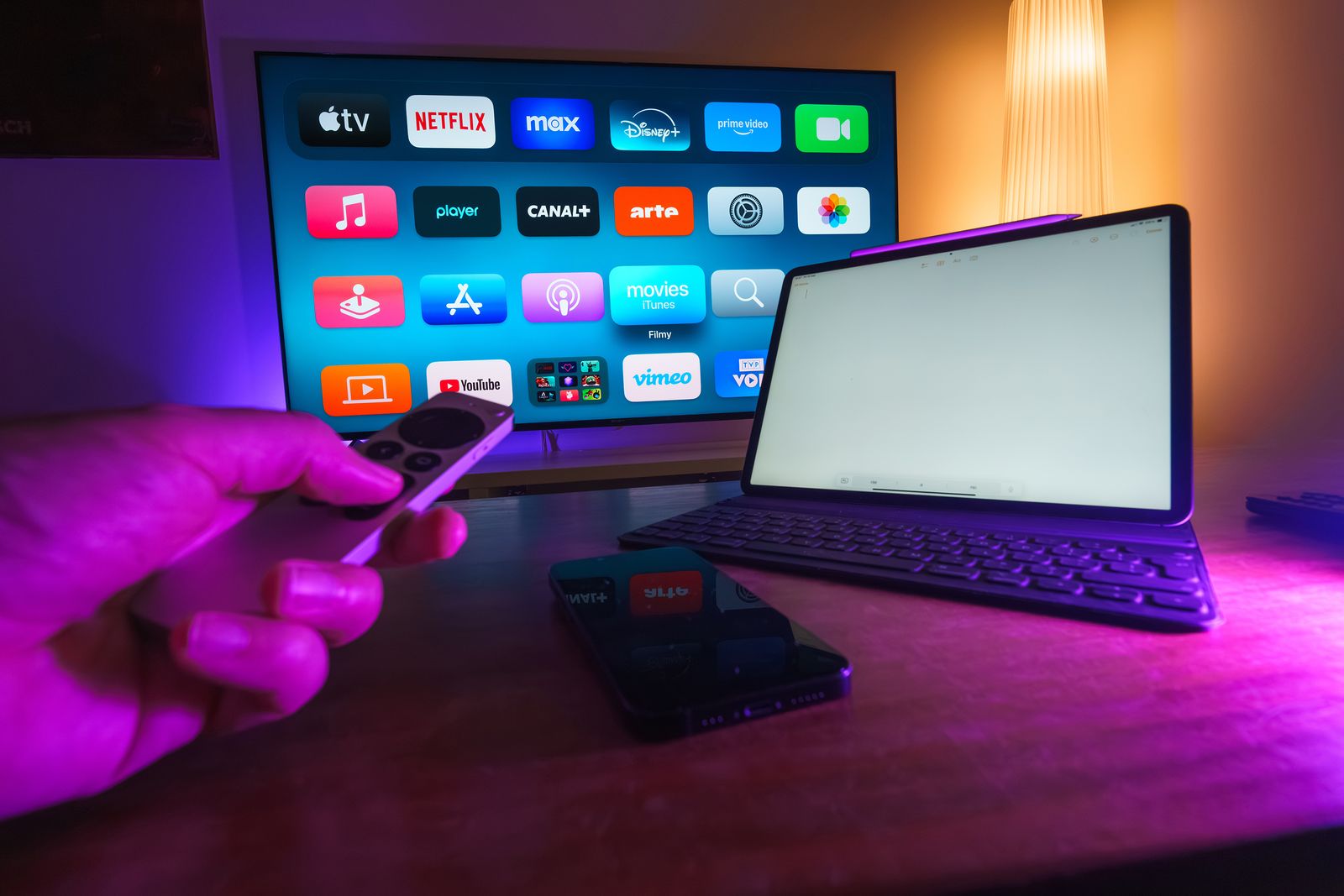
Five streaming sticks, all under $90, all available right now. Let’s break down the tradeoffs.
Roku Streaming Stick Plus (2025) — The Clean-Interface Pick
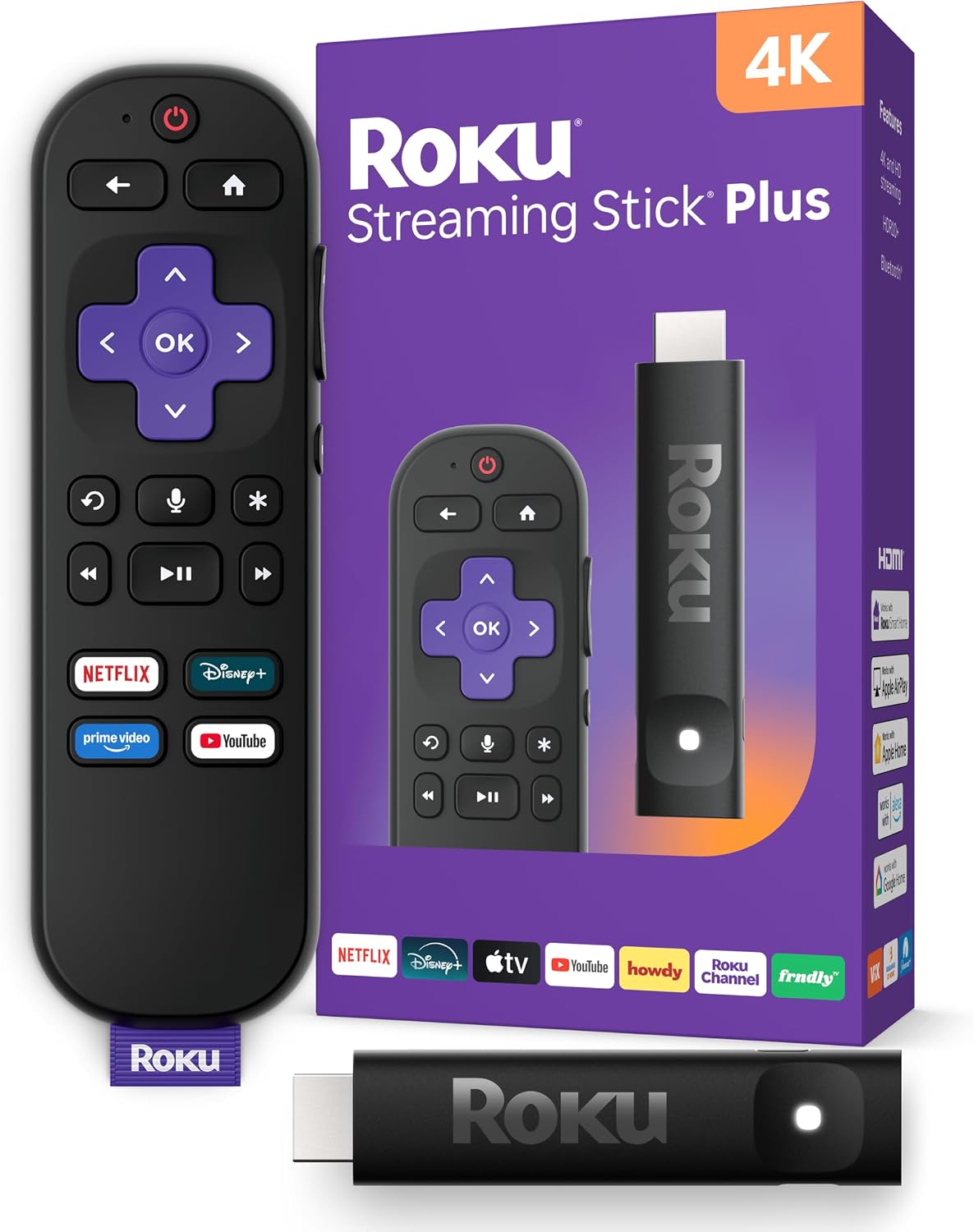
The Roku Streaming Stick Plus at about $48 (against a $60 list) gives you 4K HDR10+ with AirPlay, HomeKit, and the simplest home screen in streaming. No ad tiles taking up half the screen, no content rows pushing Amazon originals, no sponsored app placements in your face. Just your apps in a grid. The voice remote is basic — it does voice search and has TV power and volume controls — but it doesn’t try to be a smart-home controller.
The cons: there’s no smart-home control to speak of. If you run Alexa routines or want to view camera feeds on your TV, Roku doesn’t do that. The voice remote stays basic compared to Fire TV’s Alexa integration. And while AirPlay and HomeKit are great for Apple households, Android users get nothing equivalent.
My take: The clean-interface pick for Apple households and anyone who wants streaming without ads baked into the home screen.
Fire TV Stick 4K (2026, newest model) — The Fast New Default
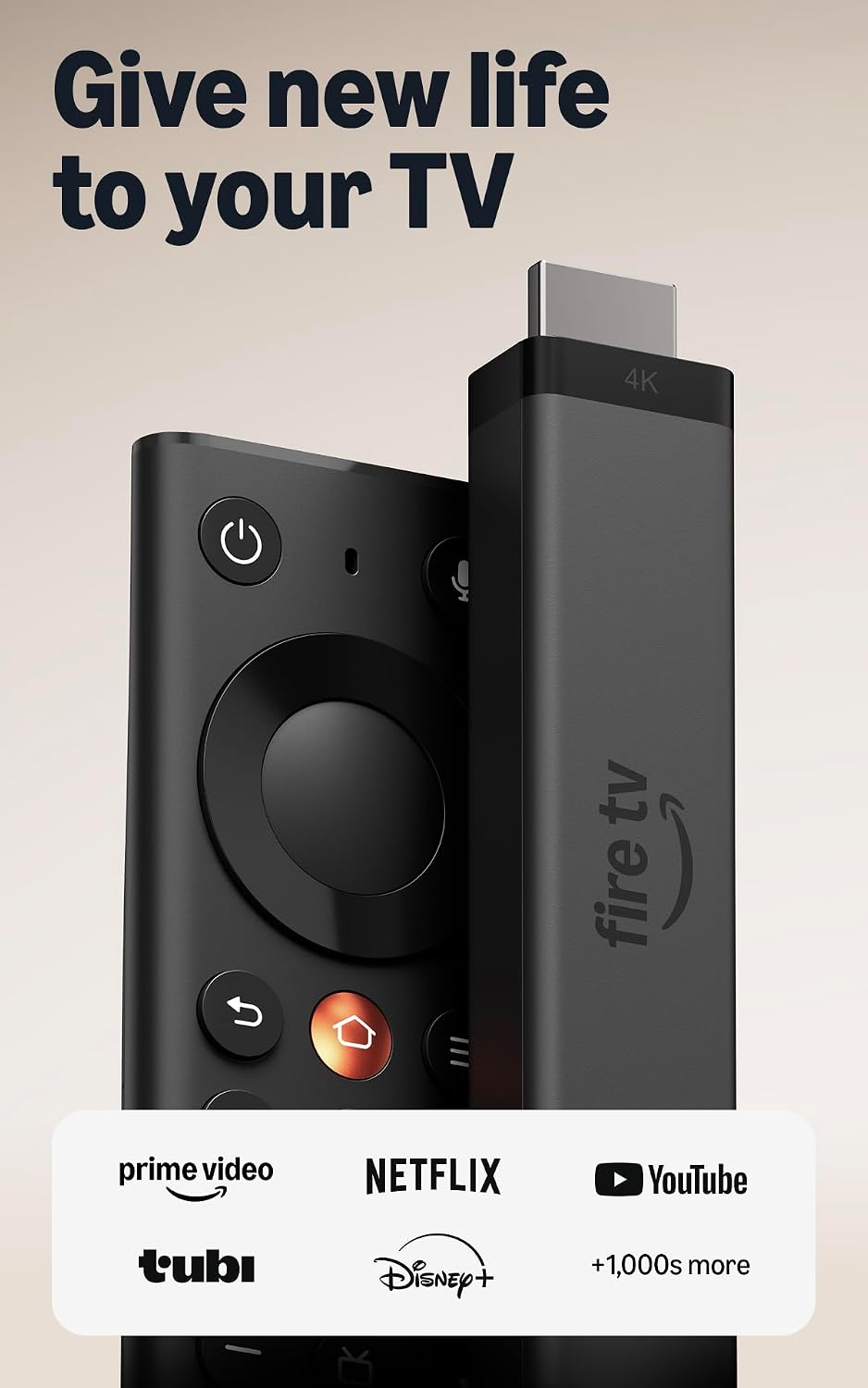
The Fire TV Stick 4K (2026) at $60 list (and already seeing $30 launch-event pricing) is Amazon’s redesigned stick with Wi-Fi 6, USB-direct power, and 35-percent-faster app launches. The hardware is genuinely faster — apps open in under two seconds, navigation is snappy, and the new Fire TV Remote is a real upgrade with better button feel and a dedicated live-TV guide.
The whole tradeoff is in one sentence: Vega OS blocks Android sideloading entirely and drops Dolby Vision. If you’ve been side-loading apps like Kodi, IPTV players, or any third-party Android app on your Fire Stick, the 2026 model is a wall. You’re locked to what’s in the Amazon Appstore. And without Dolby Vision, HDR10+ is the ceiling for HDR content — which is fine for most TVs but a real downgrade for Dolby Vision-equipped home theater setups.
My take: The fast new default for Alexa households that don’t sideload and don’t need Dolby Vision. Everyone else should read the next two entries.
Fire TV Stick 4K Plus (closeout) — The Last Fire OS Bargain
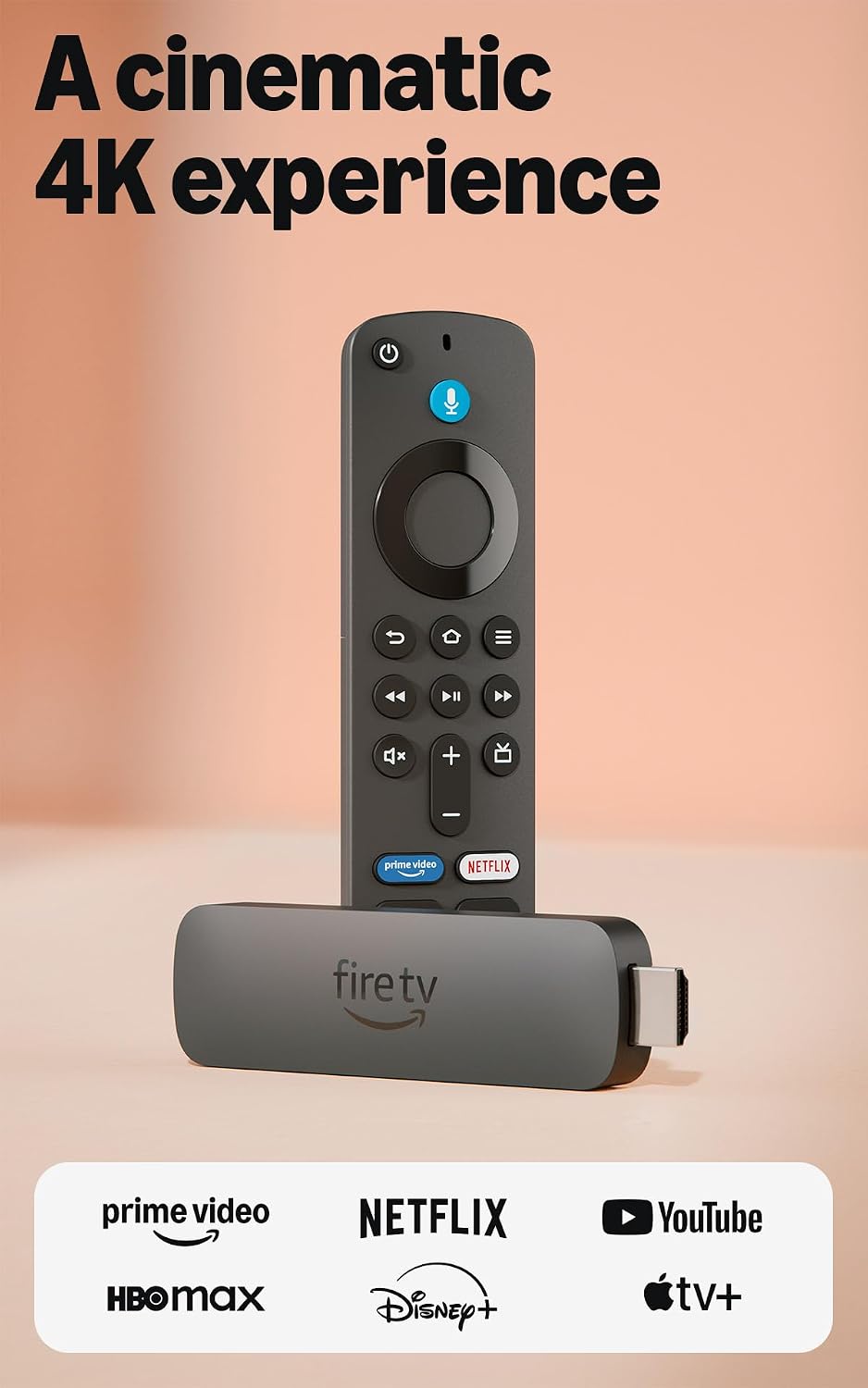
The Fire TV Stick 4K Plus at about $70 is the discontinued model that still runs Fire OS — meaning sideloading works, Dolby Vision is supported, and you get Wi-Fi 6. This is the closeout buy while supplies last. If you want the Fire TV ecosystem with all the features the 2026 stick removed, this is your window.
The trade-off is closeout risk. Amazon will eventually stop pushing firmware updates to retired models, and the security patches will slow before they stop entirely. The 4K Plus has been their premium streaming stick, so support should continue for a reasonable period, but there’s no guarantee on timeline. Returns may also be limited as stock winds down.
My take: The bargain for sideloaders and Dolby Vision owners. Buy it before the closeout stock dries up.
Fire TV Stick 4K Max — The Dolby Vision Holdout
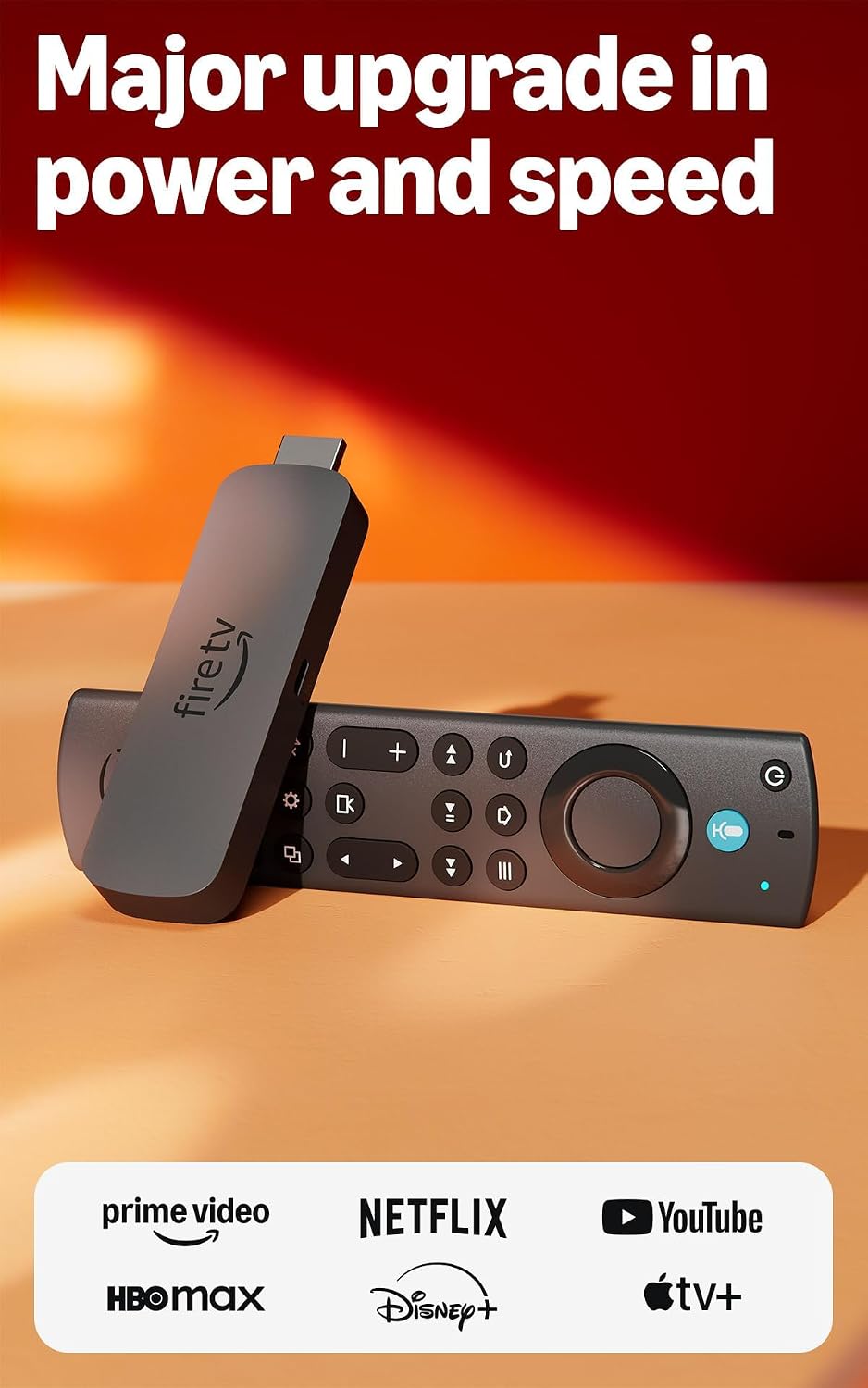
The Fire TV Stick 4K Max at about $85 is the last Fire stick still on Fire OS, with Dolby Vision, Dolby Atmos, and the deepest gaming specs in the Fire TV line. Wi-Fi 6E support means it holds signal in congested wireless environments better than any other stick here. If you want maximum Fire TV capability and you’re willing to pay for it, this is the top of the line.
The cons are price and ads. At $85 it costs double the sale-price Roku Streaming Stick Plus, and the Fire TV home screen carries ads like every Fire device. It’s also the most expensive way to get Dolby Vision via a streaming stick — a Roku Ultra or an Apple TV 4K may be the better spend if Dolby Vision is your priority and you don’t need the Fire ecosystem specifically.
My take: The Dolby Vision holdout for Fire TV loyalists. If you’re not locked into Fire OS, the Roku is a better value.
Roku Express 4K+ — The Cheapest 4K
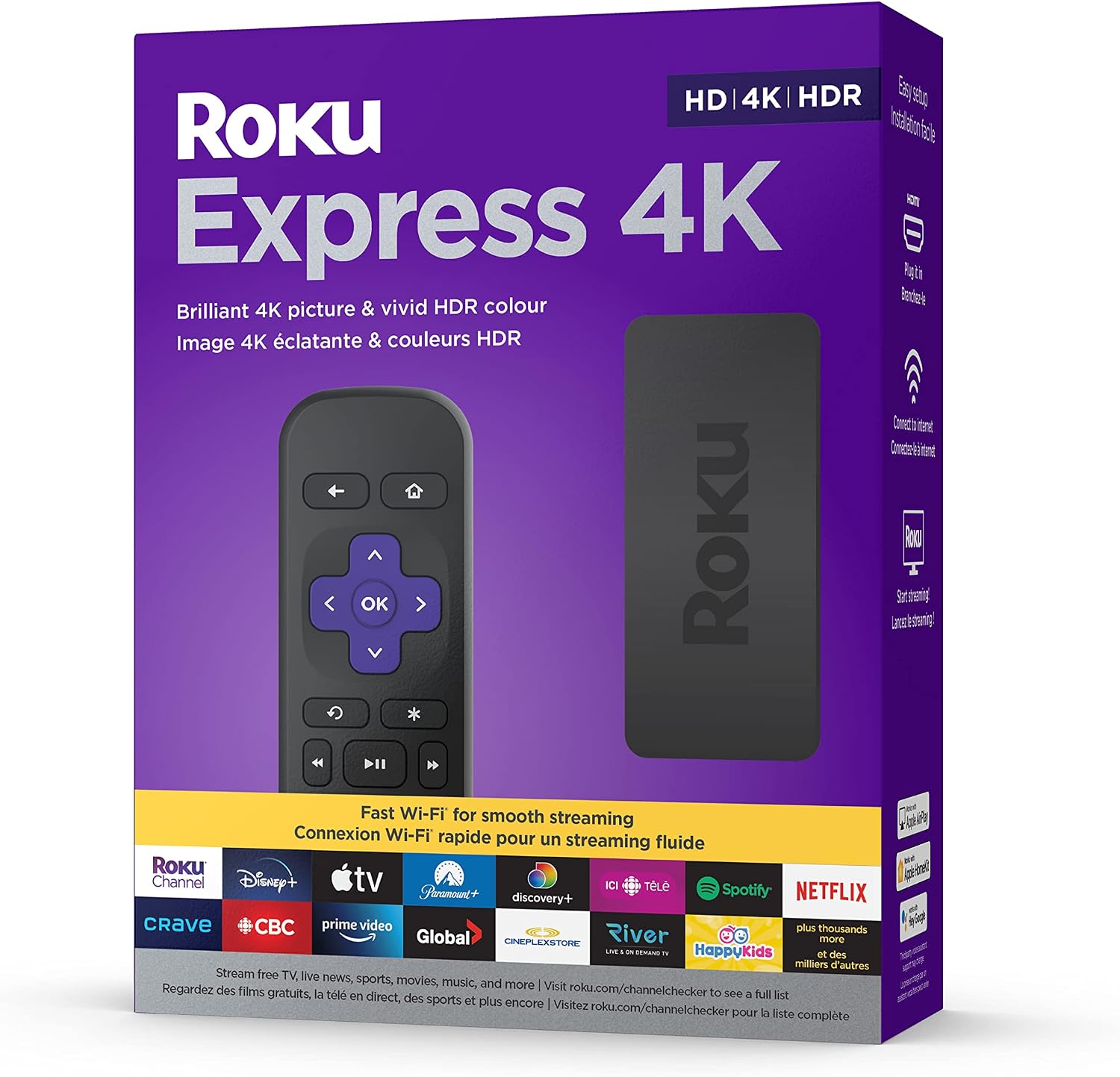
The Roku Express 4K+ at about $40 is the cheapest credible 4K streamer on the market. Same clean Roku interface, same HDR10+ support, same app selection as the Streaming Stick Plus. This is the bedroom-TV or guest-room stick — the second screen in the house that doesn’t need to be the primary streaming device.
The trade-off is the remote. The Roku Simple Remote skips TV-power and volume control, so you still need your TV remote for on/off and volume. It’s a bedroom concession, not a main-room pick. There’s also no AirPlay on the Express — that feature is reserved for the Streaming Stick Plus and Ultra lines.
My take: The best $40 second-TV streamer. Don’t make it your primary — the remote limitations will annoy you daily.
Free shipping on streaming gear: A Prime free trial gets you two-day shipping on every stick here — and the return window if the interface isn’t what you expected.
What Actually Saves Money (And What Doesn’t)
Buying at sale price, not list: The Roku Streaming Stick Plus lists at $60 but sells at $48. The Fire TV Stick 4K (2026) lists at $60 but has already hit $30 in launch events. Never pay list on either brand — both cycle through sale pricing every few weeks.
Matching the stick to your TV: If your TV doesn’t support Dolby Vision, paying extra for a Dolby Vision stick (4K Max, closeout 4K Plus) is wasted money. HDR10+ is the format most 4K TVs support, and every stick here handles it.
Sideloading decision: If you sideload apps, the 2026 Fire TV Stick 4K is a wall — buy the closeout 4K Plus or the 4K Max. If you don’t sideload, Vega OS is a non-issue and the new stick is the better hardware.
Subscription traps: Neither Roku nor Fire TV requires a monthly subscription to function. Both offer optional premium channels. The stick is a one-time purchase — don’t get upsold on streaming bundles you don’t watch.
Savings Math: Annual Impact
- Buying at sale vs list: $12-30 saved per stick by waiting for a sale cycle.
- Roku Express 4K+ vs Streaming Stick Plus: $8 saved per second TV, but you lose TV-power/volume on the remote.
- Fire TV 4K Plus closeout vs 4K Max: $15 saved, same Dolby Vision, but closeout stock = no long-term firmware guarantee.
Keep reading: Check out our guide on Kasa or Tapo in 2026, our voice ecosystem comparison, and the Ring doorbell lineup guide.
CleverHomeClub is reader-supported. As an Amazon Associate, I earn from qualifying purchases. That means if you buy through one of the links above, I get a small commission at no extra cost to you. I only recommend devices I’d run in my own home.
🏠 Get Your Free Smart Home Setup Checklist
Join our newsletter and get this free printable plus weekly tips.
Frequently Asked Questions
Can the new Fire TV Stick 4K sideload apps?
No. The 2026 Fire TV Stick 4K runs Vega OS, which blocks Android sideloading entirely. If you need sideloading, buy the closeout Fire TV Stick 4K Plus or the 4K Max, which still run Fire OS.
Does the 2026 Fire TV Stick 4K support Dolby Vision?
No. The new Fire TV Stick 4K (2026) drops Dolby Vision support, limiting HDR to HDR10+. The Fire TV Stick 4K Plus and 4K Max still support Dolby Vision.
Is Roku or Fire TV better for Alexa homes?
Fire TV is the better pick for Alexa households because it integrates camera feeds, voice routines, and smart home control directly into the TV interface. Roku has no smart-home control to speak of.
Liked this guide? Get the next one in your inbox — the smart home starter checklist is free too.
✓ You're in — check your inbox.
No spam. Unsubscribe anytime. We never share your email.