This article contains affiliate links. We may earn a commission from qualifying purchases.
Some content on this site is AI-assisted and reviewed by our editorial team.
The 50 Dollar Bridge Is Gone
Checking an empty mailbox every day is a small, dumb tax on your attention — and package-theft season is about to make it worse. The fix used to cost $80: Ring’s first Mailbox Sensor required a $50 Ring Bridge to talk to your phone. That bridge is gone. The current Ring Mailbox Sensor connects over Amazon Sidewalk out of the box — the listing says it plainly: “You do not need a hub device like Ring Bridge or Alarm Pro Base Station” when Sidewalk is doing the connecting. Thirty dollars, no bridge, pings your phone when the door opens.
The honest gotcha is coverage: Sidewalk rides on neighbors’ compatible Echo and Ring devices, so the coverage map matters more in a subdivision than on a rural road. For long driveways and metal boxes, the no-app wireless chimes below are still the honest answer — and one of them reaches a full mile.
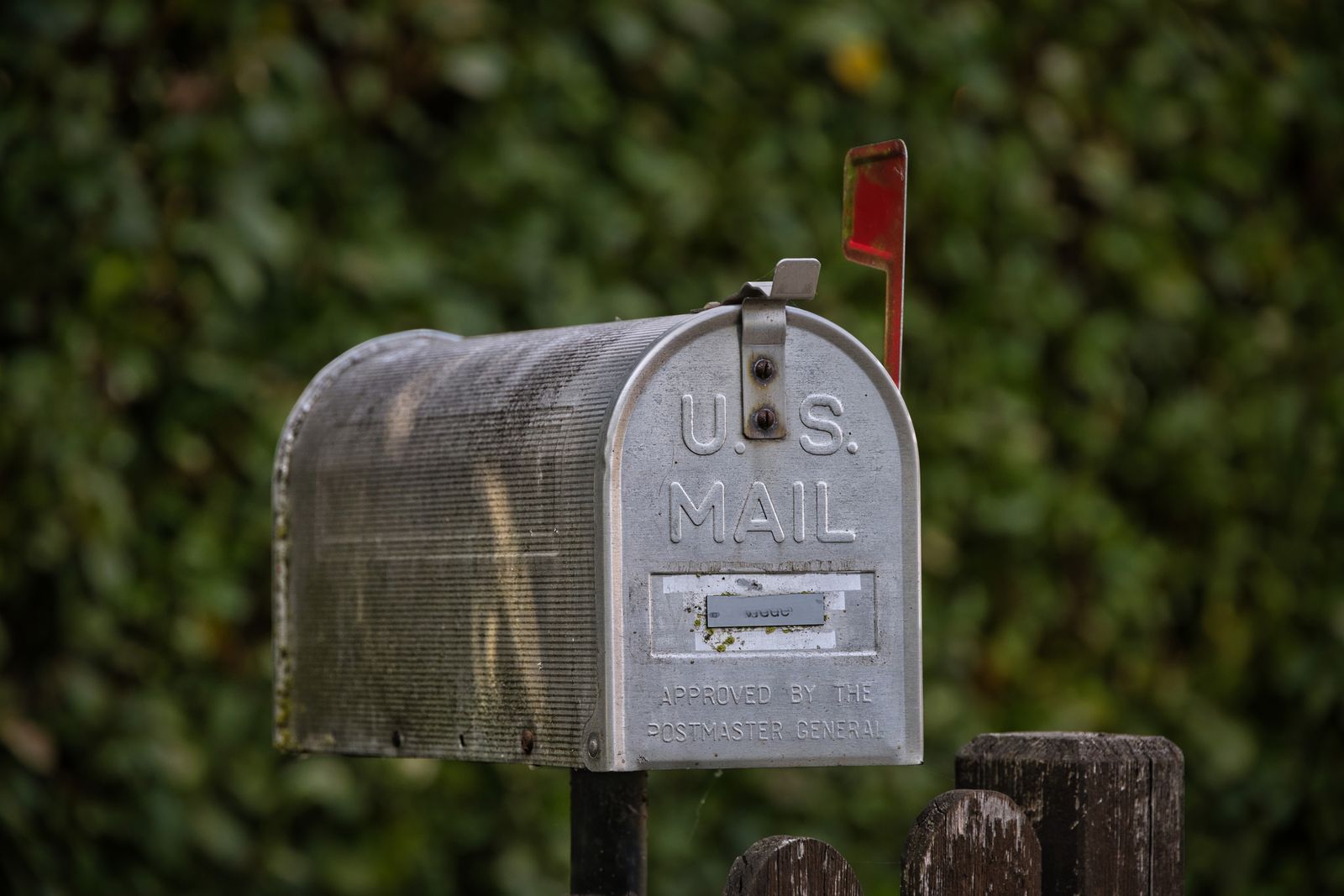
I compared the Sidewalk pick against the app-alert and no-app alternatives, verified every listing live today, and the real prices are all over the map versus what older reviews claim. Here’s the honest field.
Ring Mailbox Sensor — The Sidewalk-Native Pick
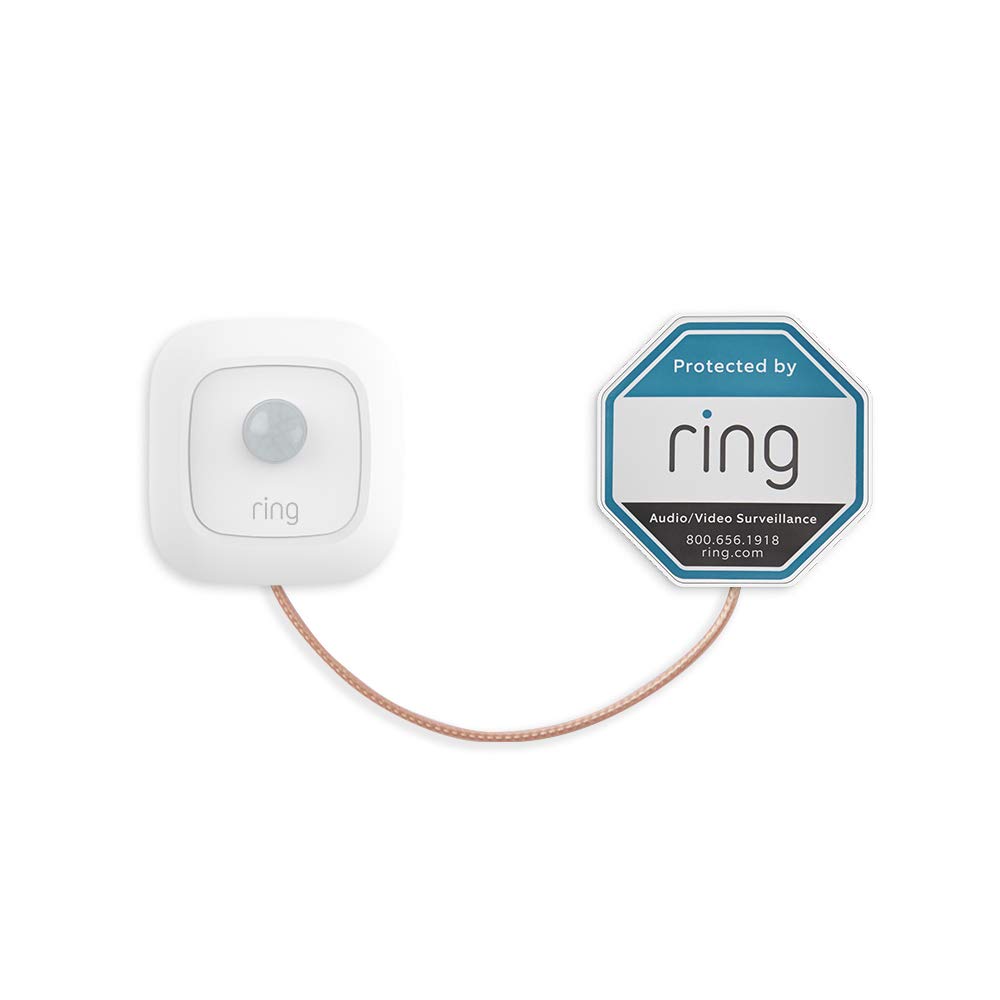
The Ring Mailbox Sensor is about $29.99 and runs up to three years on the three included AAA batteries. It mounts in 5-10 minutes with the included kit, senses when the mailbox door opens, and announces “Mail Has Arrived” on Alexa devices — a routine users report running for 10-plus days without missing a delivery. No bridge, no base station, no subscription for basic alerts. The honest con: Sidewalk coverage depends on neighbor density. Check the coverage map before buying if you’re rural — this is the one sensor here that borrows someone else’s network to reach your phone.
My take: the default pick for suburban mailboxes — $30, no hub, and the Alexa announcement is the killer feature.
Briidea Mailbox Alarm — The No-App Budget Alternative
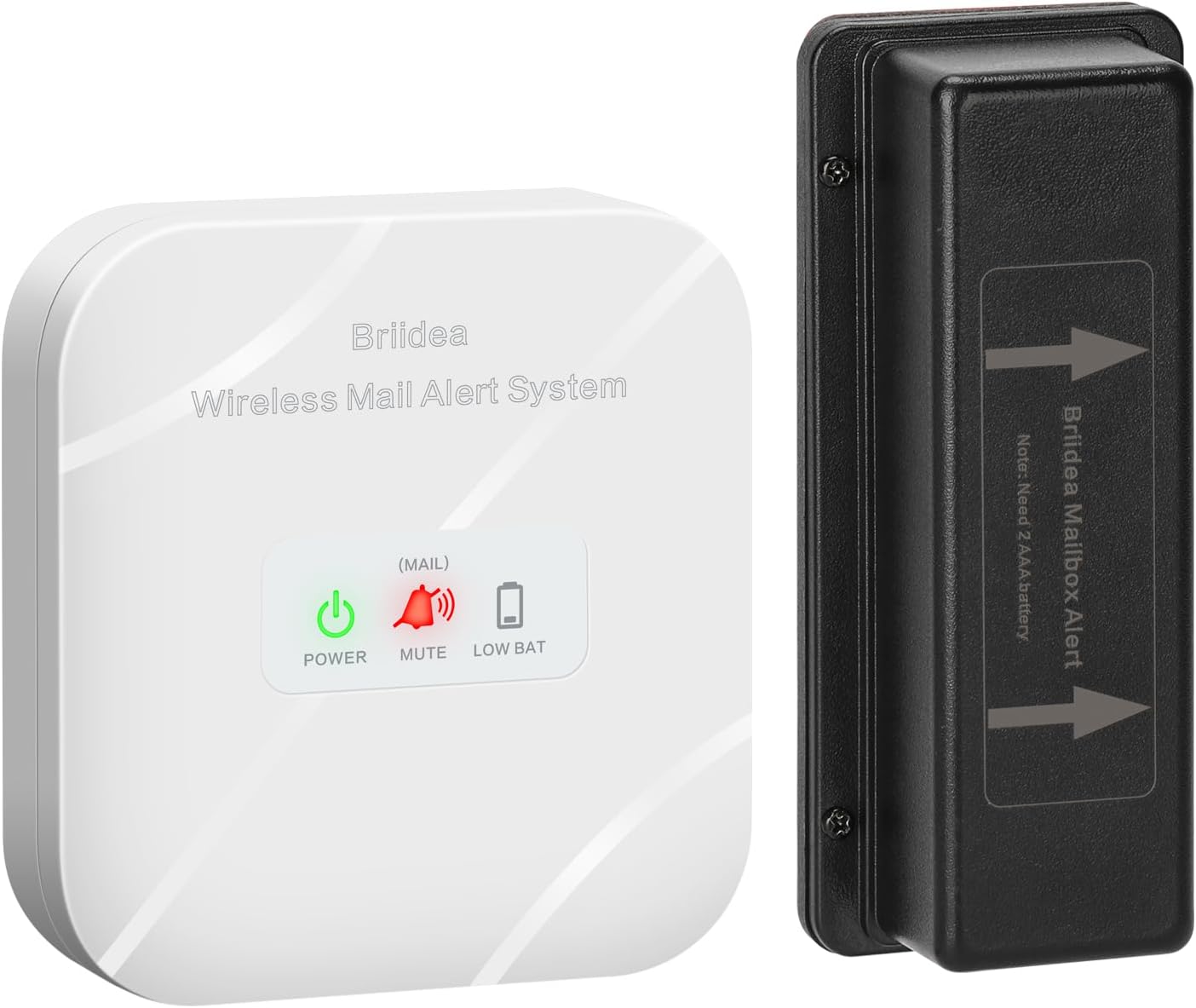
The Briidea Mailbox Alarm runs about $25.99 for a 500-foot wireless range with LED flash and sound alerts plus a low-battery reminder — no app, no account, no network dependence at all. The receiver plugs in indoors and chimes when the sensor trips. The honest con: it tells you the box opened, not who opened it — no app history, no camera tie-ins, no Alexa routines. A chime is all you get.
My take: the pick when Sidewalk can’t reach you — simple, honest, and $26 buys certainty.
Mail Chime MAIL-1200 — The No-App Classic
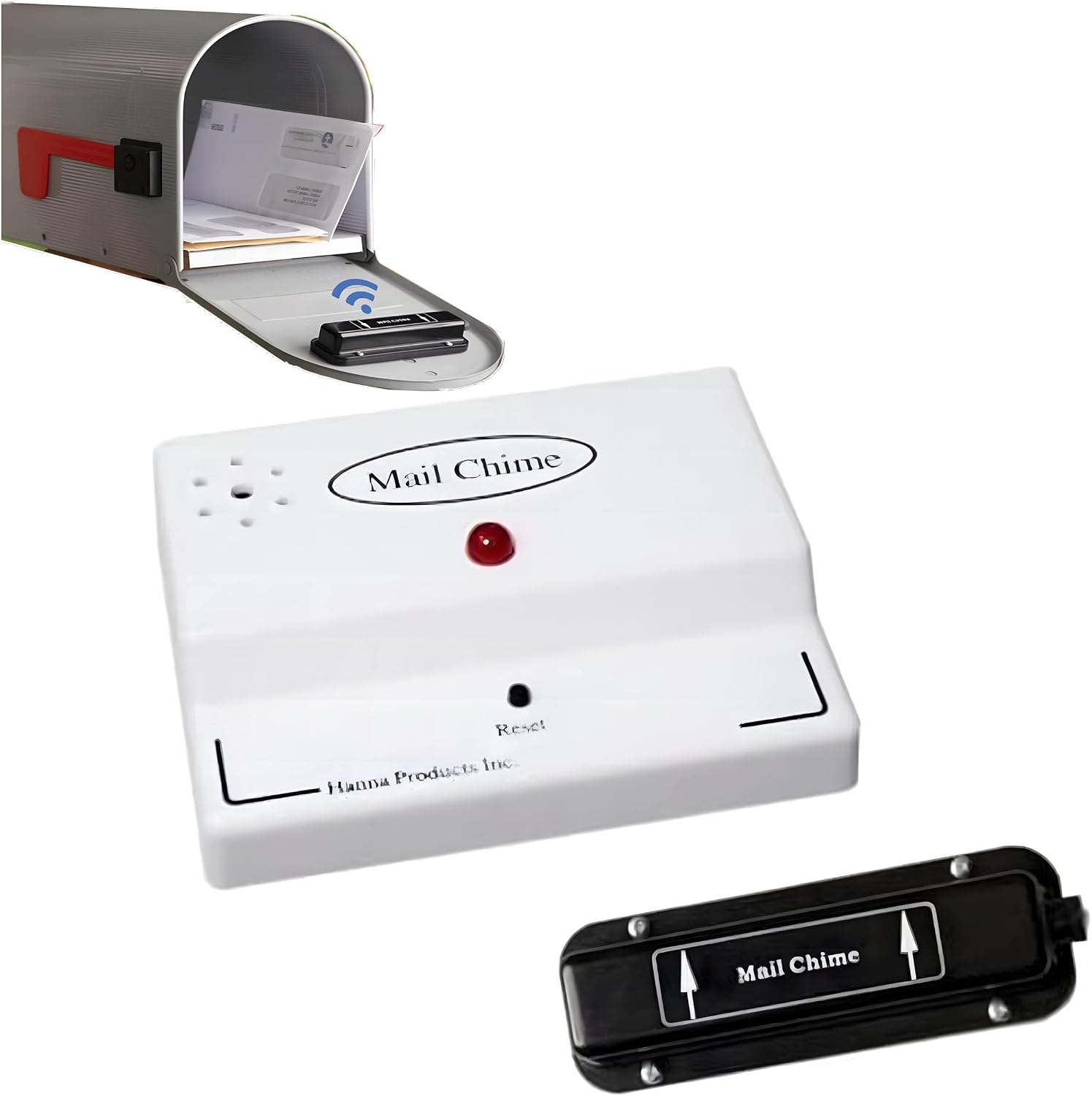
The Mail Chime MAIL-1200 is about $59.95 — the longest-standing mailbox alarm on the market, with a wireless transmitter rated to 350 feet, a red LED, and audible beeps, plus an anti-theft angle the app sensors don’t attempt. Note the name: “1200” is a model number, not the range — 350 feet is the real spec. Two honest cons: it chimes indoors and does nothing else, and the manufacturer is upfront that it’s not for oversized rural boxes.
My take: the brand-name version of the no-app answer — buy it when you want the established product and the anti-theft LED.
Dakota Alert UTDCR-4000 — The Rural 1-Mile Pick
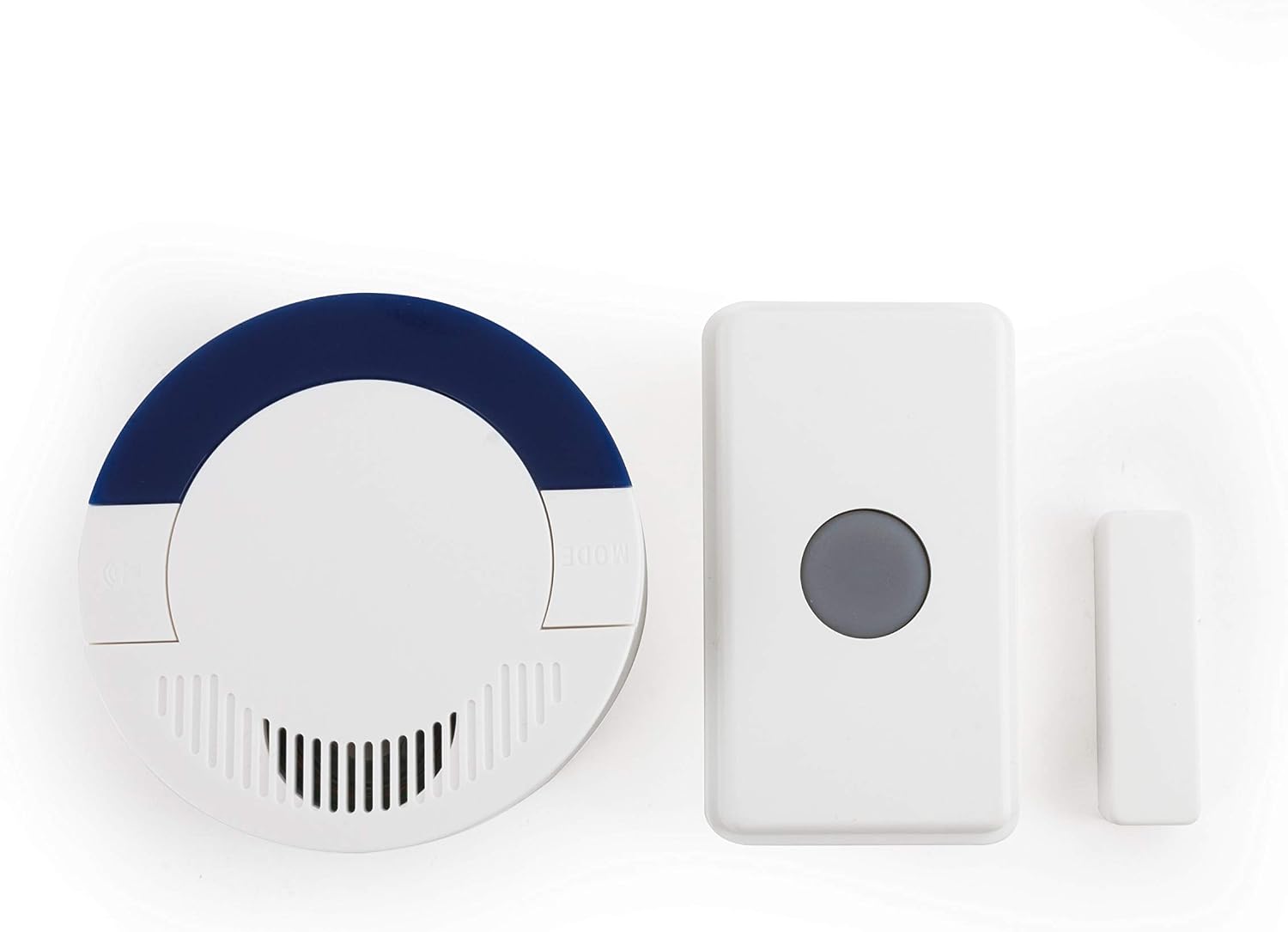
The Dakota Alert UTDCR-4000 is about $49.99 for a 1-mile wireless system — the answer for the long driveway where every other option here waves goodbye at the property line. Dakota Alert is the brand farmers actually use, and this kit doubles as a driveway or door alert with the same receiver. Two honest cons: it’s the bluntest tool here — a chime and a flash, no app, no history — and it costs what a full smart kit does for what is essentially a very long-range doorbell.
My take: the rural mailbox answer — nothing else here covers a quarter-mile driveway, let alone a mile.
Ring Chime — The Audible-Alert Companion
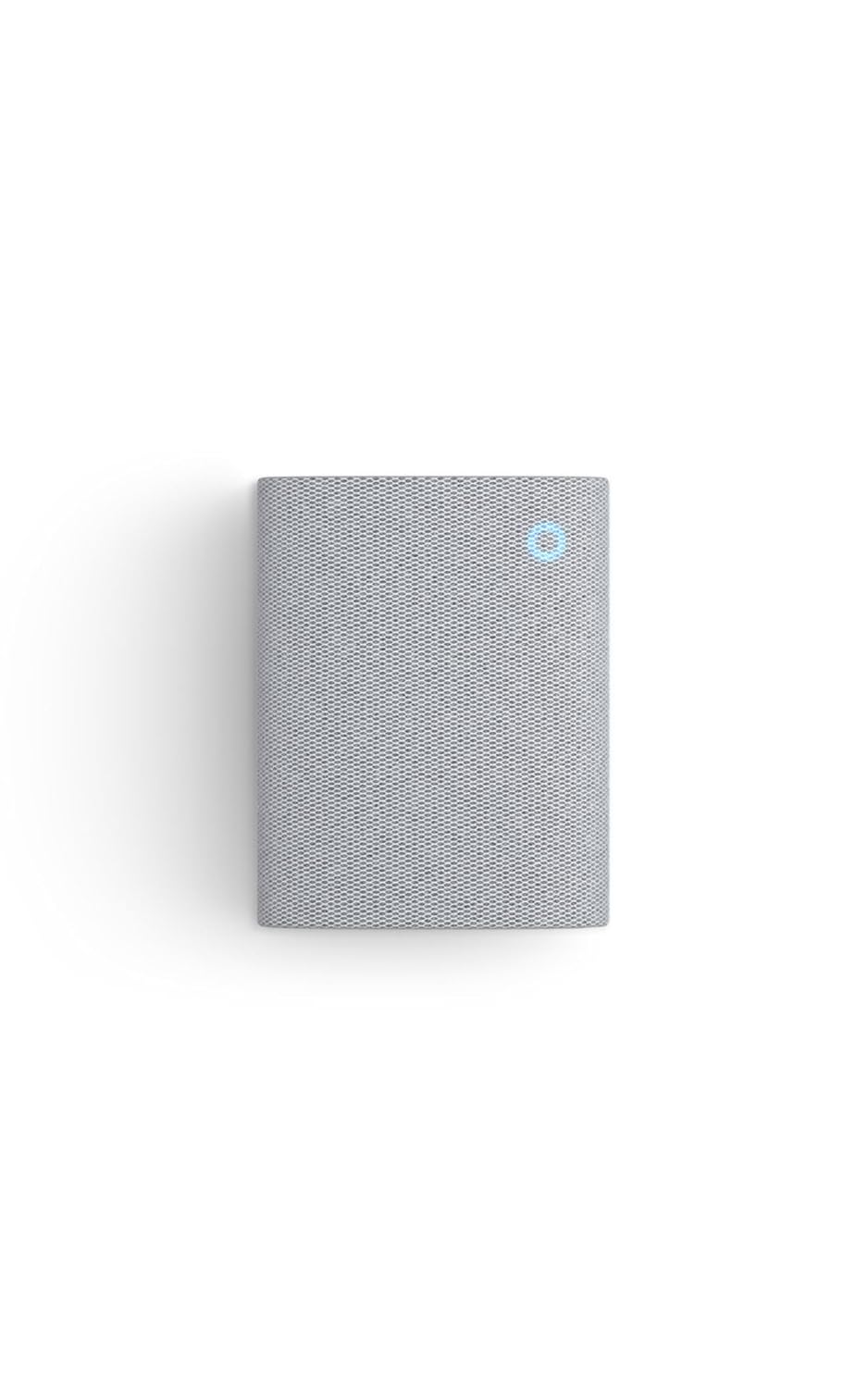
The Ring Chime is about $34.99 for the plug-in indoor chime that turns a Mailbox Sensor open into an indoor sound — for households that don’t keep phones on them. It’s the piece that makes the Sidewalk setup work for the whole house, not just whoever has the app open. Two honest cons: it occupies a wall outlet forever for one job, and it only matters if you start with the Ring sensor — the no-app chimes above don’t need it.
My take: buy it only as part of the Ring setup — it’s the $35 speaker that makes a $30 sensor a whole-house alert.
Delivery season is starting. Mail sensors ship free with Prime — start a free 30-day Prime trial here before the package rush.
What Actually Saves Money (And What Doesn’t)
The old math is dead. The original Ring Mailbox Sensor plus its $50 Bridge ran $80 to know the mail arrived. Today’s sensor does it for $30 — the bridge money buys nothing anymore.
Subscriptions still don’t apply here. Basic mail alerts need no Ring plan. Don’t let the Protect plan upsell reach this purchase — the chime and Alexa announcements are plan-free.
Package theft is the real math. One stolen porch package erases years of sensor savings. A mailbox sensor that triggers a camera is the poor-man’s package cam — Ring users can link the sensor open to a camera clip.
The long-range premium is honest. The $50 Dakota Alert covers what no $30 sensor can — a driveway long enough to need it. Don’t pay 1-mile money for a 50-foot problem, and don’t buy a 350-foot chime for a quarter-mile driveway.
Keep reading: the Ring doorbell lineup, renamed and priced and smart entry sensors for doors and windows.
CleverHomeClub is reader-supported. As an Amazon Associate, I earn from qualifying purchases. That means if you buy through one of the links above, I get a small commission at no extra cost to you. I only recommend devices I’d run in my own home.
🏠 Get Your Free Smart Home Setup Checklist
Join our newsletter and get this free printable plus weekly tips.
Frequently Asked Questions
How does the Ring Mailbox Sensor connect without a hub?
It uses Amazon Sidewalk, a low-bandwidth shared network that rides on nearby compatible Echo and Ring devices. Ring's own listing states it plainly: you don't need a Ring Bridge or Alarm Pro Base Station when Sidewalk is doing the connecting. The catch is that coverage depends on how many Sidewalk-enabled devices your neighbors run u2014 check the coverage map if you're rural.
What is Amazon Sidewalk and is it safe?
Sidewalk is a shared mesh network that uses a small slice of bandwidth from compatible Echo and Ring devices to route low-data messages u2014 like a mailbox-open signal u2014 across the neighborhood. It's encrypted, bandwidth-capped per device, and owner-disableable in the Alexa app. For a mailbox sensor it's the difference between a $30 purchase and the $80 the old Bridge-required setup cost.
Do mailbox sensors work on metal mailboxes?
Metal boxes attenuate wireless signals, which is why range ratings on these devices assume real-world mounting inside the box. The Ring sensor ships with an external antenna for exactly this reason, and the 500-foot Briidea and 1-mile Dakota Alert kits give you headroom for a metal box on a long driveway. If your sensor misses opens, position the antenna or receiver before assuming the device is defective.
Liked this guide? Get the next one in your inbox — the smart home starter checklist is free too.
✓ You're in — check your inbox.
No spam. Unsubscribe anytime. We never share your email.
Price Check
Prices verified via our product tracker. Updated Oct 12.
As an Amazon Associate we earn from qualifying purchases.