
This article contains affiliate links. We may earn a commission from qualifying purchases.
Some content on this site is AI-assisted and reviewed by our editorial team.
You’ve built a few Alexa routines. Maybe you’ve dabbled with a Google Home shortcut or two. But now you want real automations — the kind that actually work when your internet goes down, or that tie together devices from three different brands without a hiccup. That’s where a dedicated smart home hub comes in, and three names dominate the conversation: Home Assistant, SmartThings, and Hubitat. Each one takes a very different philosophy to the same problem. Let’s break them down so you can pick the right one for your setup.
SmartThings — The Easy Choice
Samsung’s SmartThings is probably where most people start — and for good reason. It works out of the box, supports a massive catalog of devices, and has a polished app that won’t scare off your partner or housemates. Pair a sensor, build a routine, done.
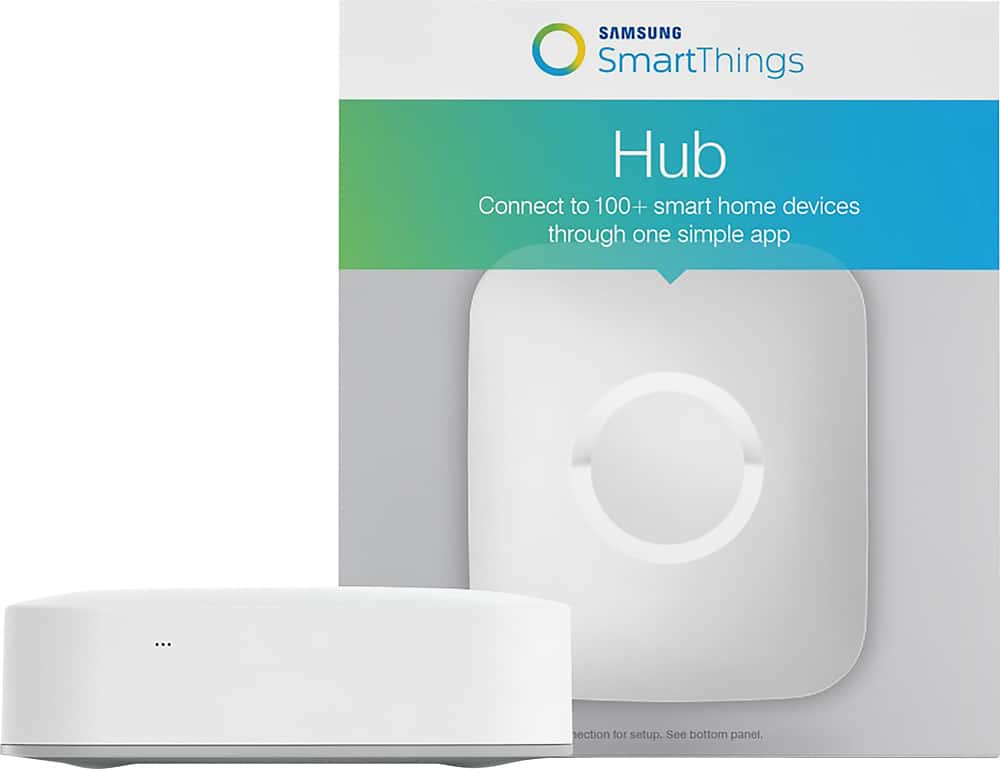
- Setup: Plug in the hub, download the app, follow the prompts. Most devices pair in under a minute.
- Device support: One of the widest ecosystems out there. Zigbee, Z-Wave, Matter, Wi-Fi — if it exists, SmartThings probably talks to it. Browse SmartThings hubs on Amazon.
- Automation: The app-based routine builder is intuitive. Conditional triggers, scene control, and geo-fencing are all point-and-click.
- Catch: SmartThings relies heavily on the cloud. If your internet drops, so do most of your automations. Samsung has improved local processing, but it’s still not truly offline-first.
- Privacy trade-off: Your device data flows through Samsung’s servers. For some people that’s fine; for others it’s a dealbreaker. (More on that in our smart home privacy guide.)
If you want something that “just works” and you’re okay with cloud dependency, SmartThings is hard to beat. Check out SmartThings starter kits on Amazon.
Hubitat — The Privacy Pick
Hubitat is SmartThings’ polar opposite. Everything runs locally on the hub itself — no cloud required, no phone-home data, no subscription. If your internet goes out, your automations keep running. That’s the whole pitch.
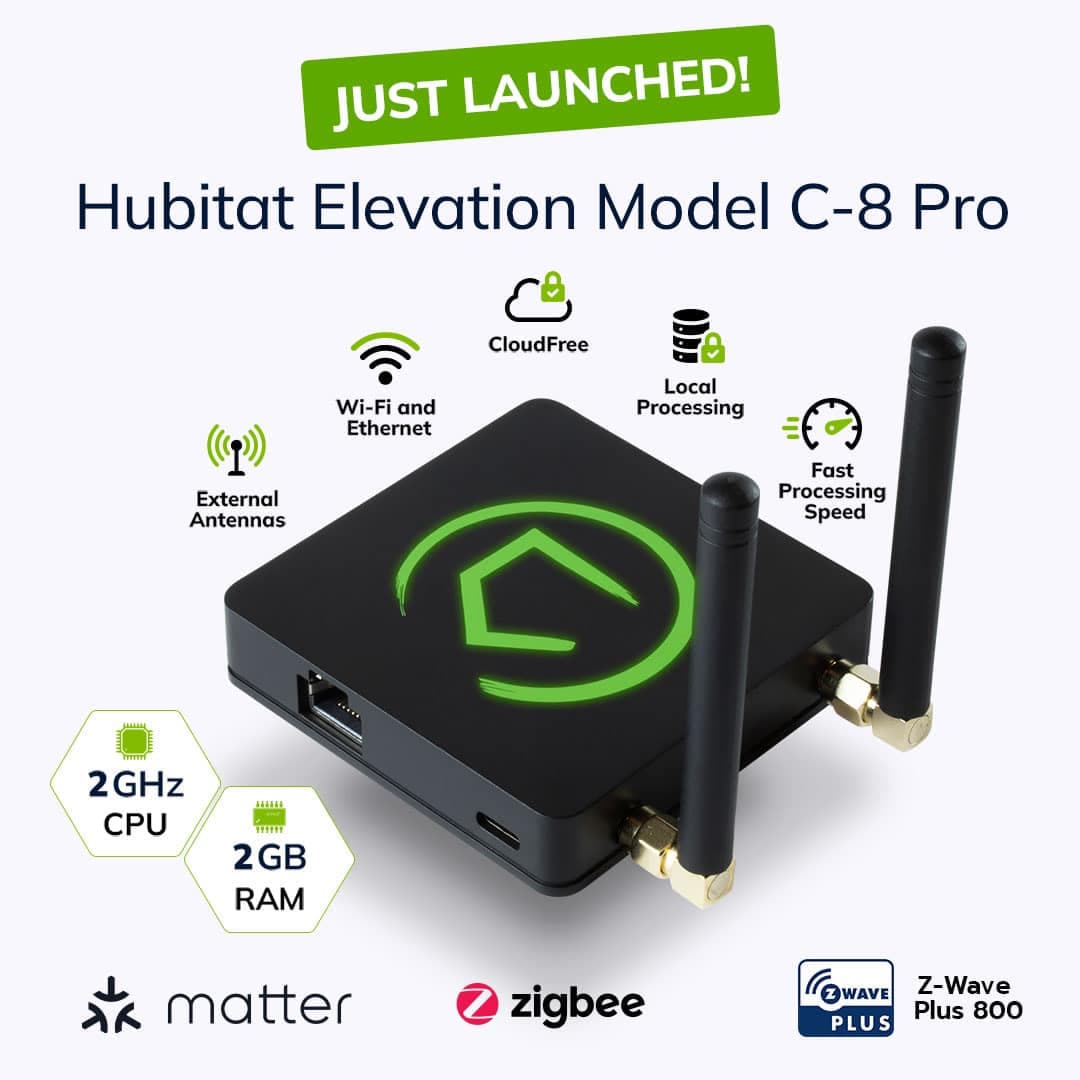
- Setup: More involved than SmartThings. You’ll spend time on the web-based dashboard pairing devices, tweaking drivers, and building rules. Not hard — just not plug-and-play.
- Device support: Solid Zigbee and Z-Wave support. Matter is coming. The device list isn’t as broad as SmartThings, but the core protocols are well-covered. Find Hubitat Elevation on Amazon.
- Automation: Hubitat’s Rule Machine is extremely powerful — maybe too powerful. The interface feels like a spreadsheet from 2007, but the logic you can build rivals anything short of Home Assistant.
- Privacy: This is the selling point. Zero cloud dependency by default. Your data stays on the hub, period. If you care about privacy, read our full breakdown here.
- Catch: The UI is genuinely ugly. The learning curve is steep. Community support is great, but you will be reading forum posts at midnight.
Hubitat rewards patience. Once it’s configured, it’s rock-solid — but getting there takes effort. Shop compatible Zigbee and Z-Wave devices on Amazon.
Home Assistant — The Power User Option
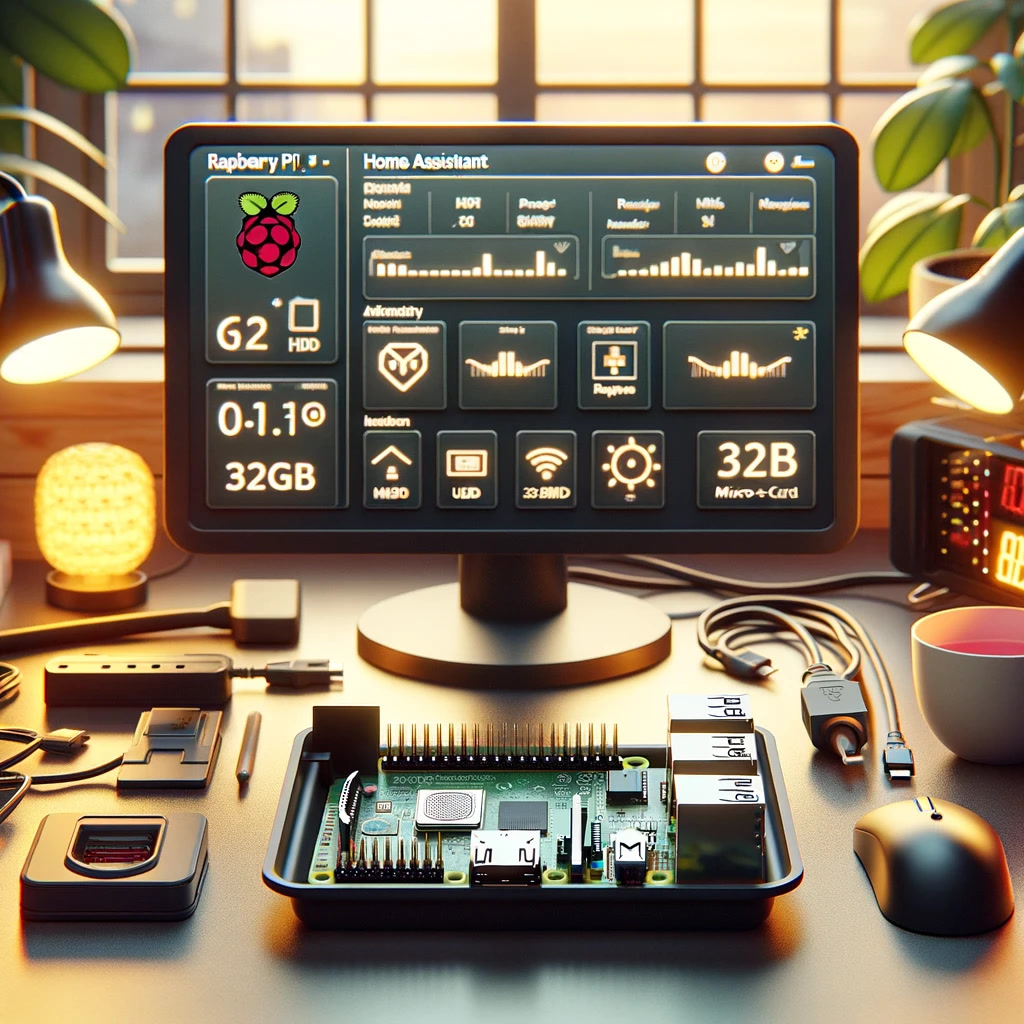
Home Assistant doesn’t want to be your hub. It wants to be everything — thermostat, security system, media controller, energy monitor, and yes, smart home hub too. It’s open-source, community-driven, and limited only by how much time you’re willing to spend tinkering. We’ve written a full Home Assistant beginner guide if you want the deep dive.
- Setup: Install the software (on a Raspberry Pi, a mini PC, or even a NAS), then configure everything via YAML or the newer UI editors. It’s the most hands-on option of the three. Browse Raspberry Pi kits on Amazon or check out mini PCs for Home Assistant.
- Device support: Over 2,000 integrations. If it has an API, Home Assistant probably connects to it — including stuff the other hubs can’t touch (weather services, car APIs, custom sensors).
- Automation: The most powerful automation engine of the three. Blueprints, templates, custom Python scripts — if you can dream it, you can automate it. See our post on smart home automations that actually save you time for ideas.
- Privacy: Fully local by default. You control every byte of data. Pair it with a Zigbee coordinator or Z-Wave stick and nothing leaves your house.
- Catch: Steep learning curve. Updates sometimes break things. You are your own IT department. If you’re prone to common beginner mistakes, Home Assistant will amplify them.
Home Assistant is the long game. It takes the most effort upfront, but it’s also the one you’re least likely to outgrow.
Head-to-Head Comparison
Here’s how the three stack up across the categories that matter most:
- Setup experience: SmartThings (easiest) → Hubitat (moderate) → Home Assistant (most involved)
- Device support: SmartThings (widest) → Home Assistant (broadest integrations) → Hubitat (solid but narrower)
- Automation power: Home Assistant (unlimited) → Hubitat (very strong) → SmartThings (good but limited)
- Privacy: Home Assistant (full local) = Hubitat (full local) → SmartThings (cloud-dependent)
- Price:
- SmartThings hub: ~70-100 dollars — check current price
- Hubitat Elevation: ~130 dollars — check current price
- Home Assistant: free (software), but you’ll spend 50-200 dollars on hardware — browse Pi kits or mini PCs
- Ongoing costs: All three are free to use. SmartThings and Hubitat have optional subscriptions for cloud features you probably don’t need.
Which Hub Should You Pick?
Still on the fence? Match yourself to one of these profiles:
- The casual user — You want things to work with minimal fuss. Devices pair fast, the app is clean, and your family can actually use it. Get SmartThings. Shop SmartThings on Amazon.
- The privacy minimalist — You don’t trust Samsung with your data, and you want your automations running even when the internet’s out. You’re willing to learn. Get Hubitat. Shop Hubitat on Amazon.
- The tinkerer — You want total control, custom dashboards, integrations with everything, and you don’t mind spending weekends in YAML files. Get Home Assistant. Start with our beginner guide and don’t skip the mistakes to avoid post.
- The voice-first household — You rely heavily on voice commands and want seamless smart speaker integration. SmartThings pairs easiest with Alexa and Google, though all three work. See our best smart speakers guide for pairing recommendations.
The Bottom Line
There’s no wrong answer here — just different answers for different people. SmartThings gets you running fast. Hubitat keeps your data private and your automations offline. Home Assistant gives you unlimited power but demands unlimited patience during setup.
The good news? These platforms aren’t marriages. Plenty of people start on SmartThings, learn what they actually need, and migrate to Hubitat or Home Assistant later. Others stay on SmartThings forever and are perfectly happy. Browse all smart home hubs on Amazon, pick the one that matches your comfort level today, and know you can always switch later. The important thing is to start — and avoid the common traps that trip up beginners.
n
🏠 Get Your Free Smart Home Setup Checklist
Join our newsletter and get this free printable plus weekly tips.
Price Check
Prices verified via our product tracker. Updated Sep 27.
| SmartThings Hub 3rd Generation [GP-U999SJVLGDA] Smart Home | $373.48 | 4.3★ (9,003) |
| Hubitat Elevation C-8 Pro Smart Home Hub - Z-Wave Zigbee M | $194.95 | 3.8★ (374) |
| Amazon.com: CanaKit Raspberry Pi 5 Starter Kit PRO - Turbi | $259.99 | 4.7★ (1,429) |
| Amazon.com: Sonoff Zigbee USB Dongle Plus-ZBDongle-E 3.0 E | $24.90 | 4.6★ (3,731) |
| Amazon.com: SANDISK 256GB Extreme Fit USB-C Flash Drive, U | $67.99 | 4.6★ (758) |
| Amazon.com: SunFounder Raphael Ultimate Starter Kit for Ra | $58.99 | 4.6★ (515) |
| Yale Assure Lock Touchscreen Deadbolt with Z-Wave, Black S | $229.00 | 4.2★ (222) |
| Echo Show 15 | Built-in Fire TV and Alexa | $349.99 | 4.4★ (6,382) |
As an Amazon Associate we earn from qualifying purchases.