
Most People Buy Smart Devices and Never Automate Anything
Here’s the dirty little secret of the smart home world: millions of people buy smart bulbs, smart plugs, and smart locks — then control them all with their phone. One. Button. At. A time.
That’s not a smart home. That’s a remote-controlled home with extra steps.
The real magic happens when your devices do things without you asking. When your lights know it’s sunset. When your thermostat figures out you’ve left for work. When your front door locks itself because you forgot (again). That’s automation, and it’s the difference between a toy and a tool.
If you’re just getting started with smart home tech, check out our renter-friendly smart home guide — but if you’ve already got devices sitting around, it’s time to make them actually work for you.
Here are seven automations that will genuinely save you time every single day. Not party tricks. Not “look what my house can do.” Just quiet, boring, time-saving routines that add up.
1. Good Morning Routine
This is the one automation almost everyone should start with, because mornings are when routine matters most. Instead of stumbling around in the dark, fumbling for light switches, and waiting for the coffee to brew, your house just… wakes up.
Here’s what a solid Good Morning routine looks like:
- Lights gradually brighten to 50% in the bedroom and hallway (no more blinding 6 AM switch-on)
- The thermostat shifts from sleep mode to your preferred morning temperature
- A smart plug fires up the coffee maker so it’s ready when you walk into the kitchen
- Smart speakers give you a brief weather and calendar rundown
The key word is gradually. Good automations don’t startle you. They ease you into the day.
You’ll need a few things to pull this off: smart plugs for the coffee maker and other appliances, dimmable smart bulbs that support gradual transitions, and a smart thermostat with scheduling. Total investment can be under $100 if you start small. You might also consider adding a smart speaker as the hub for voice-triggered routines.
2. Leaving Home Routine
“Did I lock the door?” is the thought that ruins at least three commutes a week. A Leaving Home automation eliminates it entirely.
Trigger this routine when everyone leaves (using phone presence, a door sensor, or just a single voice command), and here’s what happens:
- All smart lights turn off
- Smart locks engage on every exterior door
- The thermostat drops to an energy-saving setback temperature
- Security cameras switch to “away” mode with motion alerts enabled
- Smart garage door closes (if it was left open)
One trigger. Five things handled. That’s a 30-second mental checklist you never have to run again.
You’ll want a smart deadbolt lock, motion sensors or phone-based presence detection, a smart home hub to coordinate everything, and optionally a smart garage door controller. If you want to understand the real savings from thermostat setbacks alone, our post on smart thermostat ROI breaks down exactly how long it takes to pay for itself.
3. Movie Night Routine
This one’s more about quality of life than saving hours, but it genuinely saves you from walking around the room adjusting four different things before every movie.
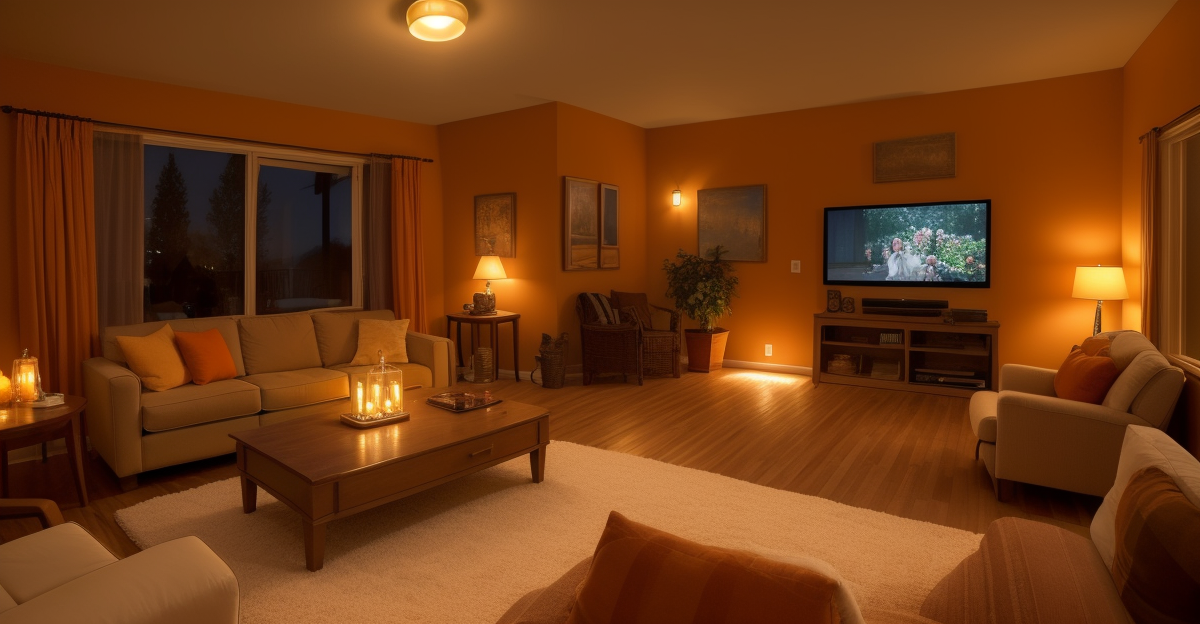
Say “Movie Night” (or tap a button, or press a remote), and:
- Living room lights dim to 15% or switch to a warm amber scene
- Smart blinds close if you have them (no glare on the TV)
- The TV and soundbar power on to the right input
- Any hallway or kitchen lights turn off to reduce distractions
It’s a small thing, but it turns “hold on, let me get the lights” from a 2-minute interruption into a 2-second voice command. Over time, that adds up — especially if you watch something every night.
To build this, you’ll want color-changing smart bulbs for scene lighting and, if your budget allows, motorized smart blinds. The blinds are a splurge, but they’re one of those things that feel ridiculous until you have them — then you can’t imagine going back.
4. Bedtime Routine
The end-of-day equivalent of the Good Morning routine. Instead of doing a walkthrough of the entire house checking lights, locks, and thermostats, you say one command or it happens automatically at a set time.
- All lights throughout the house turn off (except nightlights, if you use them)
- Smart locks confirm all doors are locked
- Thermostat shifts to your sleep temperature
- Smart plugs kill power to entertainment centers and other vampire-draw devices
- Security system arms in “home” mode
This routine alone saves me 5 to 10 minutes every night. Not life-changing on its own, but that’s 30 to 60 minutes a week of wandering around the house flipping switches and checking deadbolts. I’d rather be asleep.
Smart plugs are the workhorse here — energy-monitoring smart plugs are ideal because you can also see which devices are drawing phantom power overnight. More on that in the Energy Saver section below.
5. Guest Mode
This one people rarely think about, but it’s a lifesaver when you have visitors. The problem: your house is set up for you. Your routines, your temperature preferences, your locked doors. Guests shouldn’t need a tutorial to function in your home.
Activate Guest Mode and:
- A guest Wi-Fi network enables (or the password displays on a smart screen)
- Specific doors unlock (like the guest bathroom or side entrance)
- The guest room thermostat adjusts to a comfortable default temperature
- Pathway lights stay on at low brightness overnight
- Voice assistant responses adjust to a simpler, less personalized mode
When guests leave, one tap reverts everything to your normal settings. No reprogramming, no forgetting to re-lock the guest room door for a week.
This is especially useful if you rent your place on Airbnb or have frequent visitors. A smart lock with guest code support makes this seamless — each guest gets a temporary code that expires when they check out.
6. Package Delivery Routine
Porch piracy is a real problem, and even when packages aren’t stolen, there’s the “did it arrive yet?” anxiety that has you checking the door every hour. This automation handles both issues.
When a delivery person approaches:
- The video doorbell detects motion and sends you a notification with a live view
- A porch light turns on (deters would-be thieves, helps the delivery person)
- The doorbell camera begins recording automatically
- You get a push alert with a clip of the delivery
No more refreshing tracking pages. No more walking to the door to check. You’ll know the second a package hits your porch.
A smart video doorbell is the centerpiece here. Pair it with a motion-activated outdoor light and a outdoor security camera and you’ve got a solid security setup that works on autopilot.
7. Energy Saver Routine
This is the automation that pays for all the others. Vampire power — the electricity that devices draw even when they’re “off” — costs the average household somewhere between $100 and $200 per year. That’s not catastrophic, but it’s also not zero, and it’s entirely preventable.
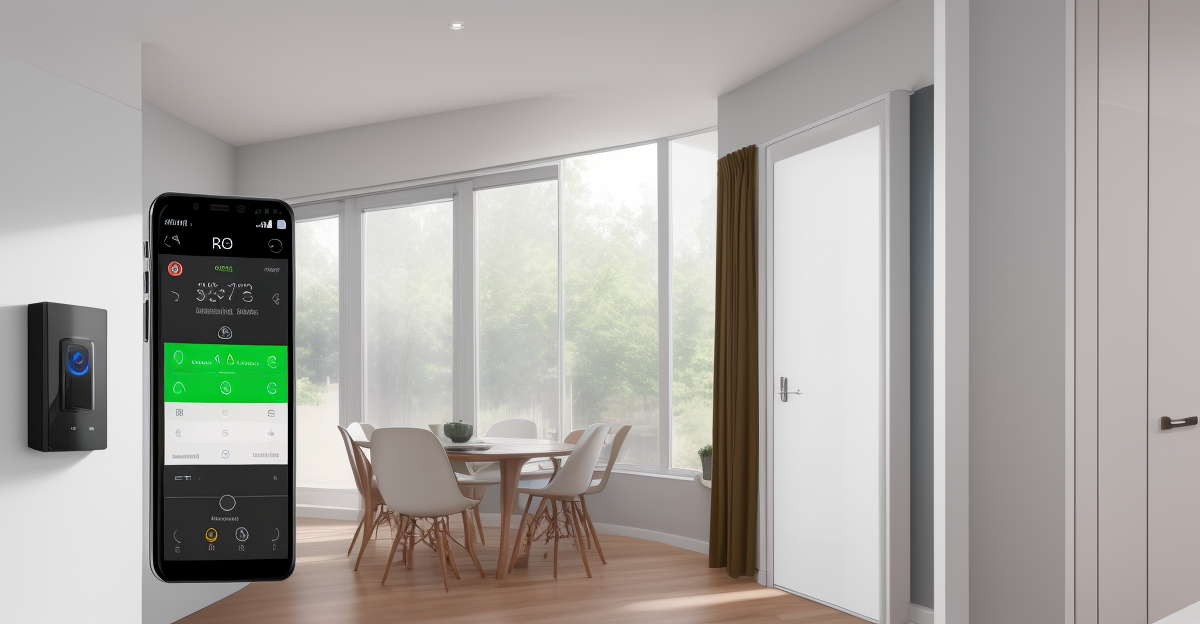
Here’s how an Energy Saver automation works:
- Smart plugs cut power to entertainment centers, chargers, and kitchen appliances on a schedule (e.g., 11 PM to 6 AM)
- The thermostat follows a schedule with proper setbacks for when you’re asleep or away
- Lights that get left on in empty rooms turn off automatically via motion sensors
- You get a weekly energy report showing which devices are the worst offenders
We did a deep dive into this in our post about smart home devices that pay for themselves — and the numbers are surprisingly good. A handful of smart plugs with energy monitoring and a properly scheduled thermostat can cut your electricity bill by 10 to 15 percent.
If you want specific plug recommendations, our best smart plugs review covers the top options with energy tracking built in.
How to Build These: Alexa vs. Google Home vs. Home Assistant
You don’t need a computer science degree to set these up. But the platform you choose matters, because it determines how flexible (and how frustrating) your automations will be.
- Alexa Routines — The easiest entry point. Open the Alexa app, create a routine, pick a trigger (voice command, schedule, device event), and add actions. Limited but surprisingly capable for basic stuff. Free. Works with the widest range of devices out of the box.
- Google Home Routines — Similar concept, slightly less flexible. Google recently improved their routine builder, but it still lags behind Alexa for complex multi-step automations. Free. Good if you’re already in the Google ecosystem.
- Home Assistant — The power user option. If you want automations that truly think (like “if it’s a weekday and it’s raining and I left before 7 AM, turn on the porch light”), this is the tool. Requires a dedicated device (a Raspberry Pi or a mini PC). Steeper learning curve but virtually unlimited flexibility. Free and open source.
My honest recommendation: start with Alexa or Google Home routines. Build the simple stuff first. If you hit a wall — and you’ll know when you do — then look at Home Assistant. Don’t jump straight to the complicated tool just because it’s more powerful. That’s how people end up with a half-configured smart home and a headache.
When NOT to Automate
Not everything should be automated. Seriously. Some things are better left manual, and over-automating is one of the most common mistakes new smart home owners make.
Here’s when to step back:
- Safety-critical stuff — Don’t automate your stove, space heater, or anything that could start a fire if it turns on unexpectedly. A smart plug on a coffee maker is fine. A smart plug on a space heater is a bad idea.
- Things you do differently every time — If your morning routine is never the same twice, a rigid automation will fight you more than it helps.
- Complex multi-person decisions — If three people live in your house and they all have different schedules, presence-based automations get unreliable fast.
- Anything that creates anxiety when it fails — If you’d panic because your door didn’t auto-lock, just lock it yourself. Automation should reduce stress, not create new worries.
We cover this and other common pitfalls in our post on 12 smart home mistakes beginners make — worth a read before you go automation-crazy.
The Bottom Line
Smart home automations aren’t about showing off. They’re about removing the tiny, repetitive decisions that eat away at your day. Locking the door. Turning off the lights. Adjusting the thermostat. Checking the porch. Individually, each one takes a few seconds. Together, they’re a steady drain on your attention.
Seven routines. Maybe $150 to $300 in gear if you’re starting from scratch. And a few hours of setup time. That’s the real investment — and it pays for itself in saved time and mental bandwidth within the first month.
Start with the Good Morning and Leaving Home routines. Those two alone will change how your house feels. Then add the others one at a time as you get comfortable. There’s no rush. The whole point is to make your life easier — not to give yourself a second job configuring smart home routines.