This article contains affiliate links. We may earn a commission from qualifying purchases.
Some content on this site is AI-assisted and reviewed by our editorial team.
When the Internet Goes Down, Your Smart Home Should Not Shut Off
Power outage. ISP maintenance. A squirrel chewing through a fiber line. The internet goes down more often than anyone likes to admit, and when it does, most smart homes turn into expensive paperweights. Lights will not turn on. Thermostats forget their schedules. Cameras stop recording. Voice assistants stare blankly into the middle distance.
But it does not have to be that way. A growing number of smart home devices are designed to keep working when the cloud disappears. Some run entirely on local processing. Others fall back to basic functions without internet. Knowing which devices work offline, and building your setup around them, means your smart home stays smart even when your internet provider is having a bad day.
Why Most Smart Devices Need the Internet
To understand which devices work offline, it helps to understand why most do not. The short answer is that cloud processing is cheaper and easier for manufacturers. Instead of putting an expensive processor in every smart bulb, the bulb sends a simple signal to the cloud, the cloud figures out what to do, and sends the command back. The bulb only needs a cheap Wi-Fi chip and a relay. The cloud handles the brains.
This architecture is why a ten-dollar smart plug can respond to complex voice commands. The plug itself is dumb. The intelligence lives on Amazon’s or Google’s servers. When those servers become unreachable, the plug has no brain to ask.
Local processing flips this model. Instead of sending data to the cloud, a hub or controller in your home does the computing. Commands travel a few feet instead of hundreds of miles. Response times drop from hundreds of milliseconds to single digits. And when the internet goes out, the hub is still there, still thinking, still controlling your devices.
Devices That Keep Working Without Internet
1. Smart Lights with Zigbee or Z-Wave
Zigbee and Z-Wave smart bulbs connect to a local hub rather than directly to your Wi-Fi router. When the internet drops, the hub still controls the bulbs because the communication happens over a local mesh network that does not touch the internet at all. Philips Hue, Aqara, and Sengled bulbs all fall into this category.
The key requirement is alocal hub. If you use Philips Hue, the Hue Bridge must be powered on. If you use Aqara, you need the Aqara Hub or a compatible Zigbee coordinator. The hub is the local brain that replaces the cloud.
Recommended:Philips Hue Starter Kit (includes Bridge and bulbs) orAqara Zigbee Smart Bulbs with an Aqara Hub.
2. Smart Locks with Local Bluetooth
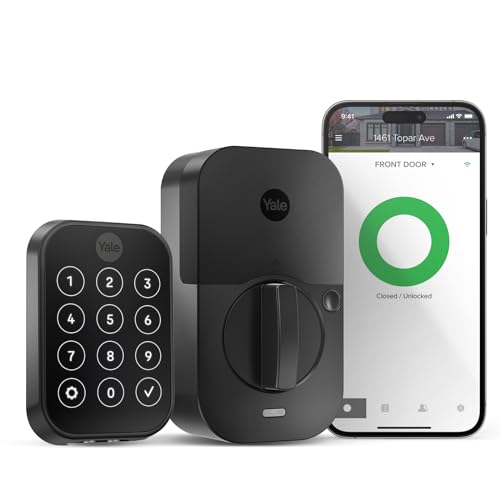
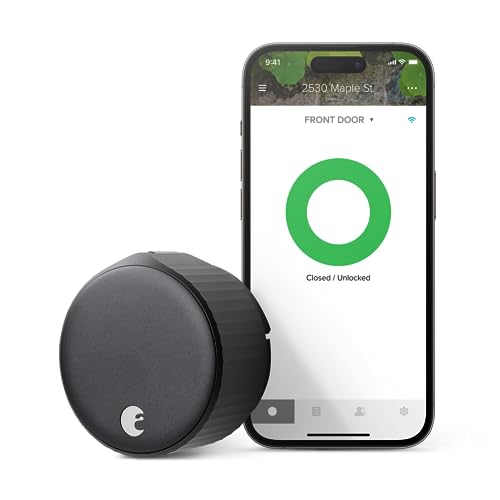
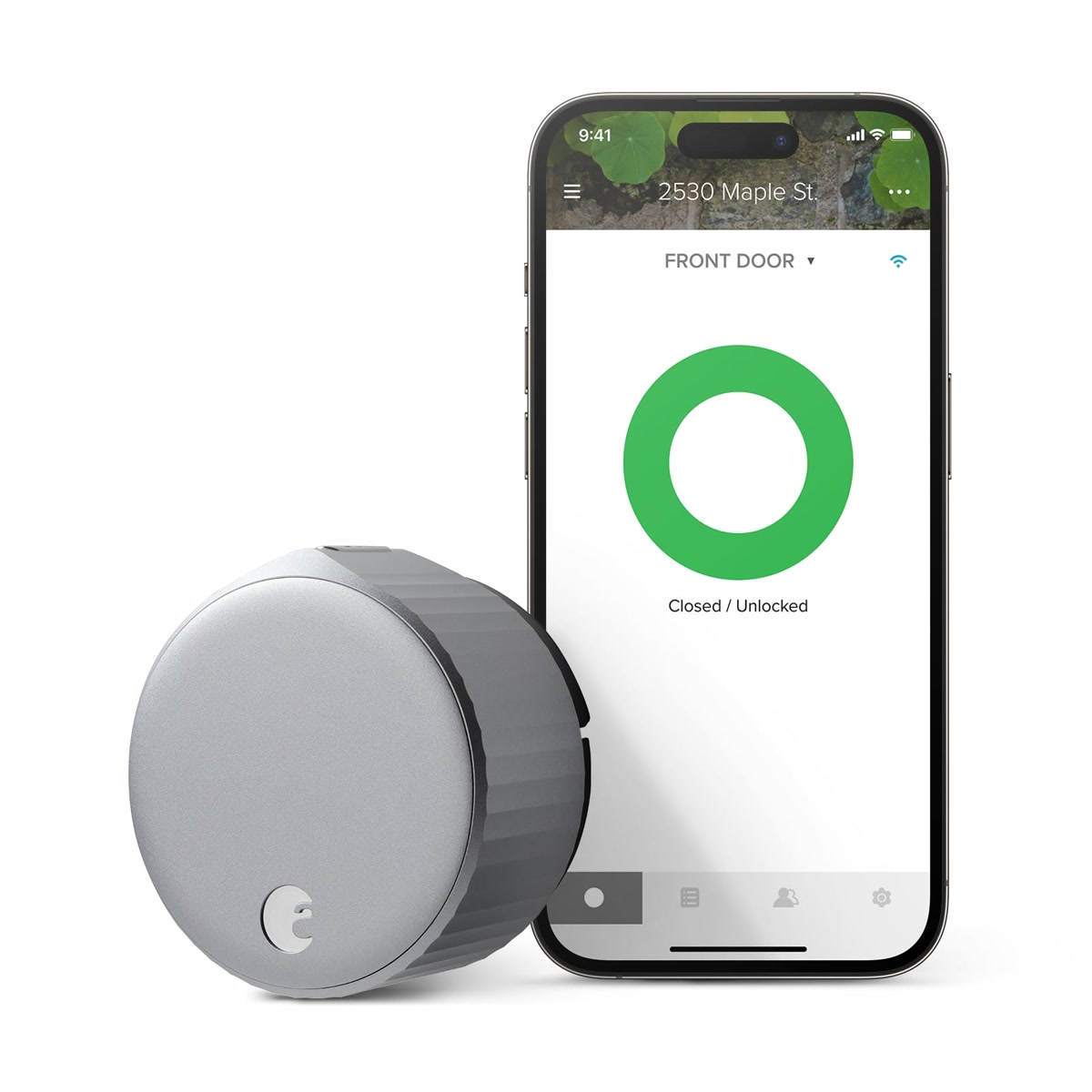
Most smart locks from August, Yale, and Schlage use Bluetooth as their primary communication method. Your phone talks directly to the lock within Bluetooth range, about thirty feet, with no internet required. Auto-unlock, key codes, and manual deadbolt operation all work without Wi-Fi.
What you lose without internet: remote lock and unlock from away, activity logs syncing to the cloud, and voice assistant control through Alexa or Google. But if you are physically near your door, the lock works exactly the same as it does online.
Recommended:August Wi-Fi Smart Lock orYale Assure Lock 2.
3. Smart Thermostats with Schedule Memory
Ecobee and Nest thermostats store their schedules locally. If the internet goes out, they continue following the programmed schedule and maintaining your target temperature. You cannot adjust the thermostat from your phone or change the schedule remotely, but the heating and cooling system runs normally on autopilot.
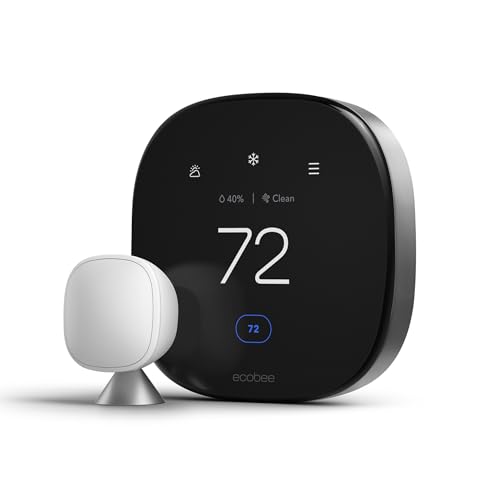
This is one of the strongest arguments for setting up a proper thermostat schedule instead of relying entirely on remote adjustments. A thermostat with a seven-day schedule programmed into it will keep your home comfortable whether the internet is up or not.
Recommended:Ecobee Premium Thermostat orNest Learning Thermostat.
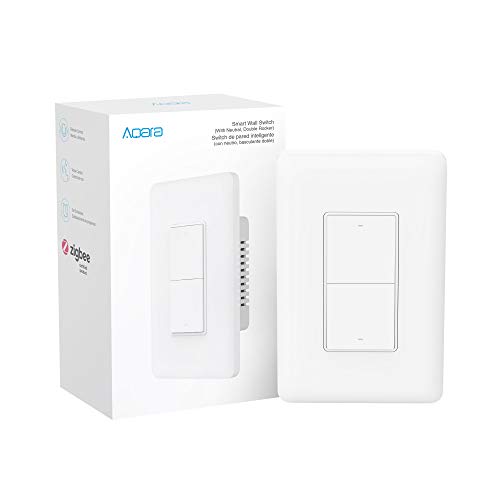
4. Smart Plugs and Switches on Zigbee or Z-Wave
Just like smart bulbs, smart plugs and light switches that use Zigbee or Z-Wave connect through a local hub rather than the cloud. When the internet drops, the hub still receives commands from your physical remotes and processes automations stored locally. You can turn devices on and off using the physical button on the plug, the remote, or any local control panel.
Wi-Fi smart plugs like TP-Link Kasa and Amazon Smart Plug are the opposite. They connect directly to the cloud, and without internet they typically revert to manual physical button control only. No schedules, no automations, no remote access.
Recommended:Aqara Smart Plug (Zigbee) orGE Z-Wave Smart Switch.
5. Local Security Cameras with Storage
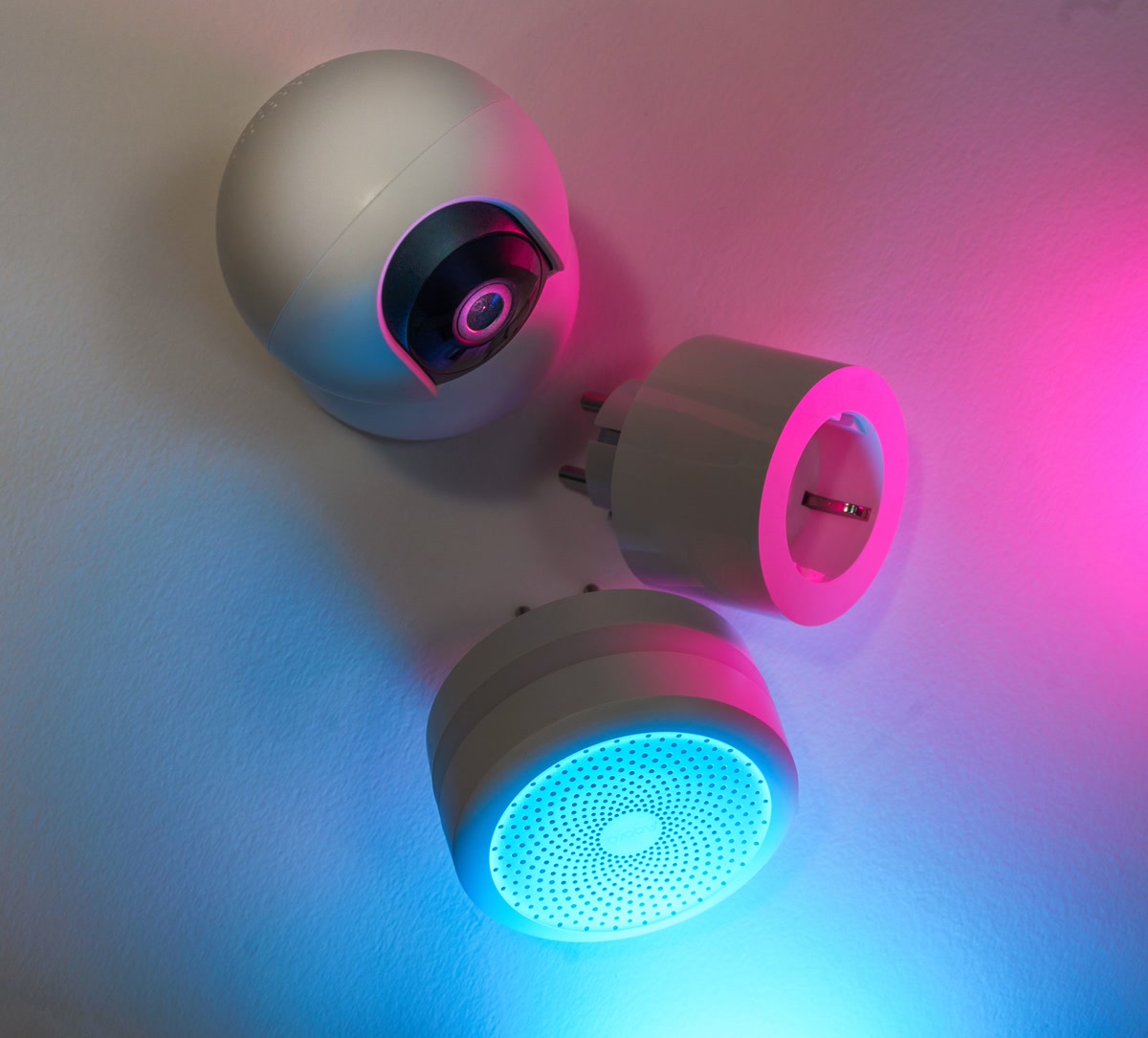
Cloud cameras like Ring and Nest Cam stop recording when the internet goes out. They have no local storage to fall back on. But cameras with local storage, whether an SD card slot or a network video recorder, keep recording and saving footage regardless of your internet connection.
Reolink, Amcrest, and Synology cameras all support local recording. Some Wi-Fi cameras like certain Eufy models include built-in storage. The trade-off is that you cannot view live feeds remotely without internet, but the cameras keep capturing evidence locally and you can review footage when connectivity returns.
Recommended:Reolink Argus 4 Pro with SD card orSynology NVR System.
6. Home Assistant and Local Controllers
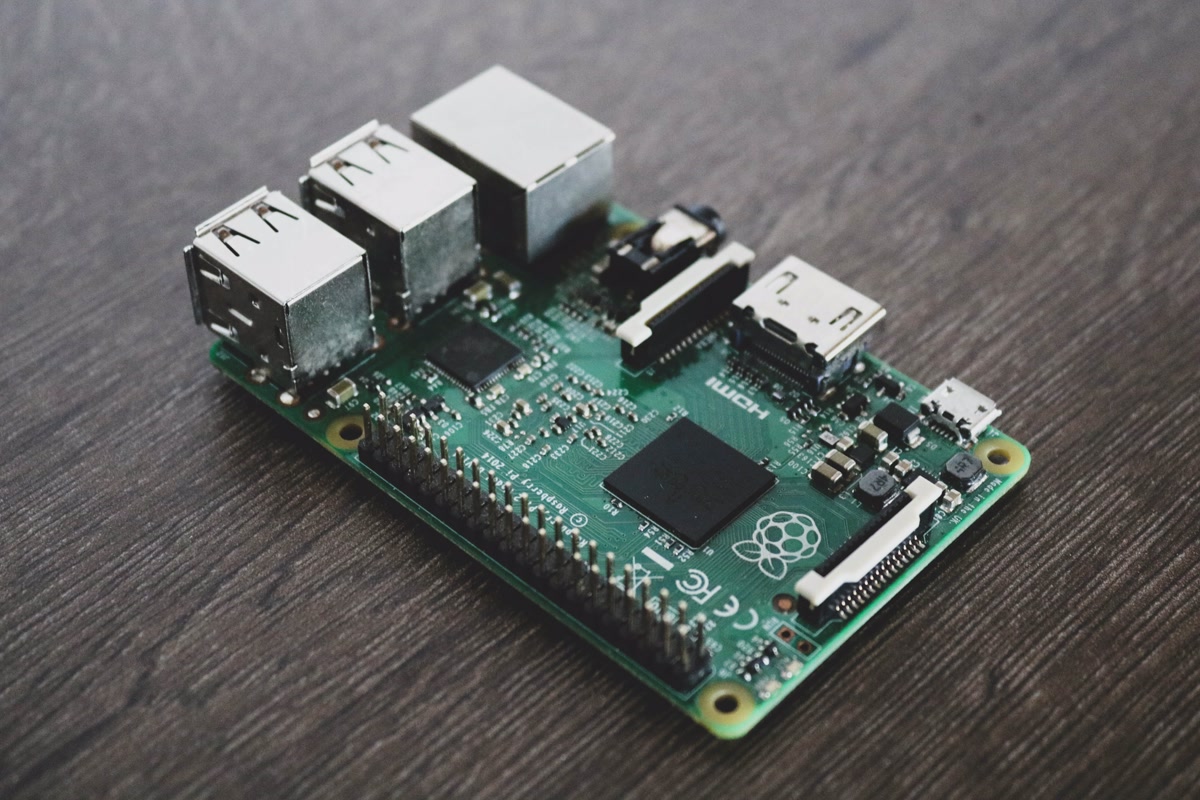
Home Assistant is the gold standard for offline smart home control. It runs on a local device like a Raspberry Pi or a mini PC and communicates directly with your Zigbee, Z-Wave, and Wi-Fi devices. All automations, schedules, and logic execute locally. Home Assistant does not need internet to function at all.
With Home Assistant, you can create automations like “turn on the porch light at sunset” that run entirely on your local hardware. Sunset times are calculated from your coordinates, stored locally. Motion sensor triggers, temperature thresholds, and time-based rules all execute without any cloud dependency.
Recommended:Raspberry Pi 5 Kit for running Home Assistant orHome Assistant Yellow for a pre-built solution.
Devices That Stop Working Without Internet
Not everything can work offline. Here is a quick reference for what stops functioning when the internet drops:
- Cloud cameras (Ring, Nest, Wyze) — no recording, no live view, no notifications
- Wi-Fi smart plugs (Kasa, Amazon Smart Plug) — manual button only, no schedules or remote control
- Voice assistants (Alexa, Google Assistant) — most commands require cloud processing. Very basic local commands may work on some devices
- Cloud-dependent smart displays — essentially bricks without internet
- IFTTT automations — all IFTTT applets require cloud servers to evaluate triggers and execute actions
If these devices are critical to your daily routine, consider adding offline-capable alternatives alongside them. A Zigbee motion sensor connected to Home Assistant can trigger lights even when the internet is down, while a cloud camera sits silent.
Building an Offline-First Smart Home
The most resilient smart home setup uses local processing as the foundation and cloud services as a bonus layer. Here is the architecture that works:
- Local hub: Home Assistant, Hubitat, or Homey running on local hardware
- Zigbee and Z-Wave devices: bulbs, plugs, sensors, and locks that communicate through the local hub
- Local storage cameras: SD card or NVR-based cameras that record without internet
- Cloud services as extras: Alexa or Google Home for voice control when internet is available, but not required for core automations
This approach means your lights, locks, thermostat, and security cameras all continue working during an internet outage. Voice control and remote access are nice-to-haves that work when the internet is up. The critical functions never depend on the cloud.
The Bottom Line
Internet outages are not rare. They happen for hours at a time, sometimes for days. If your smart home becomes a dumb home every time your ISP has a problem, it is time to restructure. Swap cloud-dependent Wi-Fi devices for Zigbee and Z-Wave alternatives connected to a local hub. Add cameras with local storage. Set up Home Assistant or a similar local controller. The result is a smart home that works the way you expect it to: reliably, every day, internet or not.
n
My take: The internet going down doesn’t have to mean the house goes dumb — Zigbee and Z-Wave bulbs on a local hub, Bluetooth locks, and schedule-memory thermostats all keep working through an outage. Buy local-capable gear going forward and you’ll stop noticing outages at all.
Related guides
- Best Smart Plugs Under 25 Dollars: 4 Worth Buying and 3 to Avoid
- Backyard Bird Feeders With Cameras: 4 That Name Every Visitor
- Smart Home Summer Prep Checklist: Thermostat, Lights, Security, and Energy
- Samsung SmartThings Healthcare: Why 460 Million Users Changes the Smart Home Game
- Smart Home Gift Guide: What to Buy for People Who Just Got Their First Smart Device
🏠 Get Your Free Smart Home Setup Checklist
Join our newsletter and get this free printable plus weekly tips.
Frequently Asked Questions
Which smart devices keep working when the internet goes down?
The locally-controlled tier: Zigbee and Z-Wave bulbs and sensors on a local hub (Philips Hue with its Bridge, Aqara with a hub or coordinator) keep responding because the mesh never touches the internet; Bluetooth smart locks from August, Yale, and Schlage keep keypad and auto-unlock working within range; and Ecobee or Nest thermostats store their schedules locally and keep executing them. Cloud-only devices — Wi-Fi plugs without local control, cloud cameras, voice assistants — go dark.
Why do most smart devices stop working offline?
By design: a ten-dollar plug has a cheap Wi-Fi chip and a relay, while the intelligence lives on Amazon’s or Google’s servers — when they’re unreachable, the device has no brain to ask. Local processing flips the model: a hub in your home does the computing, commands travel feet instead of miles, response times drop from hundreds of milliseconds to single digits, and outages stop mattering.
How do I build a smart home that survives an outage?
Go local-first: run Home Assistant or Hubitat as the local brain, choose Zigbee, Z-Wave, or Thread/Matter devices over cloud-Wi-Fi gear for anything critical, put a Thread border router in place, and make sure every smart lock has a keypad or physical key fallback. The internet then becomes a convenience layer instead of a single point of failure.
Liked this guide? Get the next one in your inbox — the smart home starter checklist is free too.
✓ You're in — check your inbox.
No spam. Unsubscribe anytime. We never share your email.
Price Check
Prices verified via our product tracker. Updated Nov 7.
| Philips Hue Smart Light Bulbs Starter Kit, 1 Bridge + 2 60 | $142.99 | 4.7★ (704) |
| Aqara Zigbee Smart Light Switch (with Neutral, Double Rock | $39.99 | 4.4★ (155) |
| Yale Assure Lock 2 Touchscreen Keypad Deadbolt with Wi-Fi, | $279.99 | 3.9★ (946) |
| ecobee Smart Thermostat Premium - WiFi, Siri & Alexa Built | $245.00 | 4.3★ (4,170) |
| Google Nest Learning Thermostat (4th gen) + Nest Temperatu | $224.00 | 4.4★ (2,596) |
| Aqara Zigbee Smart Plug with Energy Monitoring, Overload P | $29.99 | 4.4★ (700) |
| Zooz Z-Wave Plus Power Switch ZEN15 for 110V AC Units, Sum | $48.95 | 4.6★ (674) |
| Aqara Motion and Light Sensor P2, Motion Detector with Lig | $29.99 | 3.5★ (665) |
As an Amazon Associate we earn from qualifying purchases.