
Why Your Smart Home Needs a Summer Tune-Up
You set up your smart home in the winter. Your thermostat learns your heating schedule, your lights turn on at 4:30 PM because that is when it gets dark, and your automations assume you are inside most of the day. Summer changes everything. Days are longer, you spend more time outside, your AC becomes the biggest energy expense in the house, and vacation mode is a whole different set of routines. If you do not adjust your smart home for summer, it works against you — running lights in daylight, heating an empty house, and missing the security gaps that come with travel.
This checklist walks through every adjustment worth making, from thermostat schedules to outdoor cameras to the automations that protect your house while you are on vacation.
Thermostat: Your Biggest Summer Savings Opportunity
Cooling accounts for 40-60 percent of your summer electricity bill. A smart thermostat can cut that by 10-15 percent with better scheduling and occupancy detection — but only if you set it up for summer specifically.
Adjust these settings now:
- Change your schedule — if your thermostat still runs a winter program, you are telling it to warm an empty house. Set summer away temps to 78-82 degrees and home temps to 72-76 degrees.
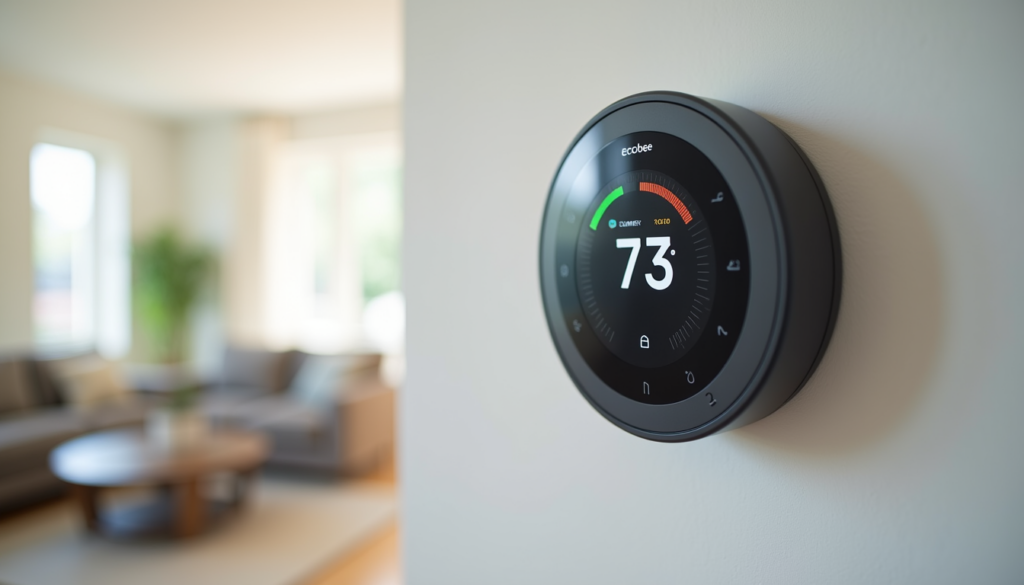
- Enable eco mode — both Ecobee and Nest have summer eco modes that pre-cool the house during off-peak hours and let temps drift up during expensive afternoon peaks.
- Use room sensors — Ecobee’s remote sensors let you prioritize cooling the room you are actually in instead of the hallway where the thermostat sits.
- Check your fan setting — set your HVAC fan to “auto” not “on” in summer. Running the fan constantly pulls humid air through the ducts and makes your AC work harder.
Ecobee Premium Smart Thermostat on Amazon
Nest Learning Thermostat 4th Gen on Amazon
Honeywell T5 Smart Thermostat on Amazon
Lighting: Fix Your Sunset Automations
If your lights turn on at a fixed time, they are probably firing too early in summer. Sunset in June can be 8:30 PM or later depending on where you live. That means your 5:30 PM “evening lights” routine is turning on lights in broad daylight.
What to change:
- Switch to sunset triggers — both Alexa and Google Home support “turn on at sunset” routines. Home Assistant can use your exact local sunset time with the sun integration.
- Adjust brightness — in summer, you need less indoor light because natural light lasts longer. Set evening routines to 40-50% instead of 80%.
- Add outdoor light automations — if you have smart string lights or pathway lights, set them to activate at sunset and turn off at 11 PM or midnight instead of running all night.
Philips Hue Outdoor Lights on Amazon
Govee Outdoor String Lights on Amazon
Security: Vacation Mode That Actually Works
Going on vacation is the biggest security test for your smart home. A few automations can make your house look occupied while you are gone.
Essential vacation automations:
- Randomized lighting — use Alexa “away lighting” or Home Assistant’s random delay feature to turn lights on and off at varying times. Fixed timers are a tell.
- Camera notifications on maximum — set all cameras to alert you on every motion event, not just people. Package theft and property scouting happen in seconds.
- Smart lock auto-lock — enable auto-lock after 30 seconds so no door stays unlocked accidentally.
- Smart garage door closer — if you have a smart garage controller like the Chamberlain MyQ or Tailwind iQ3, set it to auto-close after 5 minutes if left open.
- Water leak detector alerts — a burst hose or failed sump pump while you are gone can cause catastrophic damage. Place leak detectors near your water heater, washing machine, and basement drains.
August Wi-Fi Smart Lock on Amazon
Chamberlain MyQ Garage Hub on Amazon
Govee Water Leak Detector on Amazon
Energy: Catch the Summer Spikes Before They Catch You
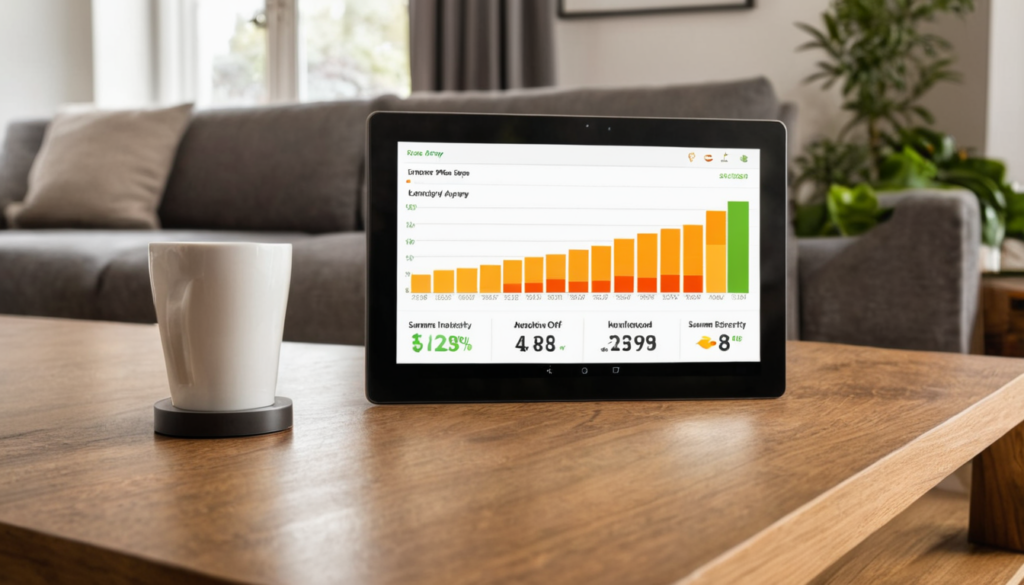
Summer electricity bills can double your winter costs if you are not paying attention. Smart plugs and energy monitors help you see where the power is going and automate around peak pricing.
Energy-saving moves:
- Smart plug schedules for fans and window ACs — turn them on 30 minutes before you get home instead of running all day.
- Energy monitoring — an Emporia Vue gen 2 or Sense Energy Monitor shows you real-time consumption so you can catch spikes from a failing AC compressor or a space heater someone left on.
- Pre-cool during off-peak hours — if your utility has time-of-use rates, run your AC hard at 6 AM when power is cheap, then let the house coast through the expensive afternoon peak.
- Smart blinds and curtains — close south and west-facing blinds automatically at noon to block the afternoon sun. The SwitchBot Curtain robot retrofit is an affordable way to automate existing curtains.
Emporia Vue Energy Monitor on Amazon
SwitchBot Curtain Robot on Amazon
Outdoor Devices: Get Them Ready Before the Heat Hits
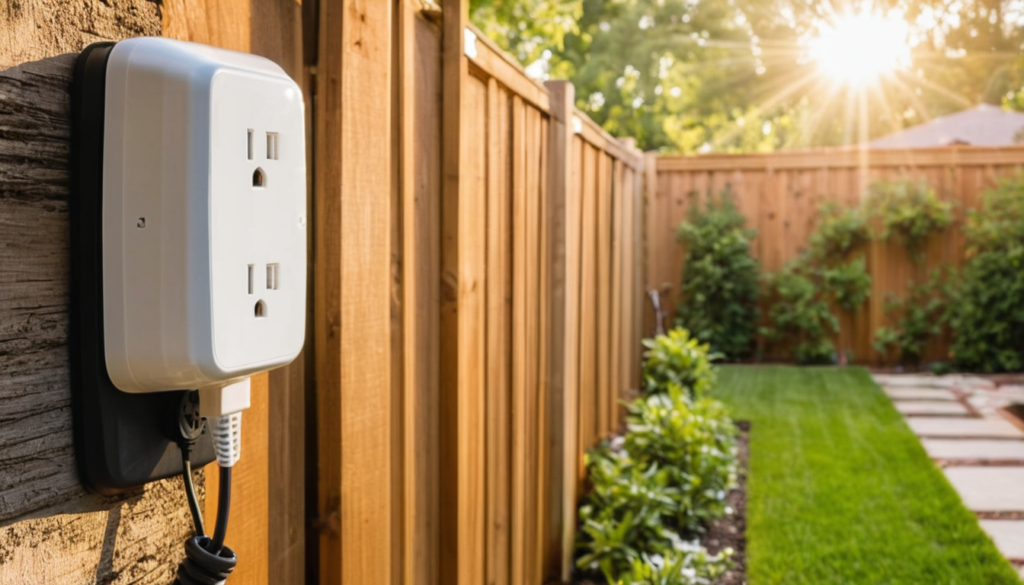
Outdoor smart devices take a beating in summer — UV, rain, and heat stress batteries and plastic housings. A little prep goes a long way.
Pre-summer maintenance checklist:
- Check camera battery levels — recharge or replace batteries before the 100-degree days arrive. Heat drains batteries faster.
- Clean solar panels — dust and pollen reduce charging efficiency by 20-30%. Wipe them down with a damp cloth.
- Test weatherproof seals — look for cracking on outdoor smart plug housings and camera mounts. Replace anything that looks compromised before the first big rain.
- Update firmware — outdoor devices often get summer-specific firmware with improved heat management. Check your apps for updates.
The Bottom Line
Summer is the season when your smart home can save you the most money and protect you the most — but only if you adjust it from winter defaults. Start with your thermostat schedule, fix your lighting triggers, and set up vacation automations before your first trip. The whole checklist takes about an hour, and the energy savings alone can cover the cost of a smart thermostat within one summer season.