
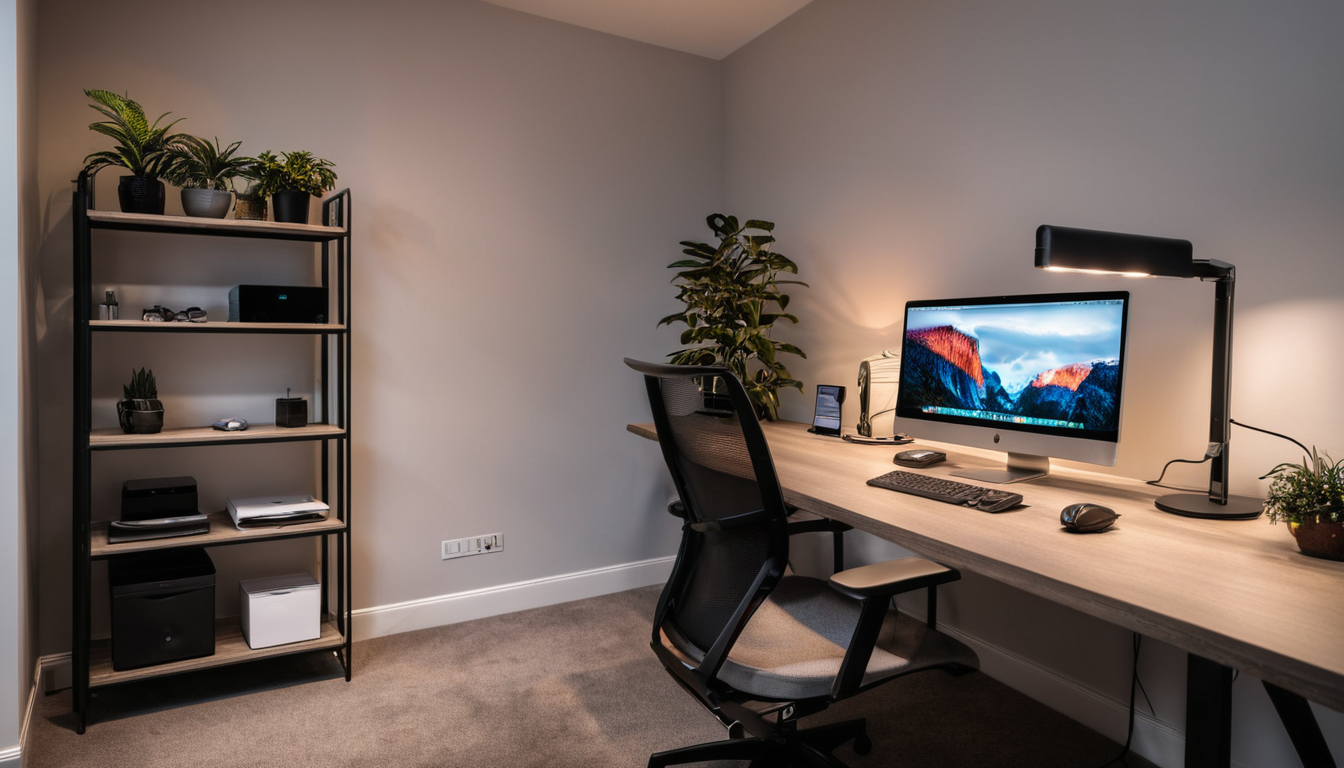
Most “smart office” articles recommend expensive standing desks and wireless chargers that look cool but don’t change how you work. Real productivity comes from small, consistent improvements: better lighting that reduces eye strain, timers that enforce breaks, and environments that shift between focus and relaxation modes.
Here are 6 smart home devices that genuinely make working from home better — not just cooler looking.
1. Smart Lighting With Color Temperature Routines
Your desk lighting affects your focus more than you realize. Blue-enriched light (4,000K to 5,000K) promotes alertness and concentration. Warm light (2,700K to 3,000K) promotes relaxation. Most people use one light setting all day, which means they’re either too relaxed in the morning or too stimulated at night.
The Setup
- Morning (7 AM to 11 AM) — Cool white at 4,500K. Maximum alertness for deep work.
- Midday (11 AM to 2 PM) — Neutral white at 3,500K. Still focused but less intense.
- Afternoon (2 PM to 5 PM) — Warm white at 3,000K. Winding down, less eye strain.
- Evening (5 PM+) — Warm at 2,700K. Clear signal that work is done.
Use Philips Hue White Ambiance bulbs (about 15 dollars each) or any tunable white smart bulb. Set the schedule once in the app and let it run automatically. You don’t think about it — the light just shifts throughout the day.
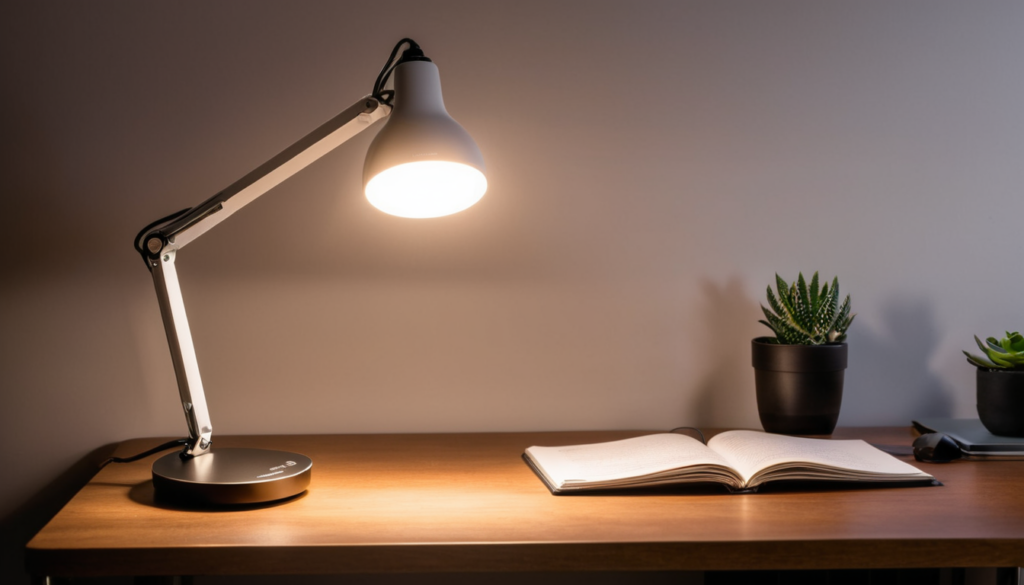
2. Focus Timer With Smart Light Cues
The Pomodoro technique (25 minutes focus, 5 minutes break) works better with environmental cues than phone timers. When your desk light shifts to a specific color, you know it’s focus time. When it changes again, you know it’s break time. No checking your phone.
The Setup
In Home Assistant, create a “Focus Mode” automation:
- Trigger: Say “focus mode” to Alexa or press a smart button
- Action: Set desk light to cool white, set a 25-minute timer, optionally play white noise through a smart speaker
- After 25 minutes: Shift desk light to warm white for 5 minutes (break cue)
- Aft
er break: Shift back to cool white (focus cue)
- Repeat for 4 cycles, then shift to warm and send a notification (“Take a longer break”)
This is where smart lighting beats regular lighting. The light itself becomes your timer.
3. Smart Plug for Standing Desk Reminders
If you have an electric standing desk, you know the problem: you intend to stand more, but you forget and sit for 4 hours straight. A smart plug doesn’t directly control a standing desk, but you can use one as a trigger.
The Setup
Put a small desk lamp or LED strip on a smart plug. Set it to turn on for 5 minutes every hour. When the light comes on, you stand up. When it goes off, you can sit back down. It’s a gentle visual nudge that’s less annoying than a phone notification.
Alternative: Use a smart button (like an Aqara Mini Switch) on your desk. Press it when you stand, press it when you sit. Home Assistant tracks your standing time and sends a notification if you’ve been sitting for more than 60 minutes.
4. Automated Break Enforcer
Screen fatigue is real. The 20-20-20 rule (every 20 minutes, look at something 20 feet away for 20 seconds) helps, but nobody remembers to do it. Smart home automation can enforce it.
The Setup
Every 50 minutes (less annoying than 20 minutes), briefly dim your desk lights for 10 seconds. This is a subtle cue to look away from your screen. It’s not disruptive — it’s a micro-interruption that protects your eyes.
For a stronger nudge: every 90 minutes, shift the desk light to warm, turn off the desk lamp, and play a brief chime through your smart speaker. This is your “stand up and stretch” break. It lasts 5 minutes, then the lights return to normal.
5. Smart Speaker for Hands-Free Calls and Notes
An Echo or Nest speaker on your desk isn’t just for music. It’s a hands-free assistant for:
- Joining calls — “Join my Zoom meeting” (with calendar integration)
- Setting timers — “Set a timer for 25 minutes” (Pomodoro)
- Taking notes — “Add [idea] to my to-do list”
- Playing focus sounds — “Play white noise” or “Play focus music”
- Controlling your environment — “Turn off the desk light” when you leave
A 50 dollar Echo Dot on your desk replaces a handful of small tasks you’d otherwise do on your phone (which is a distraction magnet).
6. Smart Power Strip for True “End of Work” Shutdown
One of the biggest WFH challenges is knowing when to stop. When your office is your spare bedroom, work bleeds into personal time. A smart power strip can create a hard boundary.
The Setup
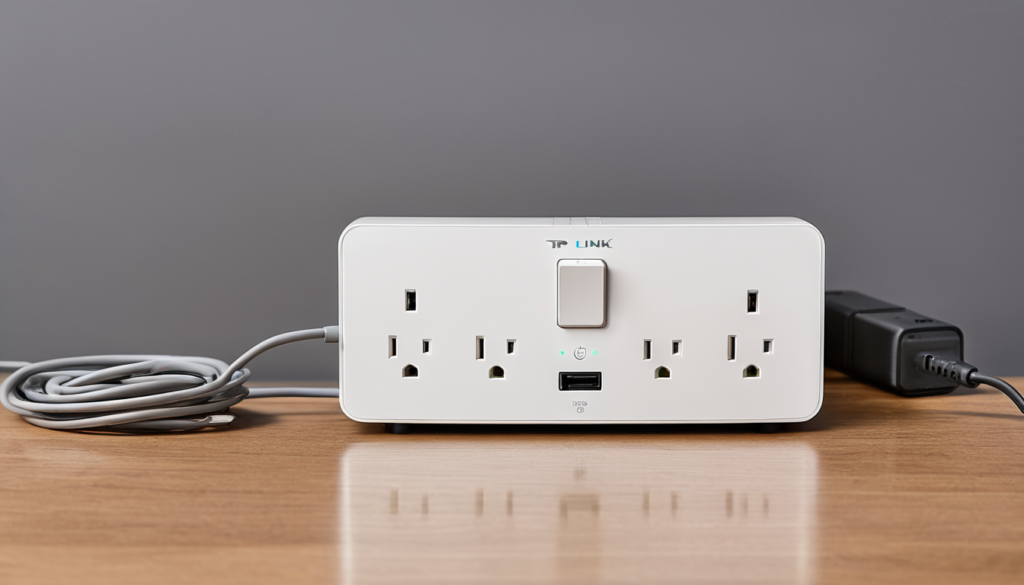
Plug your monitor, desk lamp, and external devices into a smart power strip. At 5:30 PM (or your chosen end time), the power strip turns off. Your monitor goes dark. Your desk light dies. The environment forces a transition.
This sounds extreme but it’s surprisingly effective. When your workspace literally powers down, your brain gets the signal. You can always turn it back on if needed, but the default is “work is done.”
Smart power strip options:
- TP-Link Kasa Smart Power Strip — About 30 dollars. 6 outlets, individually controllable. Wi-Fi.
- Aqara Smart Plug with Power Strip — Zigbee option if you’re in the Aqara ecosystem.
The Full WFH Smart Desk Setup
Putting it all together, the complete setup costs about 150 to 200 dollars:
- 2 tunable white smart bulbs (30 dollars)
- 1 smart plug (15 dollars)
- 1 smart power strip (30 dollars)
- 1 Echo Dot or Nest Mini (50 dollars)
- 1 smart button or motion sensor (20 dollars)
That’s less than a single ergonomic chair accessory, and it creates an environment that actively supports productive work habits instead of just sitting there looking nice.
Bottom Line
Smart home office upgrades work best when they create environmental cues, not just add convenience. Light temperature that shifts with your energy levels, visual timers that mark focus periods, and a hard power-off at end of day — these are the changes that genuinely improve how you work.
Start with tunable white bulbs and a focus mode routine. That’s 30 dollars and 15 minutes of setup for the single biggest productivity improvement on this list. Add the power strip shutdown and break enforcer once you’re comfortable with the basics.