
This article contains affiliate links. We may earn a commission from qualifying purchases.
Some content on this site is AI-assisted and reviewed by our editorial team.
Smart thermostat manufacturers love to throw around numbers like “saves up to 23% on heating and cooling” or “pays for itself in under a year.” Those numbers are technically true — for someone in a drafty house in Minnesota who leaves their thermostat at 75°F all day.
For everyone else, the real savings are more modest. But they’re still real, and for the right household, a smart thermostat is one of the few smart home devices that genuinely pays for itself.
This guide includes a savings calculator you can actually use, real numbers from real homes, and honest comparisons of the three big players: Ecobee, Nest, and Honeywell.
The Quick Answer
The average US household saves$50-130 per year with a smart thermostat, according to ENERGY STAR and multiple independent studies. Your actual savings depend on:
–Climate zone (bigger heating/cooling bills = bigger savings)
–Current thermostat habits (if you already program your thermostat, savings are smaller)
–Home insulation (leaky house = more savings potential)
–HVAC efficiency (older systems have more room for improvement)
If your annual heating and cooling costs are over $1,000, a smart thermostat will likely pay for itself within 2 years. Under $800? The payback stretches to 3-4 years.
The Calculator: Estimate Your Savings
Use these tables to estimate your annual savings. Find your climate zone and current HVAC costs, then apply the savings percentage that matches your situation.
Step 1: Find Your Annual HVAC Cost
Don’t know your annual HVAC cost? A rough estimate:
–Small apartment (under 1,000 sq ft): $400-800/year
–Average home (1,500-2,000 sq ft): $800-1,500/year
–Large home (2,500+ sq ft): $1,500-2,500+/year
Or check your utility bills — add up 12 months of gas and electric, subtract about 30% for non-HVAC usage (lights, appliances, electronics). The remainder is roughly your HVAC cost.
Step 2: Find Your Savings Rate
If you currently have a manual thermostat (no schedule, leave it at one temperature):
– Hot climate (AC-heavy, South/Southwest):15-20% savings
– Mixed climate (both heat and AC, Midwest/Mid-Atlantic):12-18% savings
– Cold climate (heat-heavy, Northeast/North):10-15% savings
– Mild climate (minimal HVAC, West Coast):5-10% savings
If you currently have a programmable thermostat (you set a schedule):
– Hot climate:8-12% savings
– Mixed climate:6-10% savings
– Cold climate:5-8% savings
– Mild climate:3-6% savings
If you already have a smart thermostat schedule you follow religiously:
– Savings are minimal (2-5%) — you’re already doing what the thermostat would do automatically
Step 3: Calculate
Annual savings = Your HVAC cost × Your savings rate
Examples:
– Average home, mixed climate, manual thermostat: $1,100 × 15% =$165/year
– Large home, hot climate, manual thermostat: $1,800 × 18% =$324/year
– Small apartment, mild climate, programmable thermostat: $500 × 5% =$25/year
Step 4: Calculate Payback Period
| Thermostat | Price | Payback at $165/yr | Payback at $324/yr | Payback at $50/yr |
|—|—|—|—|—|
| Ecobee Premium | $250 | 1.5 years | 0.8 years | 5+ years |
| Nest Learning (4th Gen) | $240 | 1.5 years | 0.7 years | 5+ years |
| Honeywell T5 | $130 | 0.8 years | 0.4 years | 2.6 years |
Bottom line: If you’re in a mixed or hot climate with a manual thermostat, any smart thermostat pays for itself in under 2 years. If you’re in a mild climate with low HVAC costs, the payback takes longer — but you still save money over time.
Why Smart Thermostats Actually Save Money
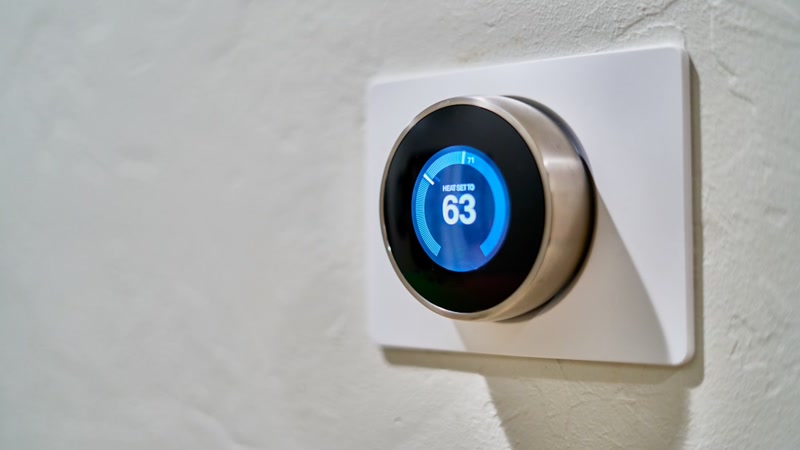
The savings aren’t magic. Smart thermostats save money through four mechanisms:
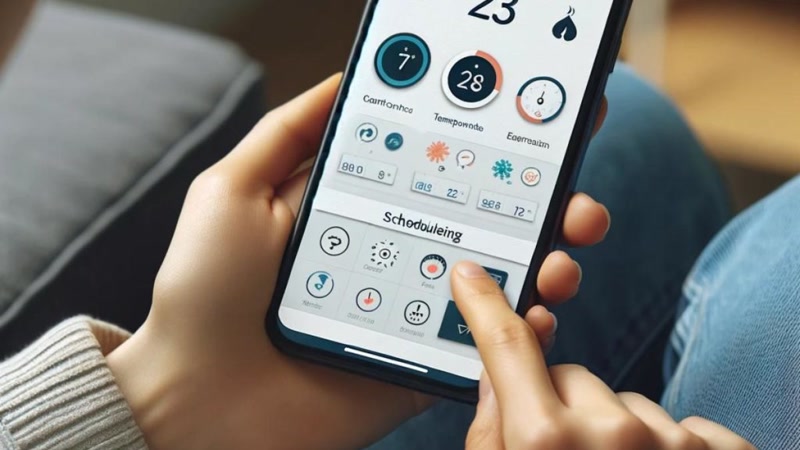
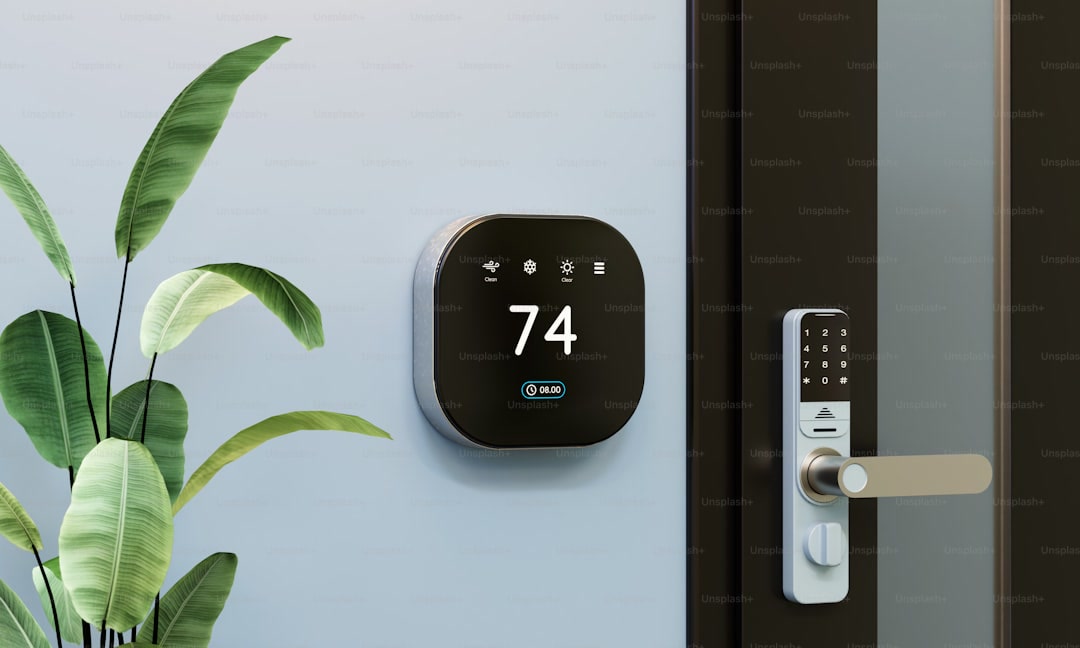
1. Automated Schedules You Actually Follow
Most people with programmable thermostats never set a schedule, or set one and abandon it after a month. Smart thermostats create and adjust schedules automatically based on your patterns. This alone accounts for most of the savings.
2. Geofencing
Your thermostat knows when you leave and come home. Instead of heating an empty house all day, it adjusts when you’re away and starts heating/cooling before you arrive. This is the biggest savings lever for people who work outside the home.
3. Occupancy Sensing (Ecobee Only)
Ecobee’s room sensors detect which rooms are occupied and adjust temperature accordingly. If you’re in the living room, it doesn’t waste energy heating the bedroom. This can save an additional 5-10% compared to thermostats without room sensors.
4. HVAC Optimization
Smart thermostats learn how long your system takes to reach the target temperature and start early so you hit your setpoint at the right time, rather than blasting the system at full power. Some also optimize compressor staging for multi-stage systems.
The Three Big Players Compared
Ecobee Smart Thermostat Premium — Best Overall
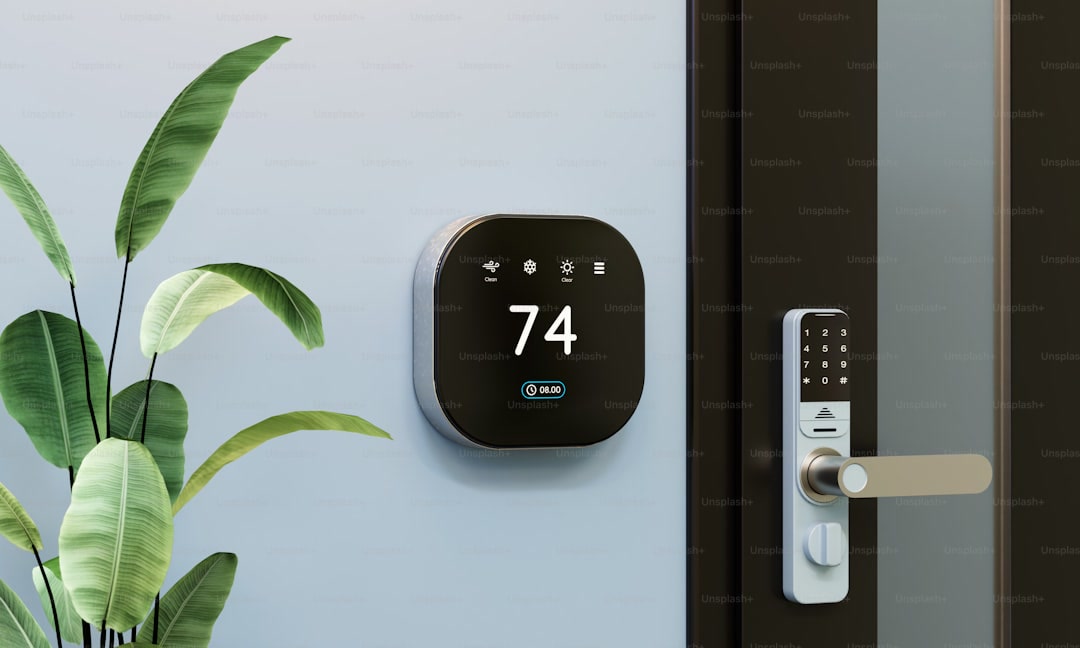
Price: ~$250
Key features: Room sensors, air quality monitor, built-in speaker, Siri/Alexa/Google
Best for: Homes with hot/cold spots, people who want room-by-room control
Claimed savings: Up to 26% on HVAC (Ecobee’s claim, ENERGY STAR estimates 12-23%)
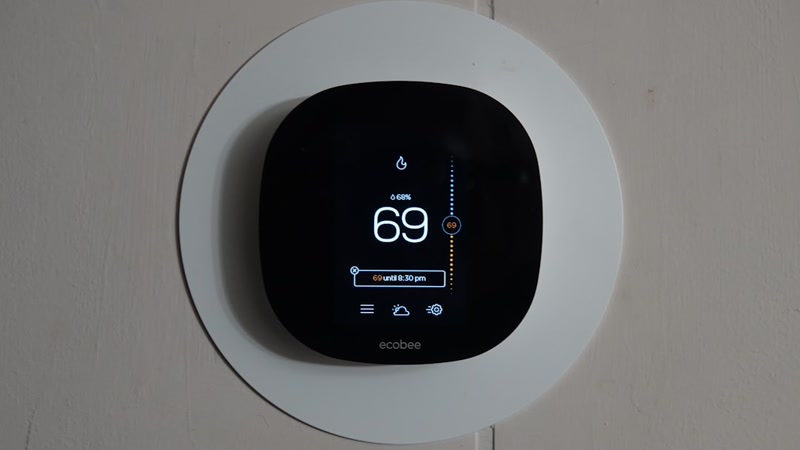
The Ecobee Premium is the best overall smart thermostat for savings because of its room sensors. If your living room is always 3°F warmer than your thermostat reads, the Ecobee can account for that and adjust accordingly. No other thermostat does this as well.
Shop Ecobee Smart Thermostat Premium on Amazon
Pros:
– Room sensors (included) eliminate hot/cold spots
– Air quality monitoring (VOCs, CO2, humidity)
– Works with every ecosystem (Alexa, Google, Siri, SmartThings)
– Matter support
– Built-in speaker for music/podcasts (niche but nice)
Cons:
– Most expensive at $250
– Requires a C-wire or Power Extender Kit (included)
– Large physical footprint on the wall
Google Nest Learning Thermostat (4th Gen) — Best for Set-and-Forget
Price: ~$240
Key features: Learns your preferences over time, gorgeous display, temperature sensor (1 included)
Best for: People who want zero configuration — install it and forget it
Claimed savings: 10-12% on heating, 15% on cooling (Google’s claims)
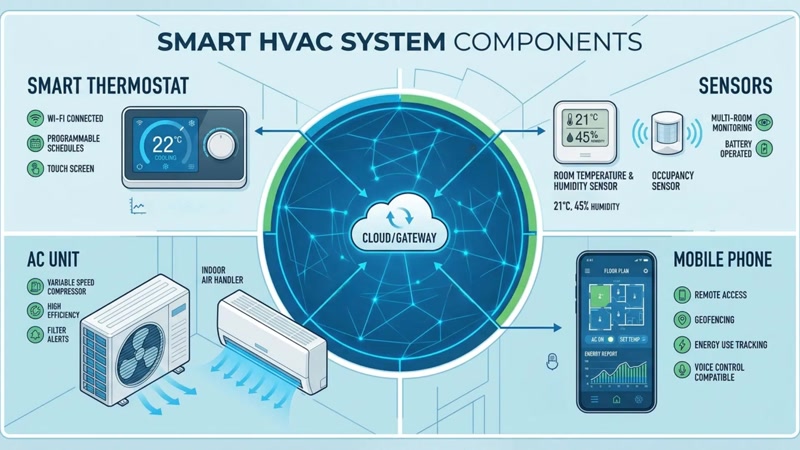
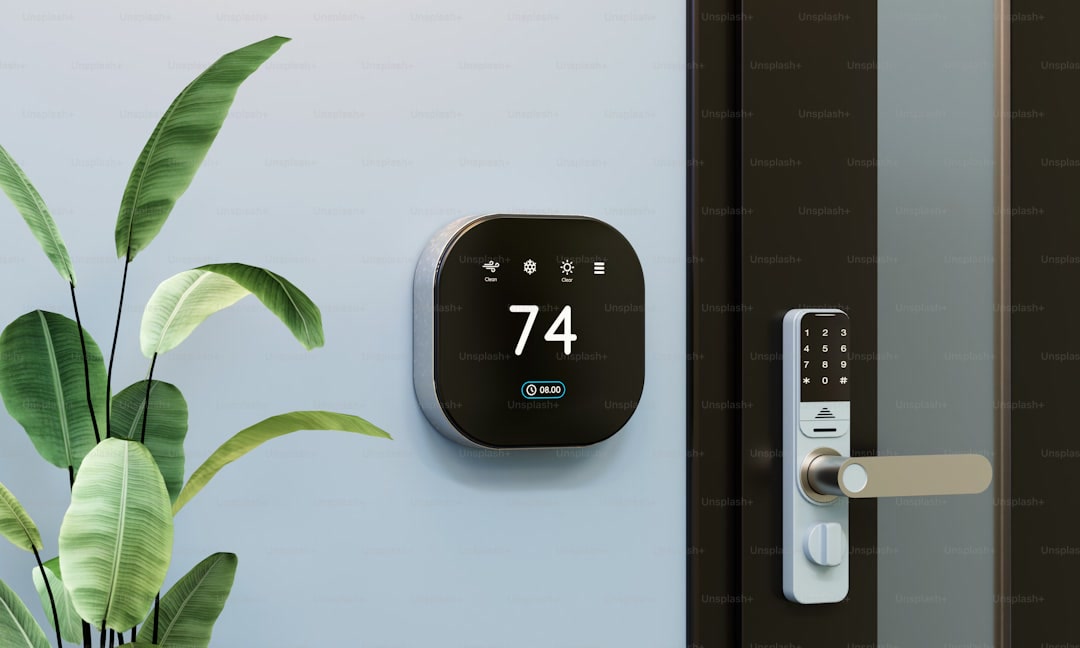
The Nest is the thermostat that made smart thermostats mainstream. The 4th gen has a larger display, runs on Soli radar for occupancy detection (no camera), and still learns your schedule automatically. It’s the best-looking thermostat on any wall.
Shop Nest Learning Thermostat on Amazon
Pros:
– Learns your schedule automatically — truly zero configuration
– Beautiful design that looks good on any wall
– Soli radar for presence detection (privacy-friendly)
– Works with Alexa, Google Home, and Apple Home
– Energy history dashboard shows exactly when and why HVAC ran
Cons:
– No room sensors beyond the one included (additional sensors are $40 each)
– No air quality monitoring
– Google ecosystem lock-in for full features
– C-wire required (no power adapter included)
Honeywell Home T5 — Best Budget Option
Price: ~$130
Key features: Geofencing, smart alerts, 7-day scheduling, Alexa/Google
Best for: People who want smart features without paying $250
Claimed savings: Up to 16% (Honeywell’s claim, realistic: 8-12%)
The Honeywell T5 is the “I just want it to work” thermostat. No learning, no room sensors, no air quality monitoring. But it does geofencing, scheduling, and remote control for half the price of the premium options.
Shop Honeywell Home T5 on Amazon
Pros:
– Half the price of Ecobee and Nest
– Geofencing works reliably
– Simple app with clear scheduling interface
– Works with Alexa and Google Home
– C-wire required but well-documented installation
Cons:
– No room sensors
– No learning capability — you set the schedule yourself
– Basic display (functional, not beautiful)
– No HomeKit support
When a Smart Thermostat ISN’T Worth It
Let’s be honest about when you should save your money:
You’re a renter and can’t replace the thermostat. Most landlords won’t let you swap the thermostat, and even if they do, you’ll need to swap it back when you move. (See ourrenter-friendly smart home guide for alternatives like smart plugs + space heaters.)
You already have a programmable thermostat and use it correctly. If you’re already setting back temperatures when you leave and sleep, a smart thermostat adds maybe 2-5% on top. Not worth $250.
Your HVAC costs are under $600/year. In mild climates with efficient systems, the savings are too small to justify the upfront cost. A $50 Govee thermometer and some smart plugs will give you similar awareness for less. (Check ourbest smart plugs guide for options.)
Your home has poor insulation. A smart thermostat can’t fix a drafty house. Insulation, weatherstripping, and window sealing will save you more money than any thermostat. Fix the house first, then add the smart thermostat.
You live in a small apartment with central HVAC you don’t control. If you can’t adjust your building’s thermostat, a smart thermostat is useless. Get aGovee thermometer to monitor your apartment’s temperature and talk to your property manager instead.
Smart Thermostat + Smart Plugs: The Combo That Saves More
Here’s an underrated combo: a smart thermostat + smart plugs on your space heaters and fans. The thermostat handles your central HVAC, and smart plugs handle the supplemental heating and cooling you use in specific rooms.
For example:
–Smart thermostat manages your central heating/cooling (saves 10-15% on HVAC)
–Smart plugs on bedroom fan and space heater let you schedule them to turn off when you’re asleep or away (saves an additional $20-60/year)
Together, this combo can save $100-200/year for under $200 total investment. That’s a payback period under 2 years. See our5 smart home devices that pay for themselves guide for more on this strategy.
Do You Need a C-Wire?
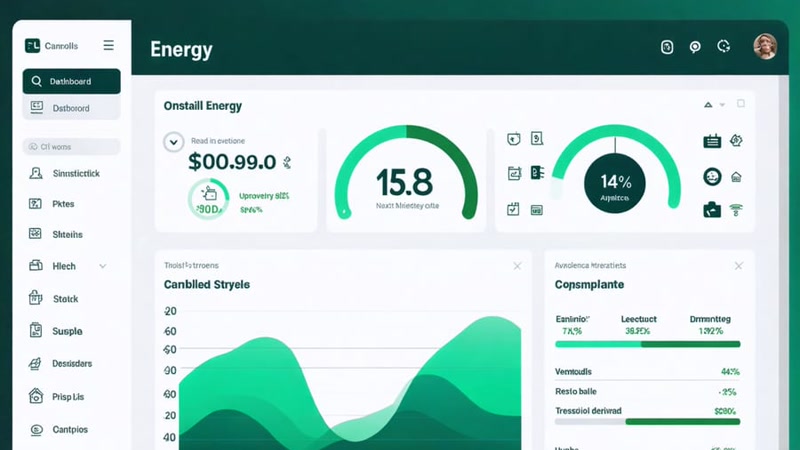
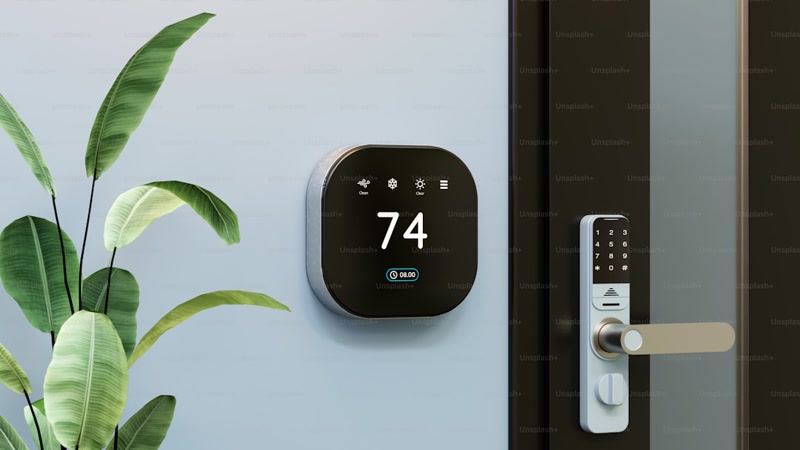
Most smart thermostats require a C-wire (common wire) for continuous power. If your home doesn’t have one, you have options:
–Ecobee includes a Power Extender Kit (PEK) that works without a C-wire on most systems
–Nest can work without a C-wire on some systems by trickle-charging, but this can cause short-cycling and shorten compressor life
–Honeywell T5 requires a C-wire — no workaround
If you’re not sure whether you have a C-wire, check your thermostat wiring. If you see a blue wire connected to the “C” terminal, you have one. If not, you’ll need the PEK (Ecobee) or an electrician to run one ($100-200).
This is the #1 mistake people make with smart thermostats — buying one without checking compatibility first. (We cover this and other mistakes in oursmart home beginner mistakes guide.)
The Verdict
Buy Ecobee Premium if: You have hot/cold spots, want room-by-room control, or care about air quality. The room sensors justify the premium price for homes with uneven heating.
Buy Nest Learning (4th Gen) if: You want zero configuration and the best-looking thermostat on the market. It learns your habits so you don’t have to program anything.
Buy Honeywell T5 if: You want the essential smart features (scheduling, geofencing, remote control) at the lowest price. No bells, no whistles, just reliable temperature control.
Don’t buy any of them if: You’re a renter, already program your thermostat, or have low HVAC costs. Put that money into insulation or smart plugs instead.
Use the calculator above to estimate your actual savings, then decide. A smart thermostat is one of the few smart home devices that genuinely pays for itself — but only if your numbers work.
Used our calculator? Let us know how it went in the comments — real-world data helps everyone make better decisions.
Affiliate disclosure: This post contains affiliate links. If you buy through them, CleverHomeClub may earn a commission at no extra cost to you. We only recommend products we’ve tested or thoroughly researched.
n
🏠 Get Your Free Smart Home Setup Checklist
Join our newsletter and get this free printable plus weekly tips.
Price Check
Prices verified via our product tracker. Updated Sep 27.
| ecobee Smart Thermostat Premium - WiFi, Siri & Alexa Built | $252.99 | 4.3★ (4,170) |
| Google Nest Learning Thermostat (4th gen) + Nest Temperatu | $279.99 | 4.4★ (2,596) |
| Honeywell Home T5 Smart Wi-Fi Thermostat | RTH8800WF2022, | $109.99 | 4.3★ (1,512) |
| Amazon.com: Govee WiFi Thermometer Hygrometer H5179 with A | $39.99 | 4.3★ (7,862) |
As an Amazon Associate we earn from qualifying purchases.