
This article contains affiliate links. We may earn a commission from qualifying purchases.
Some content on this site is AI-assisted and reviewed by our editorial team.
You bought a smart plug. Then a smart bulb. Then a smart speaker. Now you have six apps, three ecosystems that don’t talk to each other, a dead bulb you can’t figure out how to reset, and a growing suspicion that “smart home” is just a fancy way of saying “expensive frustration.”
You’re not alone. I’ve made every single one of these mistakes myself — most of them more than once. The good news: every one of them is fixable, and most cost exactly zero dollars to correct.
Here are the 12 smart home mistakes that trip up almost every beginner, and exactly what to do instead.
Mistake 1: Buying Random Devices Without a Plan
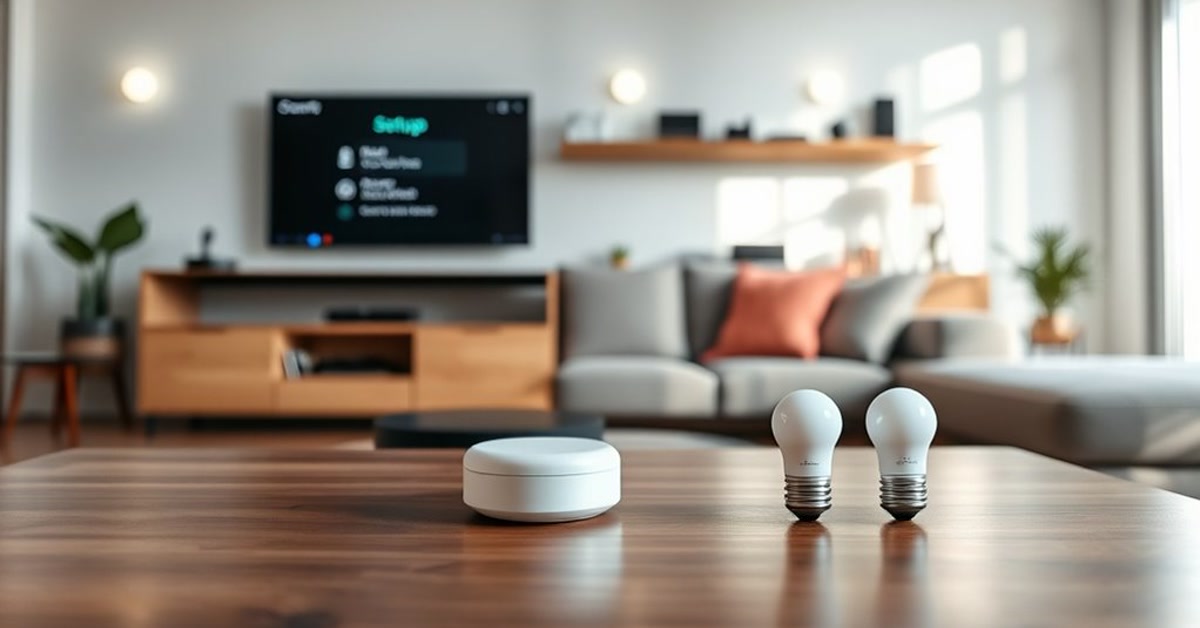
This is the number one mistake, and it’s the one that causes the most downstream problems. You see a deal on a smart plug, you buy it. Someone recommends a thermostat, you buy it. A friend raves about their smart lock, you buy that too.
Six months later, you have 15 devices from 8 different brands, none of them work together, and you’ve spent $800 on what amounts to a collection of individually dumb objects.
The fix: Pick one ecosystem first (Alexa, Google Home, or Apple HomeKit), then buy devices that work within it. Better yet, look forMatter-compatible devices — they work with all three. Start with a hub (like theEcho Pop orGoogle Nest Mini), then add devices that support your ecosystem.
What to buy first: A voice assistant speaker and 4 smart plugs. That’s it. That’s your starter kit. Everything else builds from there. (See ourrenter-friendly smart home guide for a complete under-$200 setup.)
Mistake 2: Ignoring Matter Compatibility
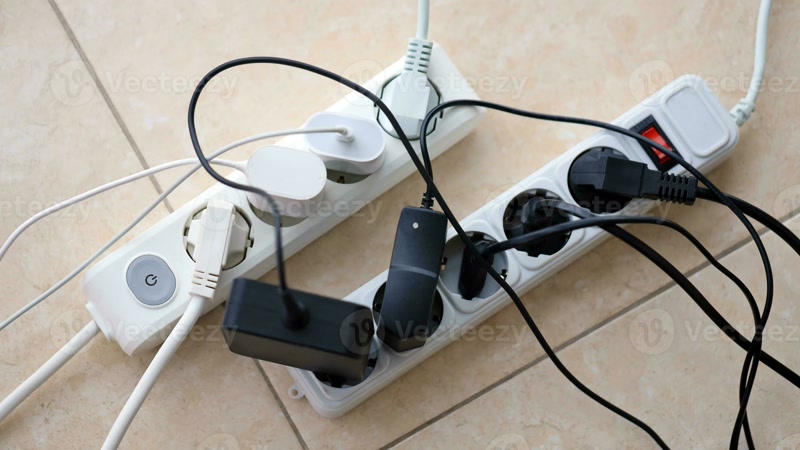
In 2024, this was forgivable. In 2026, it’s a costly error. Matter is the universal smart home standard that Apple, Google, Amazon, and Samsung all support. If a device has the Matter logo, it works with any ecosystem.
Buying non-Matter devices in 2026 is like buying a phone without Wi-Fi. It might work today, but you’re locking yourself into a single platform and making future changes expensive.
The fix: Always check for the Matter logo before buying. If a device doesn’t support Matter, ask yourself: am I okay being locked into one ecosystem forever? If the answer is no, look for a Matter alternative.
Devices where Matter matters most: Smart plugs, smart bulbs, smart locks, and sensors. These are the categories where Matter-compatible options are widely available and affordable. (Ourbest smart plugs guide lists Matter-compatible options.)
Mistake 3: Buying Cheap No-Name Wi-Fi Devices
That $8 smart plug on Amazon with 4,000 reviews and a brand name you’ve never heard of? It’s a security nightmare. These devices often have hardcoded credentials, no firmware updates, and questionable data practices.
The smart home market is full of companies that will sell you a $12 Wi-Fi camera that streams your living room to a server in a country you’ve never heard of. No firmware updates. No security patches. No accountability.
The fix: Stick to established brands with track records:TP-Link Kasa, Wyze, Philips Hue, August, Ecobee, Ring, Aqara. They’re not perfect, but they have actual security teams and publish firmware updates. If a brand doesn’t have a website with a security page, don’t give it your Wi-Fi password.
Mistake 4: Putting All Your Devices on Your Main Wi-Fi
Every smart bulb, plug, and sensor you add is another device competing for Wi-Fi bandwidth. Smart home devices are notoriously chatty — they send “I’m still here” heartbeats every few seconds. Add 30 Wi-Fi bulbs and your Netflix streaming quality drops to potato.
The fix: Use devices that connect via Thread or Zigbee instead of Wi-Fi whenever possible. Thread and Zigbee devices talk to a hub, and the hub handles the Wi-Fi connection. One device on your network instead of thirty.
If you’re just starting out, this is where aSamsung SmartThings Station orHomePod Mini helps — they act as Thread border routers, keeping all those sensor connections off your Wi-Fi.
Mistake 5: Not Setting Up Automations
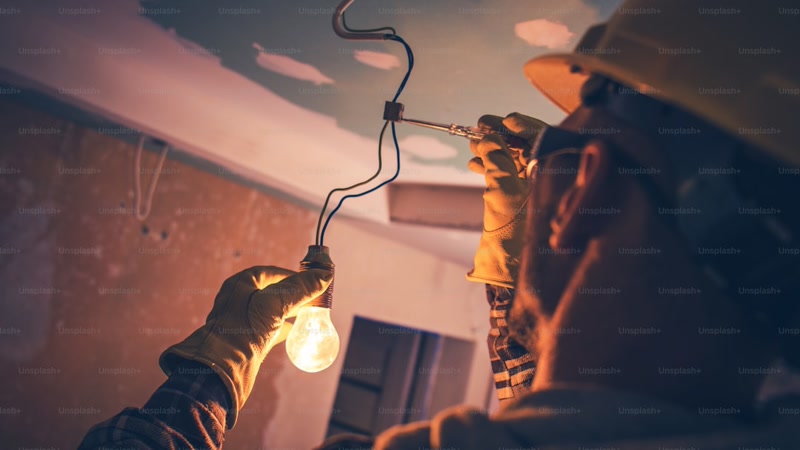
The biggest smart home mistake isn’t buying the wrong device — it’s never using your devices for what they’re actually good at. If you’re using your smart home like a remote control (tap phone → light on), you’re doing it the hard way.
The whole point is automation. Your lights should turn on when you walk in the room. Your thermostat should adjust when you leave. Your door should lock when you go to bed. If you’re still pulling out your phone to control things, you’ve missed the “smart” part.
The fix: Set up three automations this week:
1.Good morning: Lights on, thermostat up, weather briefing — triggered by time or motion sensor
2.I’m leaving: Lights off, thermostat down, doors locked — triggered by everyone leaving (or a single voice command)
3.Good night: Everything off, doors locked, thermostat down — triggered by “good night” voice command or bedtime schedule
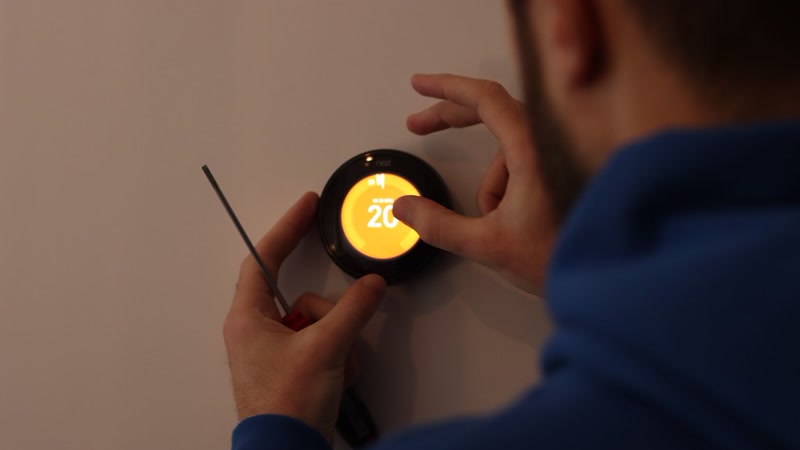
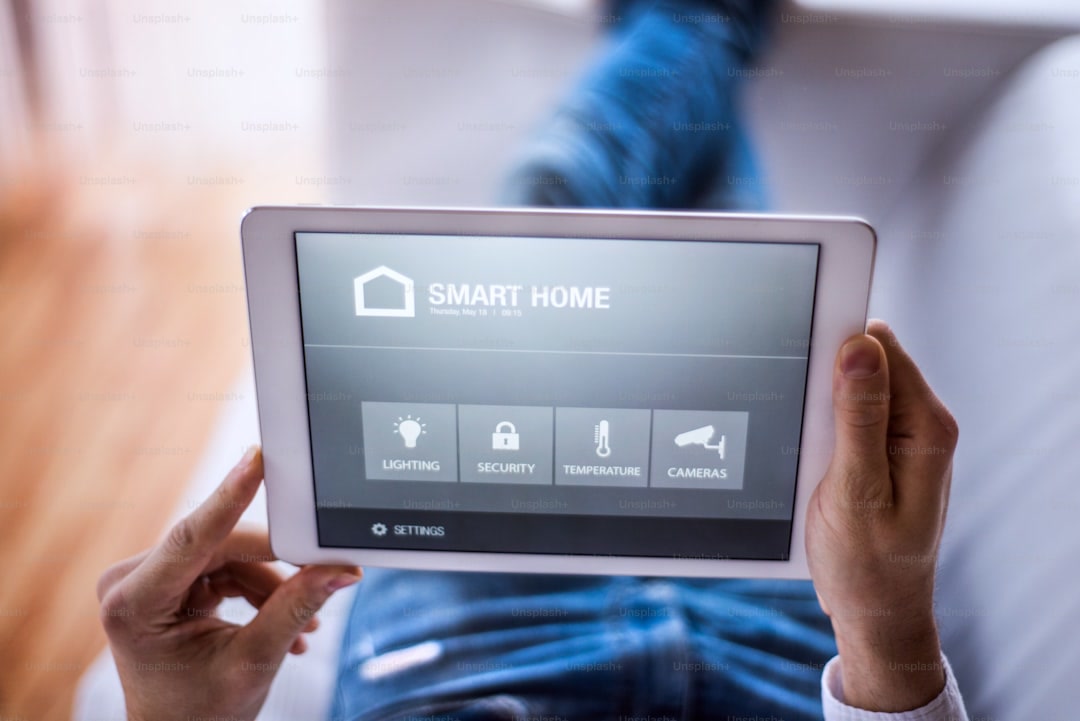
Start simple. Add complexity later. (See ourAlexa routines guide for step-by-step instructions.)
Mistake 6: Skipping the Hub
“I’ll just use Wi-Fi devices, I don’t need a hub” is something every smart home beginner says, right before their Wi-Fi collapses under the weight of 40 connected devices.
A hub — whether it’s aSmartThings Station,Echo (4th Gen), orHomePod Mini — does three critical things:
–Offloads devices from your Wi-Fi by supporting Thread and Zigbee connections
–Enables local control so your smart home still works when the internet goes down
–Acts as a Thread border router for Matter over Thread devices
The fix: If you have more than 5 smart devices, get a hub. If you’re planning to grow beyond 15 devices, a hub is non-negotiable. The SmartThings Station is the most flexible option — it supports Matter, Thread, Zigbee, and Z-Wave all in one box.
Mistake 7: Forgetting the Physical Switch Problem
Here’s a scenario that catches every beginner: You install smart bulbs in your living room ceiling fixture. You control them with your phone and voice. Life is good.
Then your partner flips the physical wall switch off to save energy. Now your smart bulbs are completely dead — they need power to be “smart.” You can’t turn them on with your phone or voice because the physical switch has cut the power.
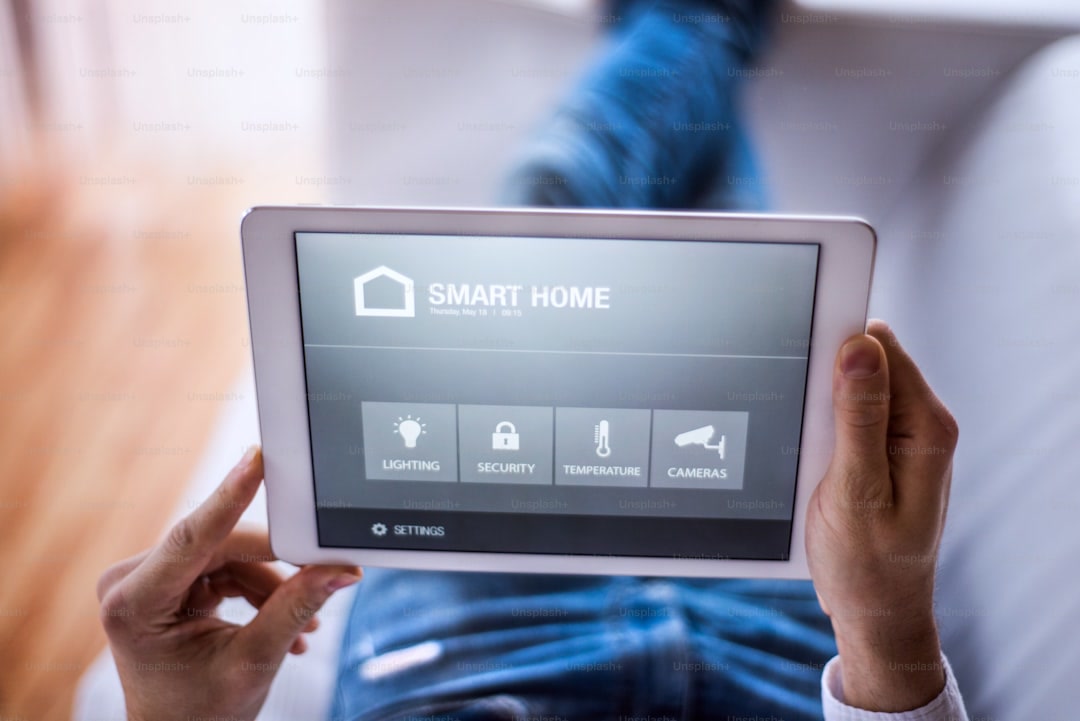
The fix: Three options:
1.Smart switches instead of smart bulbs for ceiling fixtures. Smart switches replace your wall switch and always have power. (Check out our best smart plugs guide for switch options.)
2.Tape over the wall switch and label it “smart bulb — do not turn off.” Ugly but effective.
3.Use smart plugs with lamps instead of smart bulbs in ceiling fixtures. This avoids the problem entirely.
Mistake 8: Using Default Passwords and No Two-Factor Authentication
Your smart home devices are on the internet. If you’re using the default password that came with your Wi-Fi camera, or you haven’t enabled two-factor authentication on your Ring account, your front door camera is one data breach away from being a stranger’s entertainment.
This isn’t theoretical. In 2023, thousands of Ring and Wyze camera feeds were exposed because users had weak or default passwords. In 2025, a smart lock vulnerability allowed remote unlocking on devices with unchanged default credentials.
The fix:
– Change every default password immediately after setup
– Enable two-factor authentication on every smart home account (Ring, Wyze, Google, Alexa, etc.)
– Use a different password for each service — or better yet, use a password manager
– Check if your router supports a guest network; put smart home devices on it, separate from your phones and laptops
Mistake 9: Buying a Smart Thermostat Without Checking Compatibility
You watched a YouTube video about how theEcobee saves 23% on heating and cooling. You bought one. You opened your wall thermostat and discovered… no C-wire. Or a proprietary system. Or your landlord really doesn’t want you touching it.
Smart thermostats are great when they work, but compatibility is a minefield. Many older homes lack the C-wire (common wire) that smart thermostats need for continuous power. Some HVAC systems use proprietary wiring that doesn’t play nice with third-party thermostats.
The fix: Before buying any smart thermostat, do this:
1. Take a photo of your current thermostat wiring
2. Check the manufacturer’s compatibility checker (Ecobee and Nest both have them)
3. Check if you have a C-wire — if not, budget for a C-wire adapter (~$25) or professional installation
4. If you’re renting, see ourrenter-friendly smart home guide for climate control options that don’t require thermostat replacement
(And check oursmart thermostat savings calculator to see if a smart thermostat would actually save you money in the first place.)
Mistake 10: Overloading a Single Room
You start with a smart bulb in the living room. Then you add a smart speaker. Then a smart plug for the lamp. Then a motion sensor. Then a smart air purifier. Then a TV with built-in Alexa. Now you have 12 devices in one room and zero in the kitchen, bedroom, and bathroom.
This creates two problems: your Wi-Fi in that room is congested, and the rest of your house is still “dumb.”
The fix: Spread your smart home across your house strategically. Put motion sensors in hallways. Smart plugs in the bedroom for lamps and fans. A leak sensor under the kitchen sink. A smart lock on the front door. A few devices per room gives you way more value than a pile of gadgets in one corner.
Mistake 11: Ignoring Voice Assistant Preferences
Here’s a common trap: you buy an Echo because it’s on sale, but everyone in your house uses iPhones and wants HomeKit control. Or you get a Nest Hub because you’re a Google household, then your partner buys a Ring doorbell that only integrates well with Alexa.
The voice assistant you choose determines your ecosystem. Alexa, Google, and HomeKit all have different strengths and weaknesses, and mixing them without Matter means a fragmented experience.
The fix:
– If your household isall iPhone, start with HomeKit/HomePod Mini
– If you’remixing Android and iPhone, or don’t care about ecosystem, start with Alexa (Echo) — it has the broadest device compatibility
– If you’reall-in on Google, go with Google Home/Nest
– If you want maximum flexibility, buyMatter-compatible devices that work with all three
Mistake 12: Not Having a Backup Plan for When the Internet Goes Down
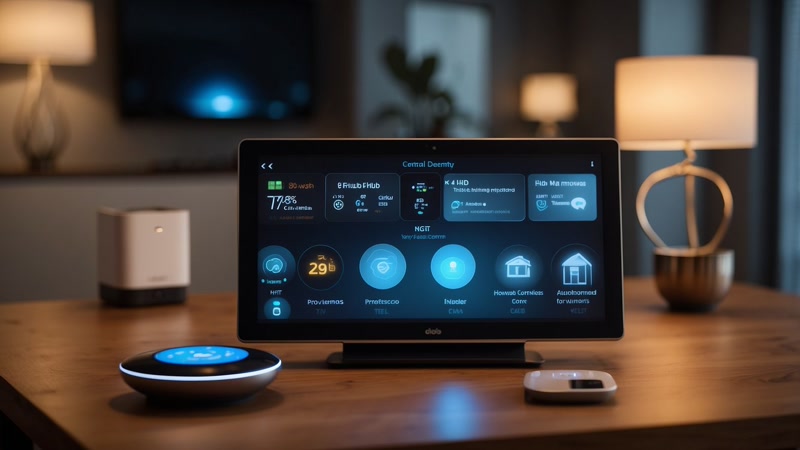
You’ve got 20 smart devices, all controlled through the cloud. Your internet goes down. Now you can’t turn on your lights, unlock your door, or check your cameras. Your “smart” home is now a very expensive dumb home.
This is the mistake nobody thinks about until it happens. Cloud-dependent smart homes fail gracefully — they just fail.
The fix:
–Use Thread and Zigbee devices whenever possible — they communicate locally through your hub, not through the cloud
–Set up local automations that don’t need internet. Most hubs can run “if motion detected, turn on light” locally
–Always have a physical backup. Smart lock? Make sure it has a key override. Smart bulbs? Know where the physical switch is. Smart thermostat? Make sure it works manually.
–Put your hub on a UPS (uninterruptible power supply) so it stays on during brief outages
The Quick Checklist: What to Do Before Buying Your Next Smart Device
Before you add anything to your cart, run through this list:
– [ ] Does it support Matter? (If no, is there a Matter alternative?)
– [ ] Does it work with my current ecosystem? (Alexa, Google, or HomeKit)
– [ ] Does it connect via Thread/Zigbee or just Wi-Fi? (Prefer Thread/Zigbee)
– [ ] Have I read reviews about its security and update track record?
– [ ] Can I change the default password and enable 2FA?
– [ ] Does it work without internet? (Local control = better)
– [ ] Do I actually need this device, or am I just excited to buy something?
If you can check all those boxes, you’re in good shape. If not, come back to this guide and figure out which mistake you’re about to make.
The Smart Home That Actually Works
A smart home that saves you time and money isn’t about buying the most devices. It’s about buying the right devices, connecting them properly, and setting up automations that actually make your life easier.
Start small. One ecosystem. A few devices. Automations that run your daily routines. Grow from there. And if you’re renting, check ourrenter-friendly smart home guide for setups that don’t require a single hole in the wall.
Want to know which smart home devices are worth the investment? See our guide to5 smart home devices that actually pay for themselves.
Build smart. Not just expensive.
Made a smart home mistake I didn’t cover? Drop it in the comments — I’m probably guilty of it too.
For a shorter, more personal take, check out5 Smart Home Mistakes That Cost Me $200 — the mistakes that hit my wallet hardest.
Affiliate disclosure: This post contains affiliate links. If you buy through them, CleverHomeClub may earn a commission at no extra cost to you. We only recommend products we’ve tested or thoroughly researched.
n
The Bottom Line
Start with the devices that deliver immediate value, then expand as budget allows. The best smart home is one that works so smoothly you forget it is there.
🏠 Get Your Free Smart Home Setup Checklist
Join our newsletter and get this free printable plus weekly tips.