
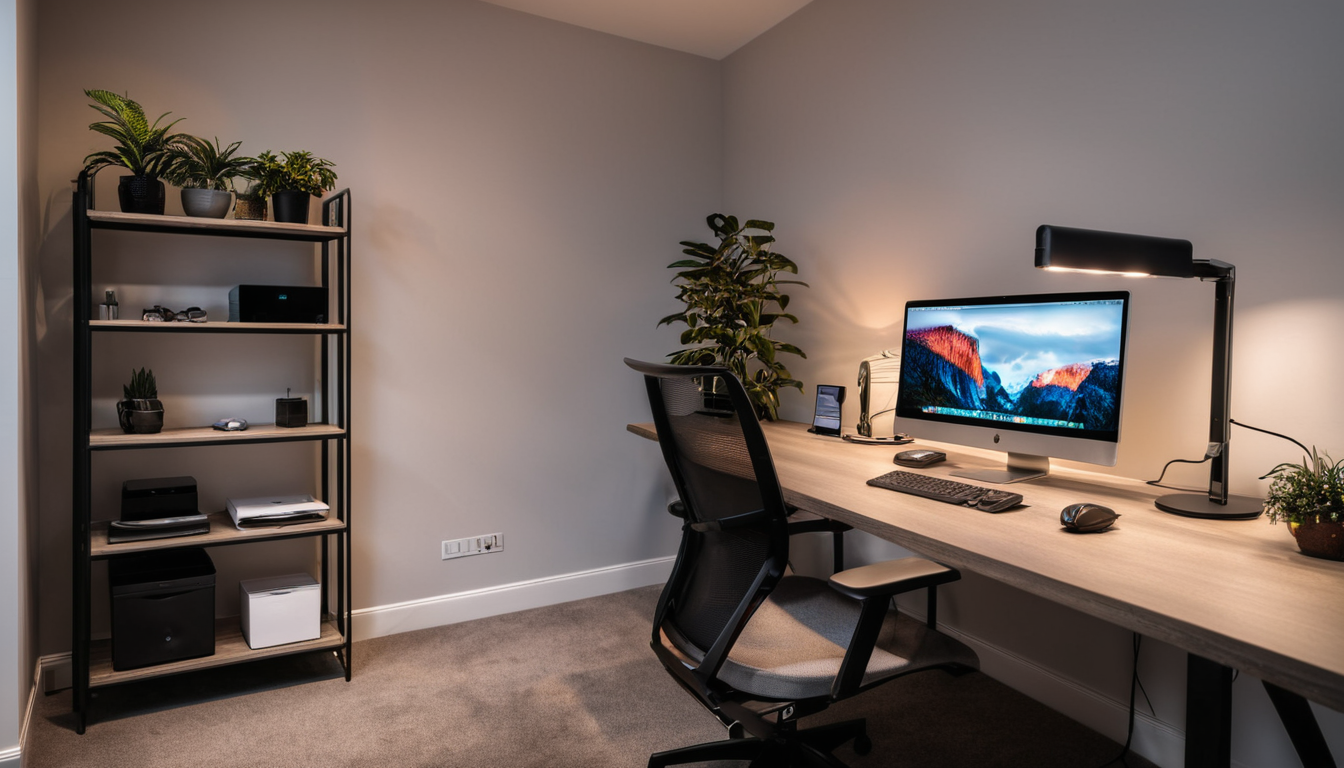
Why Your Smart Home Should Start in Your Home Office
You spend 8+ hours a day in your home office. That’s more waking hours than you spend in any other room. But most smart home guides focus on the living room, bedroom, and kitchen — as if your office is just a desk and a chair.
A smart home office isn’t about gimmicks like a voice-activated stapler. It’s about eliminating the small frictions that drain your focus throughout the day: bad lighting that causes eye strain, a noisy environment that breaks concentration, and temperature swings that have you reaching for a sweater at 2 PM. Fix those, and you get more done with less effort.
Here’s a smart home office setup that actually improves productivity — not just looks cool on Instagram.
The Three Problems a Smart Office Solves
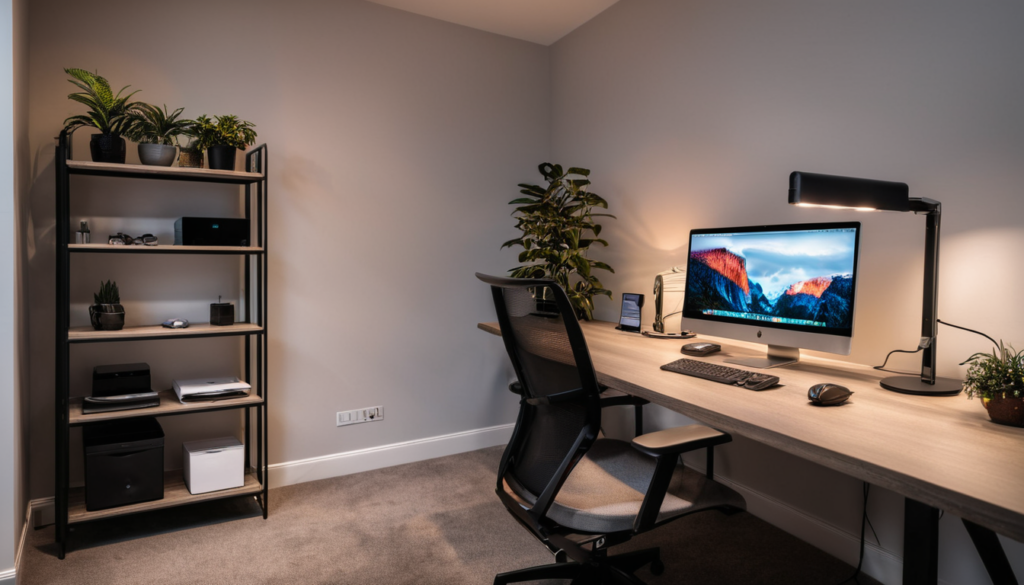
Every home office has the same three enemies: poor lighting, background noise, and temperature inconsistency. Traditional solutions (a desk lamp, noise-canceling headphones, a space heater) work, but they require you to do something. Smart devices handle these automatically:
- Lighting: Auto-adjusts color temperature and brightness throughout the day to match natural circadian rhythms
- Sound: Masks distractions and creates consistent ambient noise
- Temperature: Maintains comfort without manual thermostat adjustments
Get these three right, and everything else is bonus.
Smart Lighting: The Single Biggest Productivity Upgrade
Your eyes are your most important work tool, and most home office lighting is terrible. A single overhead fixture casting shadows on your desk, or a monitor that’s the only light source after sunset.
The fix isn’t just “brighter light” — it’s light that changes throughout the day. Cool, blue-white light in the morning promotes alertness. Warm, amber light in the evening signals your brain to wind down. This isn’t wellness marketing — it’s circadian science.
The Setup That Works
- Overhead ambient: A smart bulb (Philips Hue White Ambiance or Wyze Bulb Color) in your ceiling fixture. Set to cool white (4000K+) in the morning, warm white (2700K) after 6 PM.
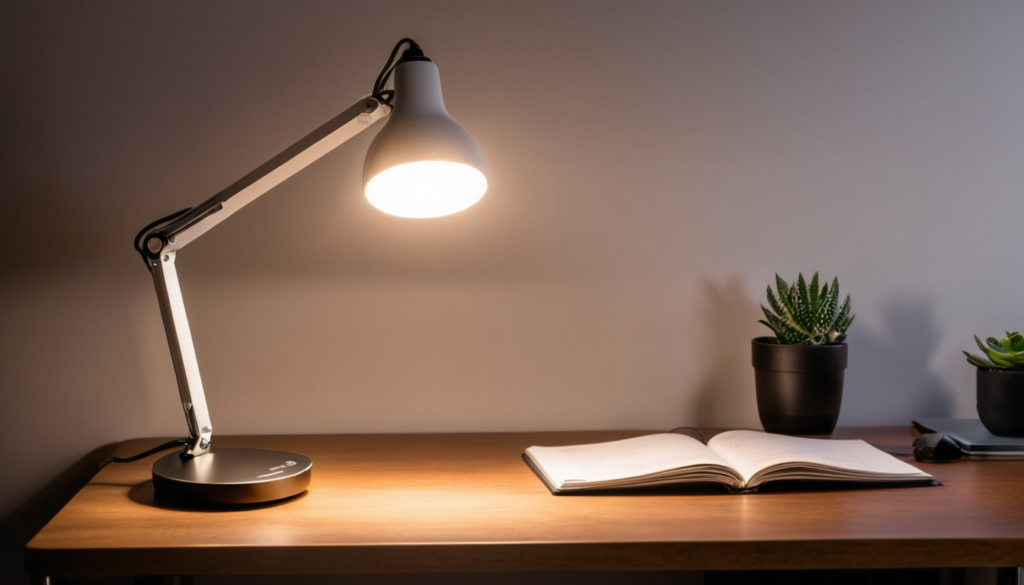
- Desk task light: A smart desk lamp with adjustable color temperature. Philips Hue Go or the BenQ ScreenBar (not smart but excellent for monitor lighting).
- Bias lighting: A smart light strip behind your monitor. Reduces eye strain by lowering the contrast between the bright screen and the dark wall. Any cheap RGB strip with a smart plug works.
Shop Philips Hue White Ambiance on Amazon
The automation: “Work Mode” turns on overhead at 4000K, desk light at full brightness, and bias lighting at 30%. “Focus Mode” dims overhead to 40%, desk light to warm white, bias lighting to blue. “End of Day” shifts everything to warm amber.
Smart Sound: Build a Focus Bubble
Noise-canceling headphones are great, but they’re a personal solution to an environmental problem. Smart speakers and sound devices can create a consistent audio environment that keeps you focused:
- White noise machine on a smart plug: A basic white noise machine (Homedics or LectroFan) plugged into a smart plug. Automate it to turn on at 9 AM and off at 5 PM. Consistent background noise masks doorbells, lawn mowers, and neighbors.
- Smart speaker for ambient audio: An Echo or Nest Mini playing focus music (lo-fi, classical, brown noise) on a timer. Set up a “Focus Time” routine that starts a Spotify playlist and enables Do Not Disturb on your phone.
- Door sensor alerts: Put a contact sensor on your office door. When it opens, your speaker announces “someone’s at the door” — so you don’t miss deliveries or family members while wearing headphones.
Shop LectroFan White Noise Machine on Amazon
Smart Temperature: Stop the 2 PM Freeze
Home offices have a temperature problem. You’re sitting still for hours, your computer generates heat, and HVAC systems are designed for whole-house comfort — not one person at a desk. The result: you’re fine until about 2 PM, then suddenly cold.
A smart thermostat with a room sensor fixes this. Put the sensor at desk height in your office (not on the wall at 5 feet where the thermostat reads). Now the HVAC adjusts based on the temperature where you actually sit.
- Ecobee with SmartSensor: The best option. Place a sensor in your office and tell Ecobee to use it during work hours. It’ll keep your office comfortable even if the rest of the house would rather be at a different temperature.
- Nest Temperature Sensor: Works similarly but you’re limited to one active sensor at a time. Fine for a single-office household.
- Smart plug + space heater: For a cheaper solution, plug a dumb space heater into a smart plug. Automate it: “when office temp drops below 68°F, turn on heater for 15 minutes.” Add a temperature sensor (Govee or Aqara) for the trigger.
Shop Ecobee SmartSensor on Amazon
The Must-Have Smart Devices for Your Office
Smart Plugs — The Foundation
Smart plugs are the unsung heroes of a smart office. Put non-smart devices on them and you get automation for everything:
- Monitor/monitor stand: Turn off standby power at end of day
- Desk lamp: Automate on/off with your work schedule
- White noise machine: Auto-on during work hours
- Printer: Keep it off until you need it — saves vampire power
- Space heater or fan: Temperature-triggered automation
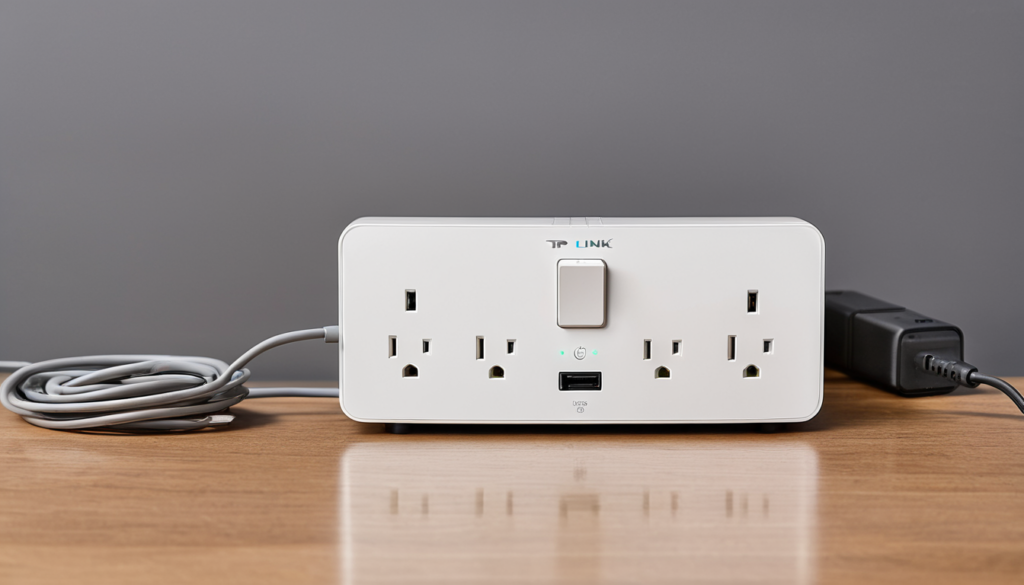
TP-Link Kasa EP10 plugs are 10 dollars each and reliable. Get 4 to 6 and you can automate most of your office.
Shop TP-Link Kasa Smart Plugs on Amazon
Smart Display — Your Desk Command Center
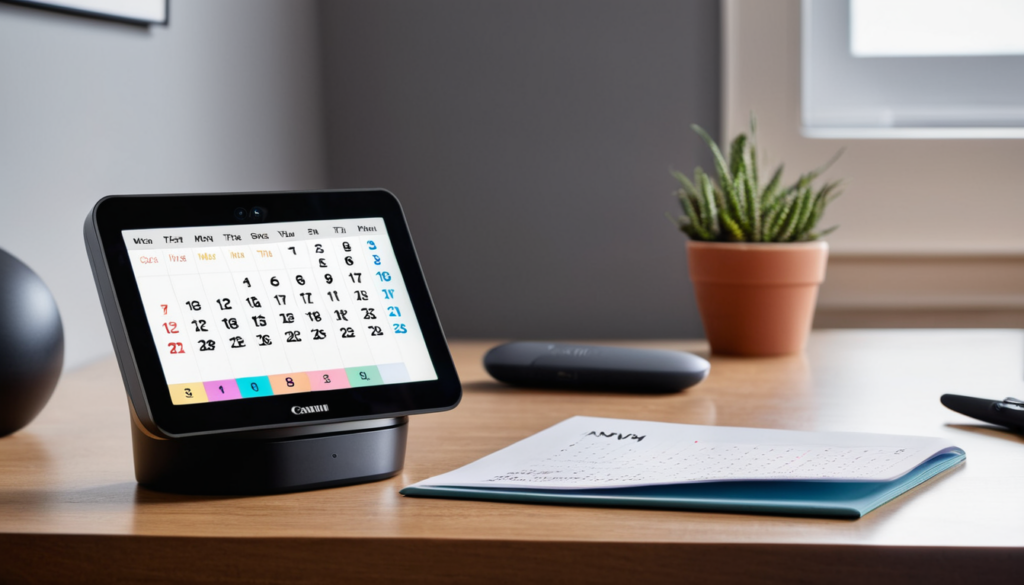
A smart display on your desk replaces sticky notes, timers, and calendar glances. The Echo Show 5 is the right size — big enough to read, small enough not to dominate your desk. Use it for:
- Calendar view (next meeting at a glance)
- Timers (Pomodoro, break reminders)
- Video calls in a pinch
- Controlling all your office devices by voice
The Google Nest Hub is the alternative if you’re in the Google ecosystem. Its sleep sensing is irrelevant at a desk, but the calendar integration is slightly better if you use Google Calendar.
Motion Sensor — Automate Your Presence
A motion sensor in your office enables the most useful automation: “when I’m at my desk, work mode is on. When I leave, everything winds down.”
Use an Aqara Motion Sensor or Philips Hue Motion Sensor. Set it up so:
- Motion detected during work hours = lights on, white noise on, thermostat focuses on office
- No motion for 15 minutes = lights dim, white noise pauses
- No motion for 30 minutes = lights off, devices on smart plugs go to standby
This eliminates the “I forgot to turn off the lights” problem entirely. And it makes your office feel responsive — it’s ready when you are, and it saves energy when you step away.
Shop Aqara Motion Sensor on Amazon
The Complete Smart Office Routine
Here’s a daily routine that ties everything together:
“Work Start” (9:00 AM or when you sit down):
- Office lights: cool white, 80% brightness
- Desk lamp: on, full brightness
- Bias lighting: on, 30%
- White noise machine: on
- Smart display: show calendar
- Thermostat: follow office sensor
- Smart plugs: power on monitor, printer
“Focus Mode” (triggered by voice or button):
- Overhead light: dim to 40%
- Desk lamp: warm white
- Bias lighting: blue tint
- Smart display: Do Not Disturb
- Phone: DND (via routine)
“Break Time” (every 90 minutes):
- Lights: brighten to 100% cool white (reduces eye strain)
- Smart display: “Take a 5-minute break”
- White noise: pause
“Work End” (5:30 PM or when you leave):
- All office lights: off
- White noise: off
- Smart plugs: off (monitor, printer, heater)
- Smart display: go to clock face
- Thermostat: return to whole-house schedule
Budget Setup vs Full Setup
You don’t need everything at once. Here’s how to build it in stages:
Under 100 dollars (start here):
- 3x TP-Link Kasa EP10 smart plugs (30 dollars)
- 1x Wyze Bulb Color for desk lamp (10 dollars)
- 1x Aqara Motion Sensor (20 dollars)
- 1x Govee Temperature Sensor (15 dollars)
Under 250 dollars (the sweet spot):
- Everything in the under-100 setup
- 1x Echo Show 5 (90 dollars)
- 2x more smart plugs (20 dollars)
Full setup (500+ dollars):
- Everything above
- Philips Hue White Ambiance bulbs for overhead (2x, 50 dollars)
- Philips Hue Light Strip for bias lighting (40 dollars)
- Ecobee SmartSensor (80 dollars)
- LectroFan white noise machine (50 dollars)
What Not to Buy for Your Smart Office
- Smart desk: Standing desk motors that connect to Wi-Fi. Cool concept, but the app is usually terrible and you still push a button to change height. A manual standing desk works just as well.
- Smart air purifier: Useful if you have allergies, but overkill for most offices. A regular air purifier on a smart plug gives you the same automation for half the price.
- Smart coffee mug: The Ember mug keeps coffee at exact temperature for 80 dollars. It’s a luxury, not a productivity tool. A regular mug + a microwave works fine.
- Smart water bottle: Tracks how much you drink. You know what else tracks that? Looking at the bottle. Save your money.
The Bottom Line
A smart home office doesn’t need to be complicated or expensive. Start with smart plugs and a smart bulb — that’s 40 dollars and you get automated lighting and device control. Add a motion sensor and you never have to think about turning things on or off again. Add a smart display for at-a-glance scheduling.
The real ROI isn’t in gadgets — it’s in the 10 to 15 minutes per day you save by not manually adjusting lights, temperature, and sound. Over a year, that’s 40+ hours of reclaimed focus time. Your smart office pays for itself in productivity alone.